


An elegant Obsidian theme for coders and writers with beautiful EB Garamond typography and 12 built-in color schemes.

- EB Garamond typography (regular and italic, weight 400-700)
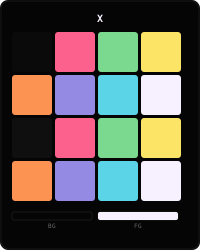
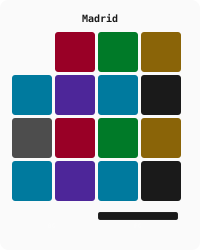
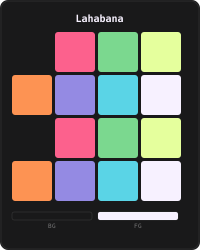
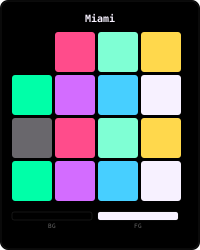
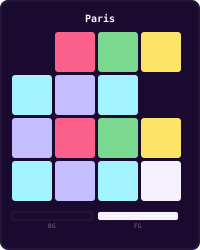
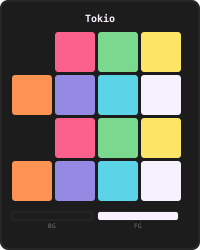
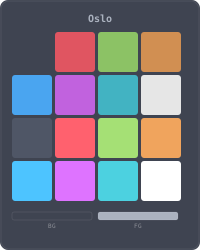
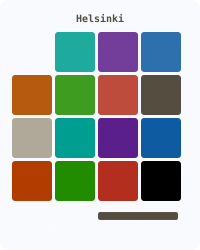
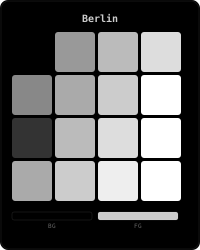
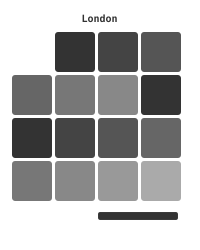
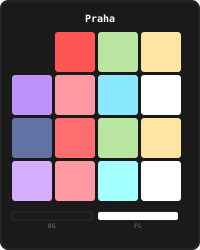
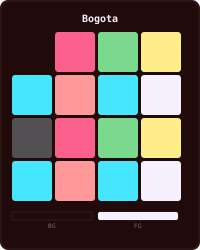
- 12 color schemes switchable via Style Settings
- Light & dark palettes per scheme
- Subtle transparency and frosted-glass effects
- Syntax highlighting with per-language code block tints
- Folder color borders adapting to the active scheme
- Graph View colors matching the active palette
- Style Settings integration for fine-grained customization
- Reproducible palette generation from
colors.md
- From Obsidian: Settings > Appearance > Community Themes > Search Xscriptor
- Manual: copy these files into
.obsidian/themes/Xscriptor/and select the theme in Settings > Appearance
Install Style Settings to access the scheme selector and all customization options.
The 12 scheme blocks at the end of theme.css are generated from colors.md:
# Regenerate theme.css after editing colors.md
python3 scripts/build_unified.py

# Verify that theme.css is in sync without rewriting it
python3 scripts/build_unified.py --checkcolors.md: source palettes for the 12 schemes.colors-css.md: ANSI-to-CSS mapping with visual swatches.docs/reproducible-color-schemes.md: architecture and how to add a scheme.scripts/build_unified.py: regenerates the Style Settings block and all scheme overrides.
Do not edit the generated SCHEME OVERRIDES section by hand. Change colors.md and regenerate.
The legacy single-palette scripts from the 1.x workflow remain in the git history and are not part of the current generator.


Typography: EB Garamond — licensed under SIL Open Font License 1.1.