You signed in with another tab or window. Reload to refresh your session.You signed out in another tab or window. Reload to refresh your session.You switched accounts on another tab or window. Reload to refresh your session.Dismiss alert
OpenLibrary is a book listing and creating app buid on
React React-router signal framework using concepts
like useStates, useEffects, and context API.
This webapp allows user to surf through existing books. And
Allows user to create account and signin with the created account
and authenticated users can create books.
Features :
Can surf books, create books and edit it.
Before start:
1. Clone the repository
2. Run npm i in CLI
3. Run npm start
4.
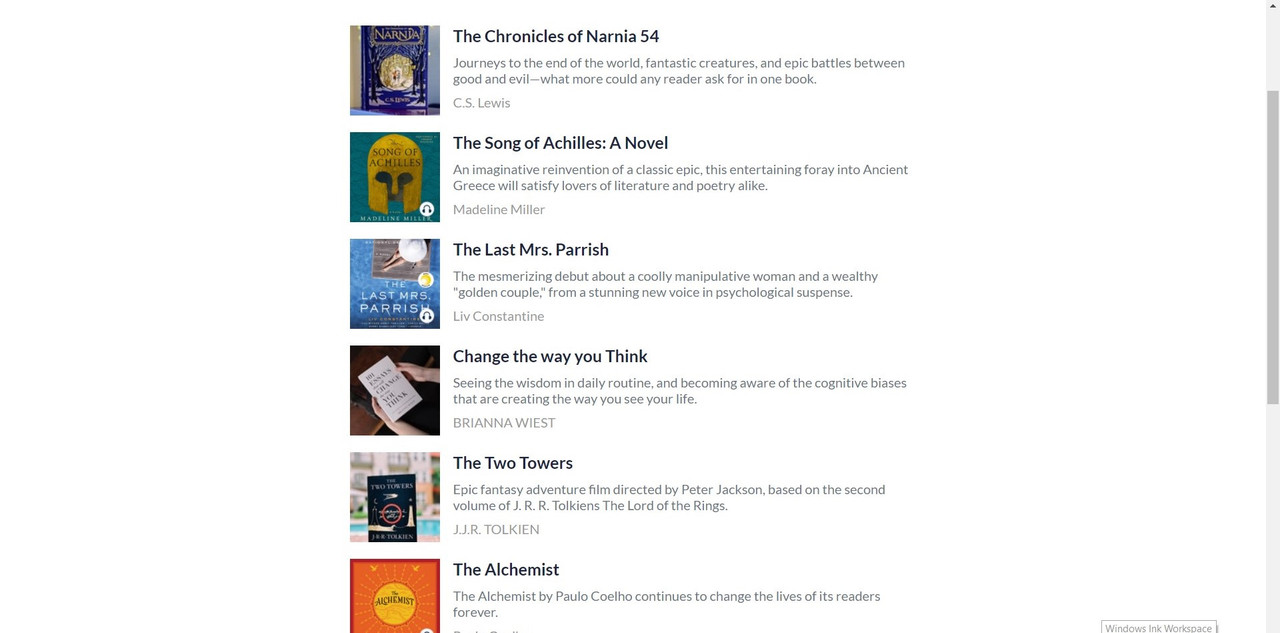
Book List
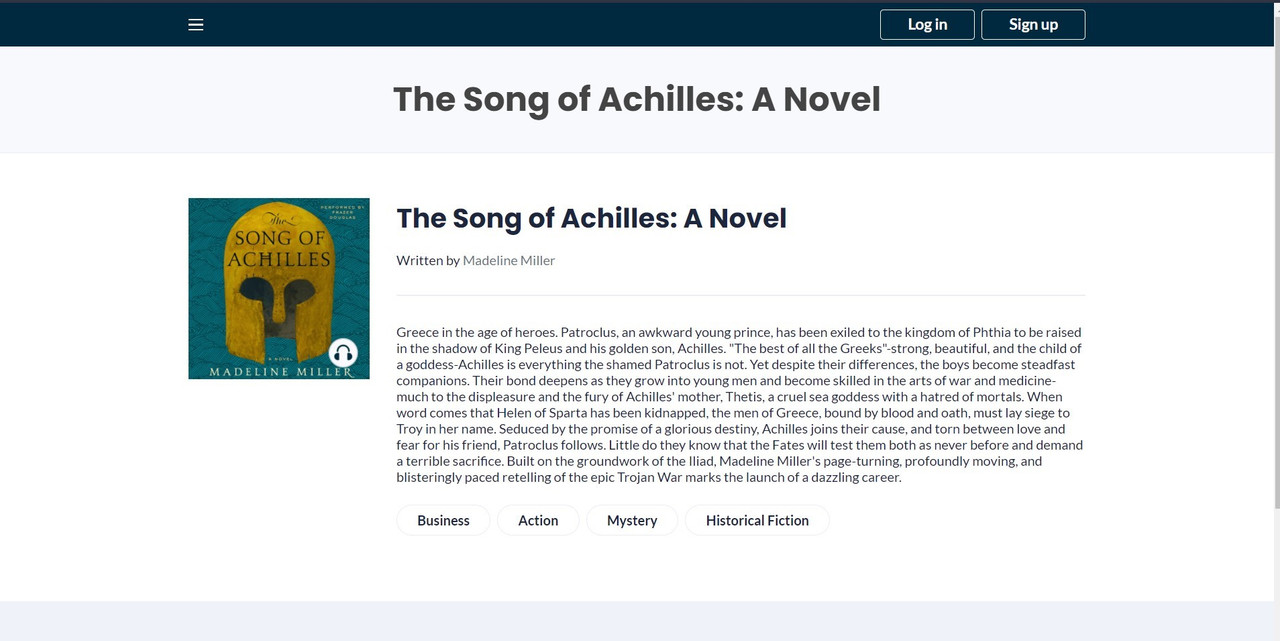
Book Info
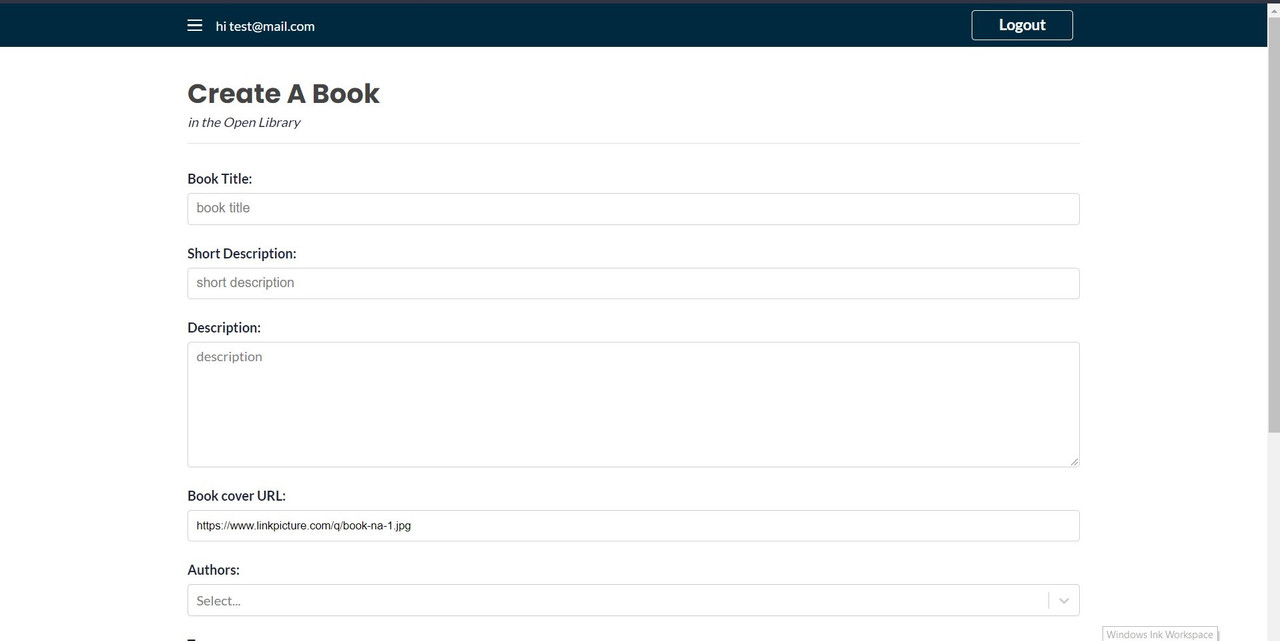
Create
Tour :
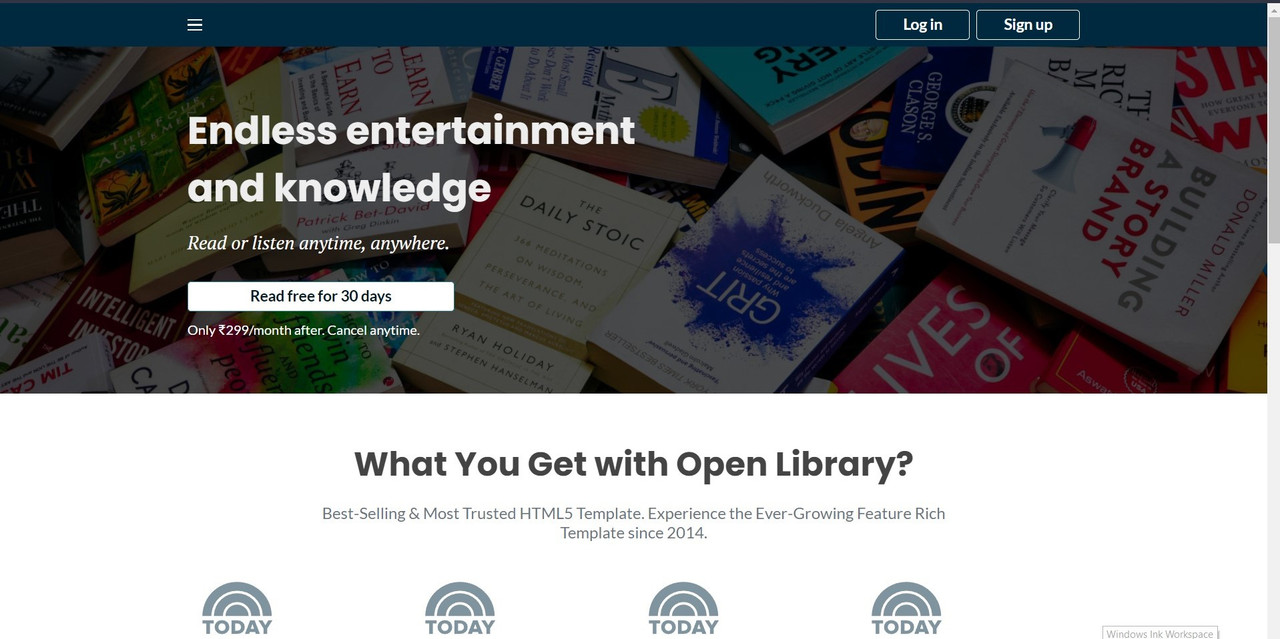
1. Open Toggle button and navigate to lists to view books.
2. Click Singn Up in home page and navigate to signup page to create account.
3. Once your Loggedin you can create books and view them.
4. You can edit and delete the information of your books.
About
This is an open library that allows users to create and upload books. Built using React using hooks and routing. Back-end part built with Strapi a lightweight Javascript framework.