You signed in with another tab or window. Reload to refresh your session.You signed out in another tab or window. Reload to refresh your session.You switched accounts on another tab or window. Reload to refresh your session.Dismiss alert
{{ message }}
Repository navigation
fix(web): pressing Escape on the Environments map clears selection without closing Settings - #43017
When a machine, link or stack is selected on the Environments map (Settings → Connections → Environments) and Escape is pressed, the whole Settings dialog closes instead of only clearing the selection. The map's canvas lets Escape bubble to the dialog's document-level listener, and the details panel, which keeps focus after choosing a machine or link inside it, does not handle Escape.
Change
While something is selected, the canvas handles Escape and stops propagation, as the map's search field already does. The details panel does the same when the panel itself has focus, so Escape inside its fields and menus keeps its current behavior. With nothing selected, Escape bubbles as before, so a second Escape still closes Settings. Safari does not focus a clicked button, so a click on a map control now focuses it, as Chrome already does.
Scope
Small fix of an obvious bug (one Escape closes the dialog), so no issue. The map is web-only UI; desktop uses the same web UI, and mobile has no Environments map. Clicking a link's line (not its label) still leaves focus outside the map, as before, so Escape there closes Settings; making the canvas focusable is a separate change.
Verification
Setup: T3 web app from source (dev runner), Browser panel 2560x1600, light theme, isolated unseeded dev data (server labelled "Test machine").
Steps: open Settings → Connections → Environments (Map view) → click the Test machine node (its details show below the map) → press Escape.
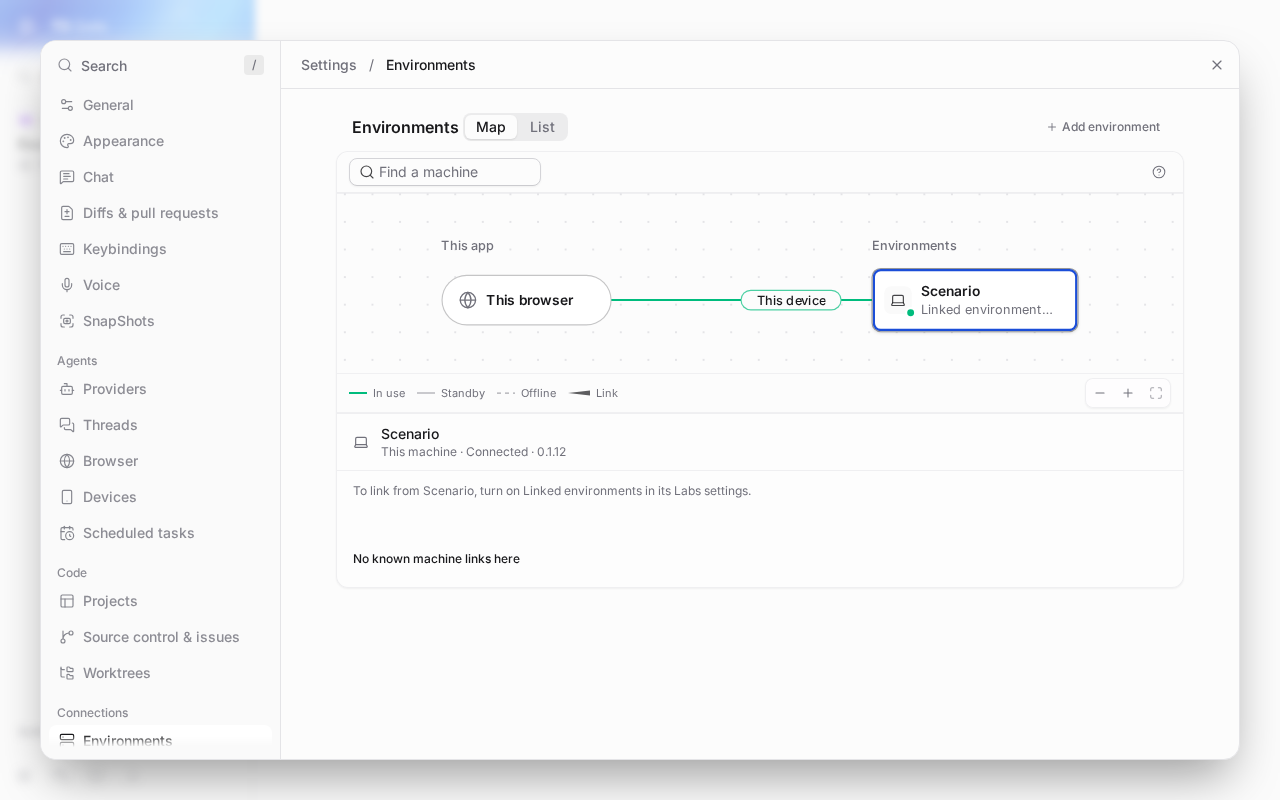
On e242ed0 one Escape with Test machine selected closes Settings.
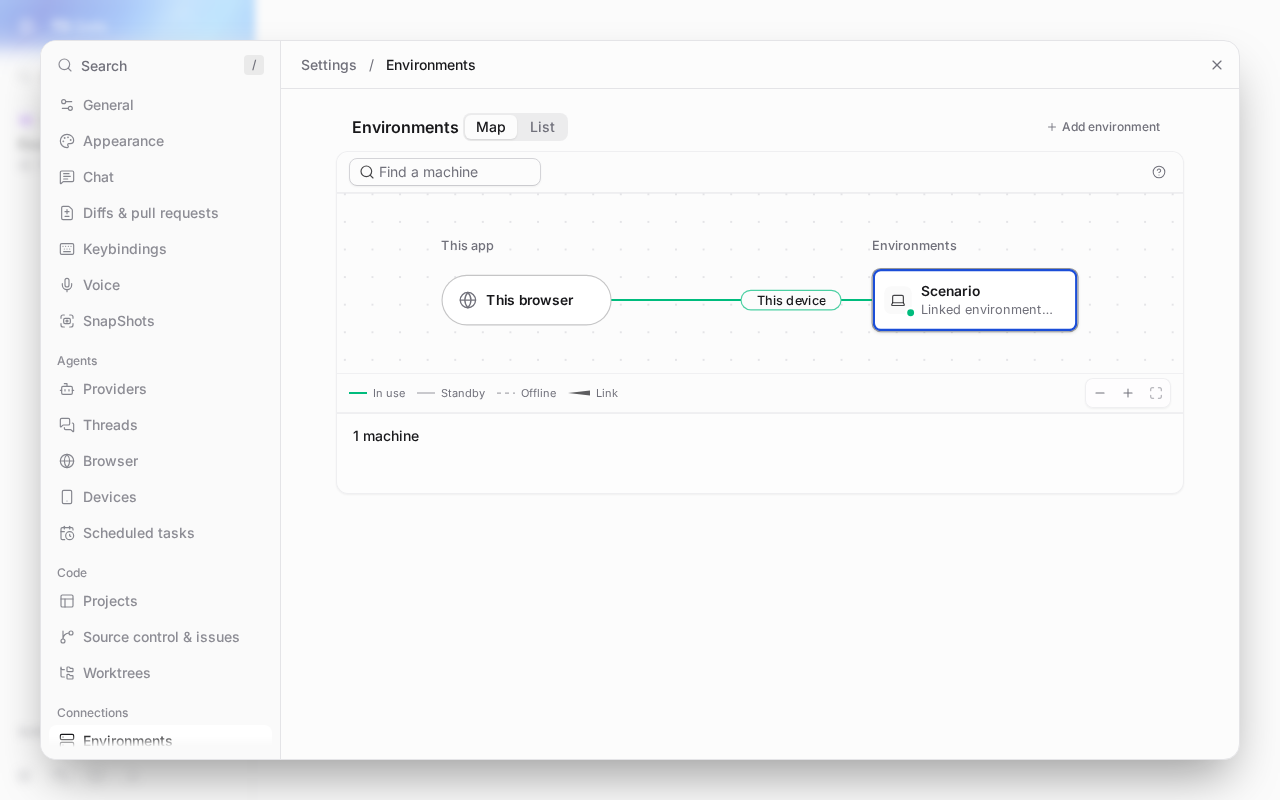
On 3d31e84 the same Escape returns the details to "1 machine" and Settings stays open (the ring is keyboard focus).
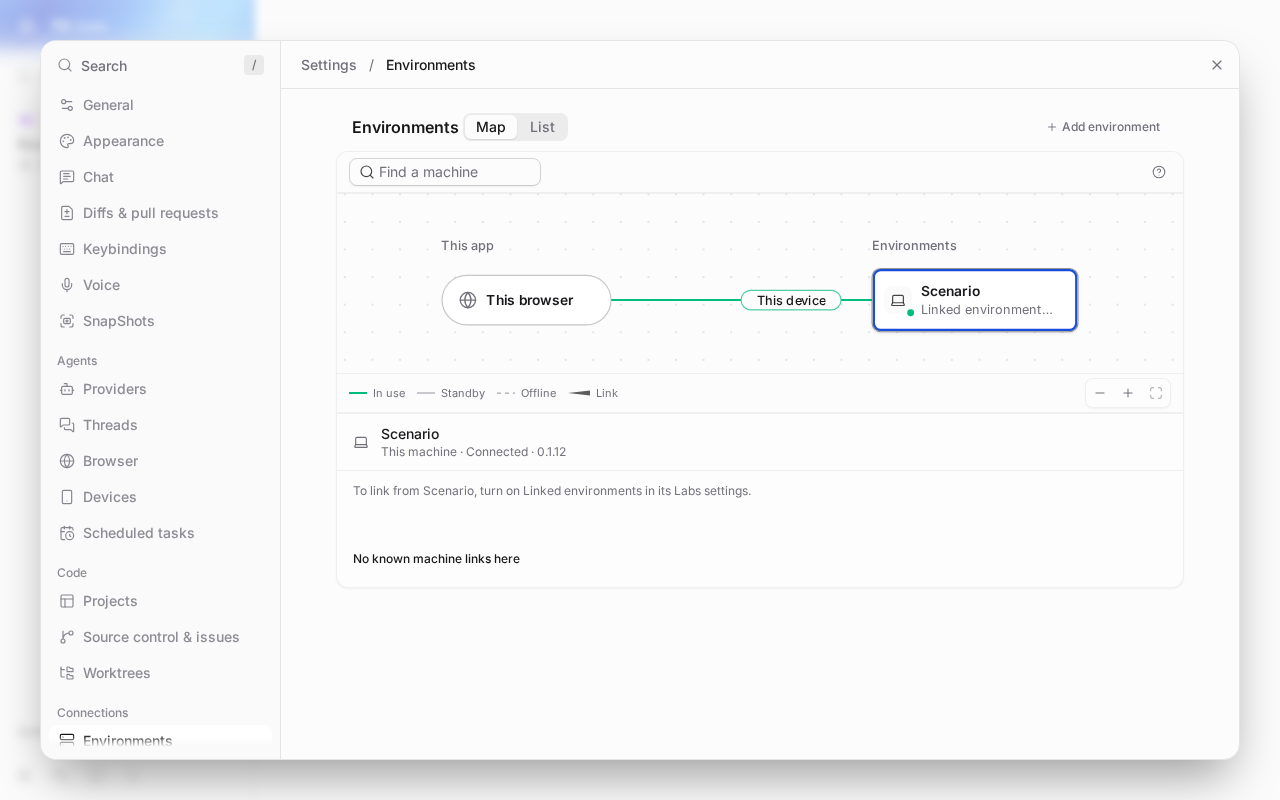
With Test machine selected and focus on the details panel (click its empty area), Escape on 3d31e84 also keeps Settings open:
An AI agent ran these checks. On 3d31e84 a second Escape closes Settings in both cases. EnvironmentsMap.browser.test.tsx renders the map inside the Settings dialog and covers Escape from the map, from the details panel, and after a click that does not move focus (as in Safari). All three pass in 3 of 3 runs and fail with e242ed0's map files; removing only the click focus, or only the details change, fails its own case. In the Browser panel with click focus blocked, Escape also kept Settings open. vp run check:changed exits 0.
Not shown:
Escape with a link or a stack selected (same handlers).
Safari itself (simulated by blocking click focus).
This PR changes the test suite by +3 test cases (browser +3, unit 0, server 0).
New browser test files: apps/web/src/components/settings/EnvironmentsMap.browser.test.tsx.
Each browser test file costs CI seconds of module loading before its first test runs; a unit test costs milliseconds.
Keep tests that would fail for a real reason, and test logic below the UI where it can be. See Testing.
No actionable comments were generated in the recent review.
Walkthrough
Escape clears an existing map selection without closing Settings. The Details panel also handles Escape when it is the event target. Clicking a map item focuses its button. Browser tests cover these interactions.
Selection clearing and focus behavior apps/web/src/components/settings/EnvironmentsMap.tsx, apps/web/src/components/settings/EnvironmentsMapDetails.tsx, apps/web/src/components/settings/EnvironmentsMap.browser.test.tsx
Escape clears an existing selection and stops propagation in the map and Details panel. Clicking a map item focuses its button without scrolling. Browser tests check selection clearing and Settings dialog behavior.
Pressing Escape on the Environments map now clears a selection without closing Settings, and a second Escape closes it. The change is small and local to the map UI, and browser tests cover the main interactions. Merge risk is low.
Pre-merge checks: 4
Check name
Status
Explanation
Title check
The title names the main change: Escape on the Environments map now clears the selection instead of closing Settings. It matches the raw summary, which describes Escape clearing the map selection and …
Description check
The description follows the template sections: Problem, Change, Scope, and Verification. The Problem section gives the bug and its cause. The Change section explains the canvas and details-panel Escap…
Linked Issues check
Check skipped because no linked issues were found for this pull request.
Out of Scope Changes check
Check skipped because no linked issues were found for this pull request.
Full details: Title check
Explanation
The title names the main change: Escape on the Environments map now clears the selection instead of closing Settings. It matches the raw summary, which describes Escape clearing the map selection and stopping propagation in FleetCanvas and FleetDetails. It uses the conventional commit form, and it is specific enough for a teammate to scan history.
Full details: Description check
Explanation
The description follows the template sections: Problem, Change, Scope, and Verification. The Problem section gives the bug and its cause. The Change section explains the canvas and details-panel Escape handling and the click-focus change. The Scope section explains why no issue is linked and what is excluded. The Verification section lists setup, steps, before/after screenshots, the browser test coverage, and what was not checked. The description does not link an issue, but the template allows a stated reason for a small obvious fix, and the author gives one.
Finishing Touches
Generate unit tests (beta)
Create a new PR
Autofix · Keep fixing CodeRabbit findings and required CI, and resolving merge conflicts
Included review availability: This review used your included allowance. Your plan provides up to 10 included reviews per hour; 5 remain after this review.
Chromium, 1280×800, light theme; fresh synthetic data on each commit.
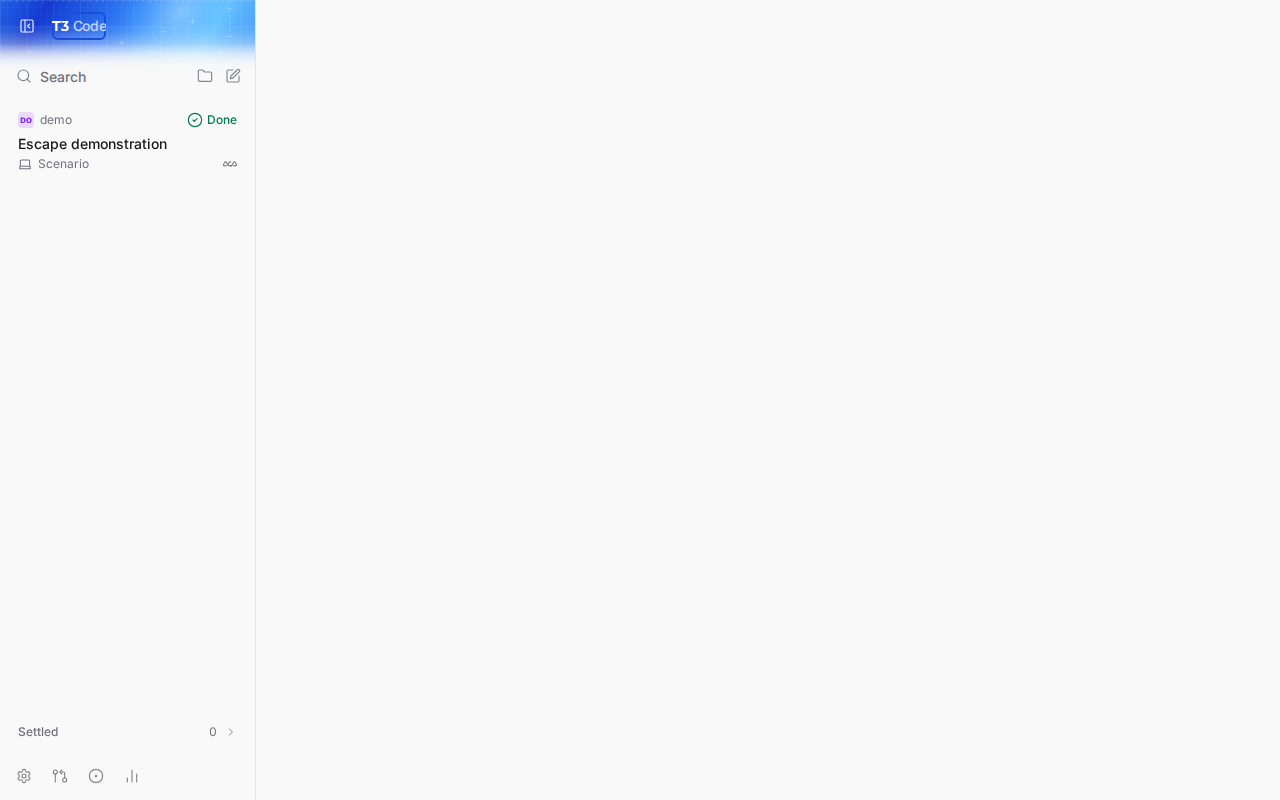
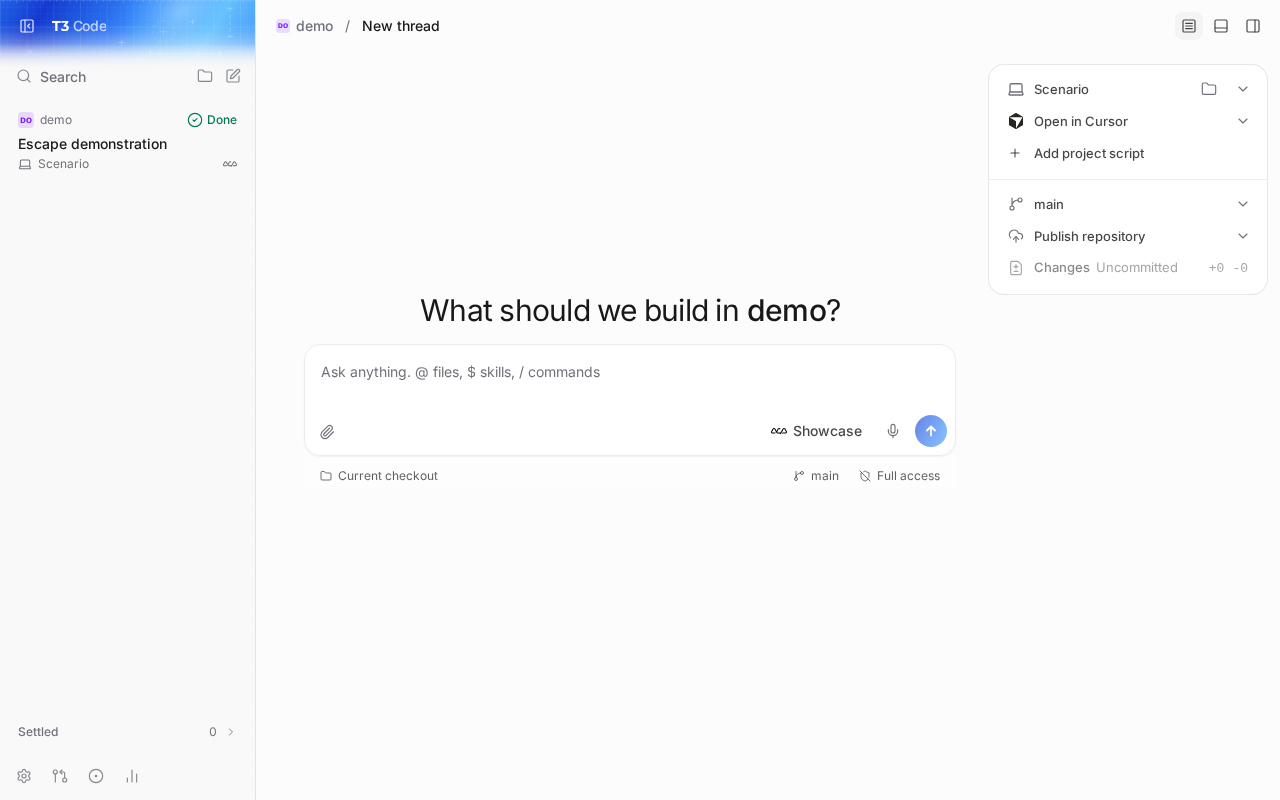
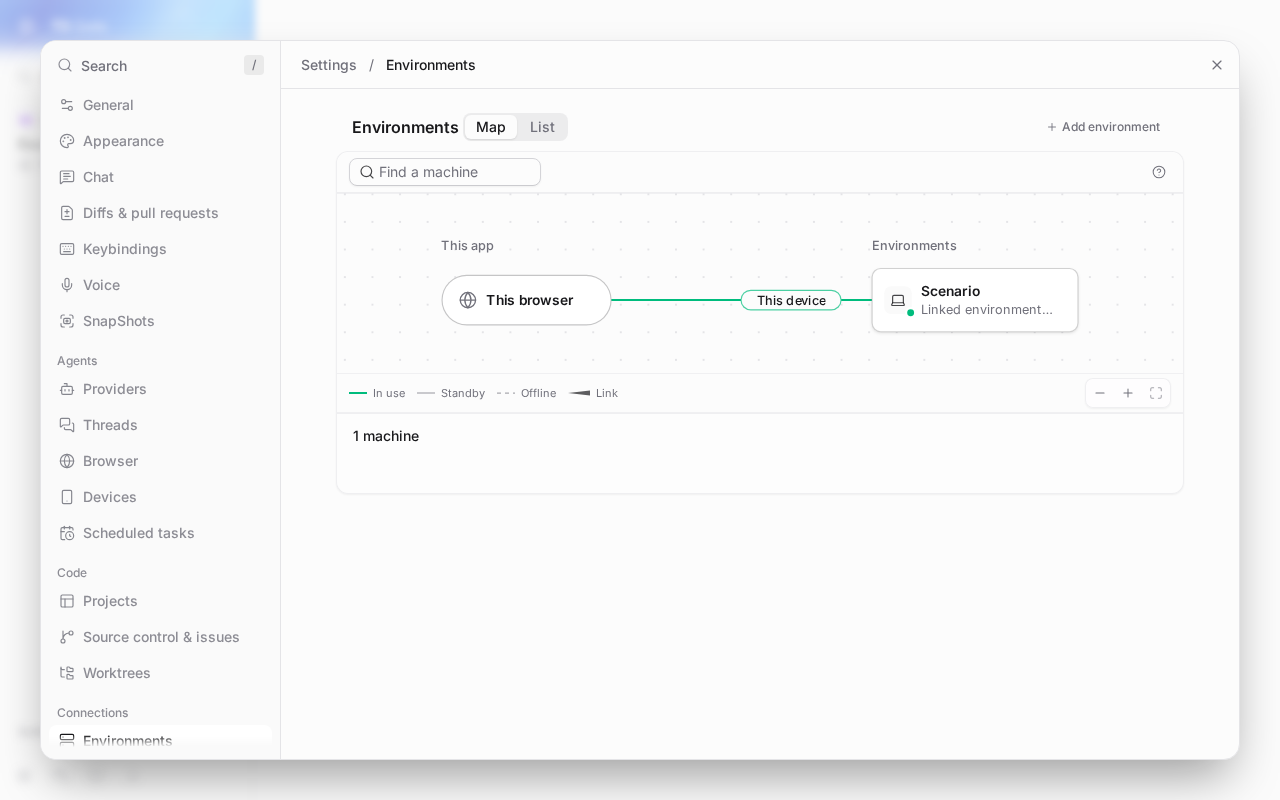
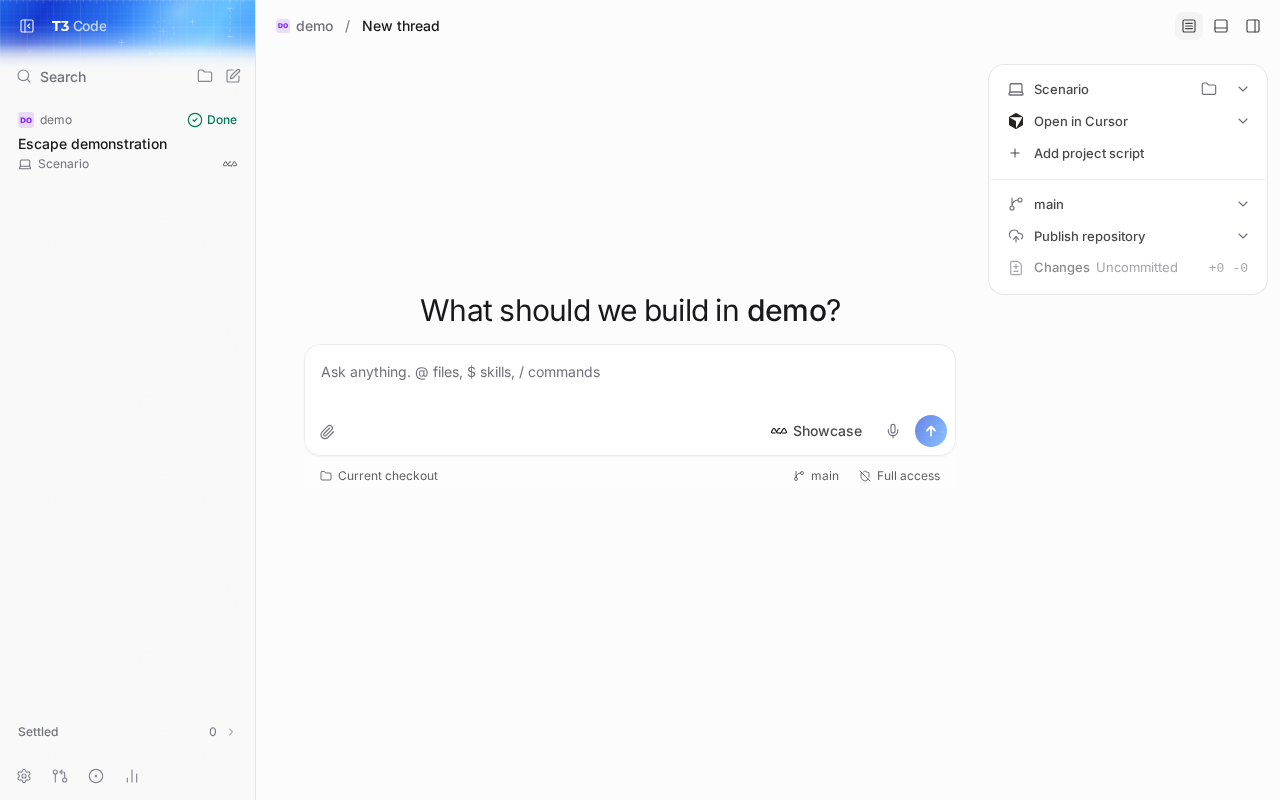
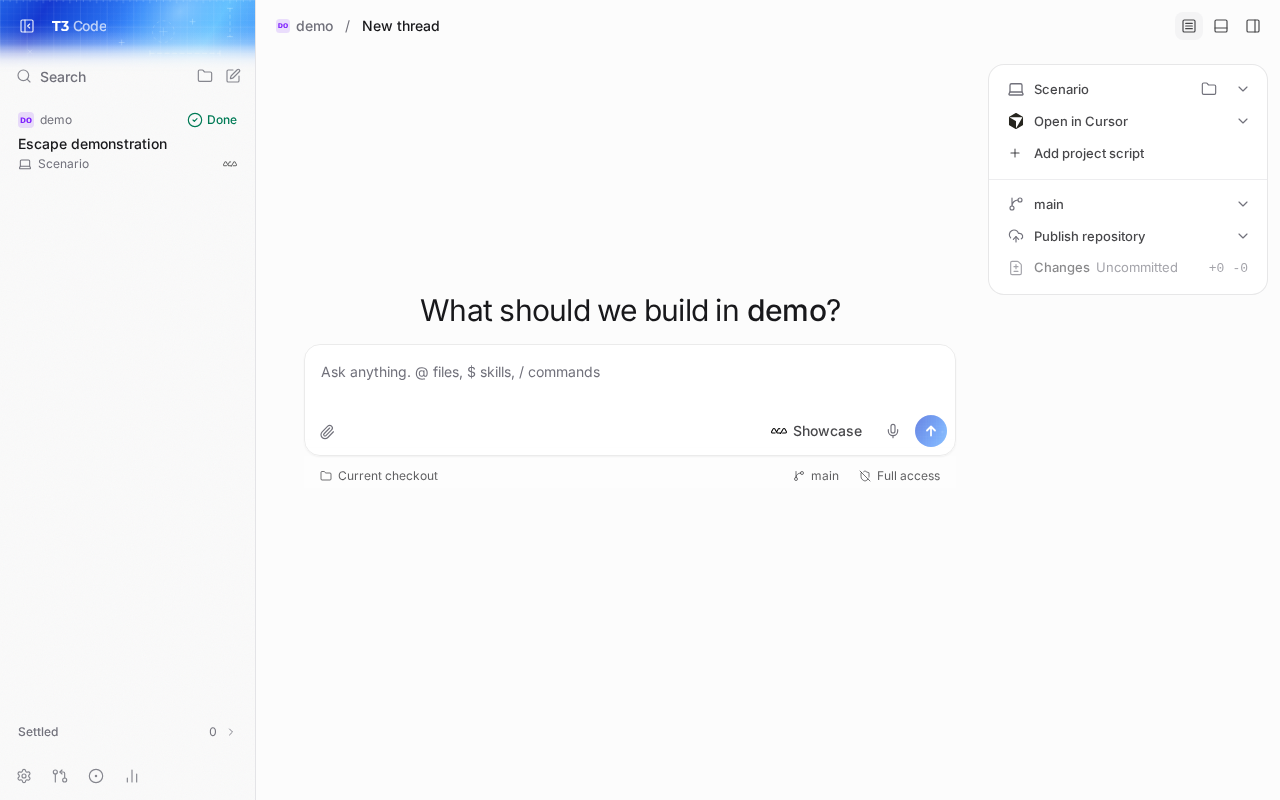
Opened Settings → Connections → Environments, Map view. Selected the environment node and pressed Escape twice. Repeated after selecting This browser and clicking empty space in Details. Base closed Settings on the first Escape in both paths. Head cleared selection on the first Escape and closed Settings on the second.
The comparison exited 0: fails on base and passes on head.
Not shown:
Safari-specific click/focus behavior was not exercised; the runner used Chromium.
Choosing a machine or link inside Details was unavailable in the single-environment fixture; the reported equivalent of clicking empty space in Details was exercised.
This file contains hidden or bidirectional Unicode text that may be interpreted or compiled differently than what appears below. To review, open the file in an editor that reveals hidden Unicode characters.
Learn more about bidirectional Unicode characters
size:S10-29 changed lines (additions + deletions).vouch:unvouchedAuthor is not yet trusted in the VOUCHED list.
2 participants
Add this suggestion to a batch that can be applied as a single commit.This suggestion is invalid because no changes were made to the code.Suggestions cannot be applied while the pull request is closed.Suggestions cannot be applied while viewing a subset of changes.Only one suggestion per line can be applied in a batch.Add this suggestion to a batch that can be applied as a single commit.Applying suggestions on deleted lines is not supported.You must change the existing code in this line in order to create a valid suggestion.Outdated suggestions cannot be applied.This suggestion has been applied or marked resolved.Suggestions cannot be applied from pending reviews.Suggestions cannot be applied on multi-line comments.Suggestions cannot be applied while the pull request is queued to merge.Suggestion cannot be applied right now. Please check back later.


 github-actions
Bot
added
vouch:unvouched





 juliusmarminge
added
the
takeover:in-progress




Problem
When a machine, link or stack is selected on the Environments map (Settings → Connections → Environments) and Escape is pressed, the whole Settings dialog closes instead of only clearing the selection. The map's canvas lets Escape bubble to the dialog's document-level listener, and the details panel, which keeps focus after choosing a machine or link inside it, does not handle Escape.
Change
While something is selected, the canvas handles Escape and stops propagation, as the map's search field already does. The details panel does the same when the panel itself has focus, so Escape inside its fields and menus keeps its current behavior. With nothing selected, Escape bubbles as before, so a second Escape still closes Settings. Safari does not focus a clicked button, so a click on a map control now focuses it, as Chrome already does.
Scope
Small fix of an obvious bug (one Escape closes the dialog), so no issue. The map is web-only UI; desktop uses the same web UI, and mobile has no Environments map. Clicking a link's line (not its label) still leaves focus outside the map, as before, so Escape there closes Settings; making the canvas focusable is a separate change.
Verification
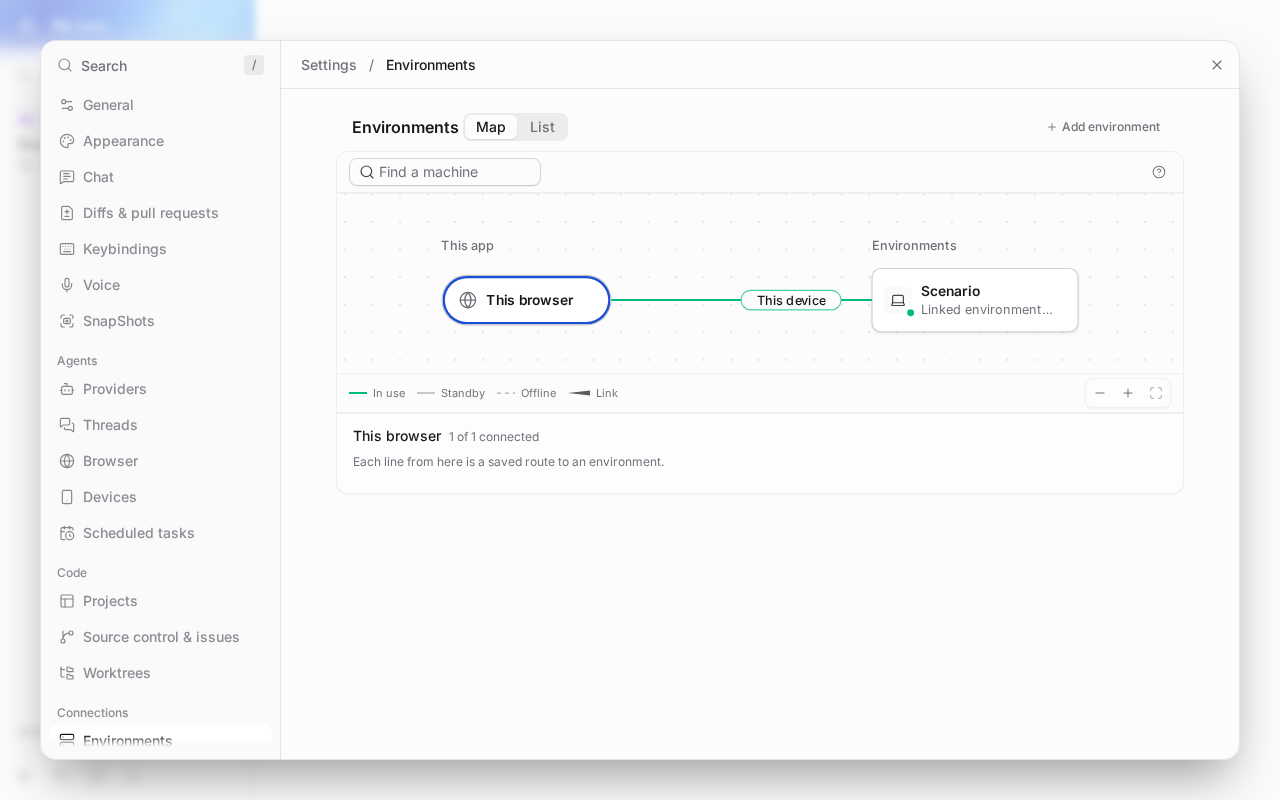
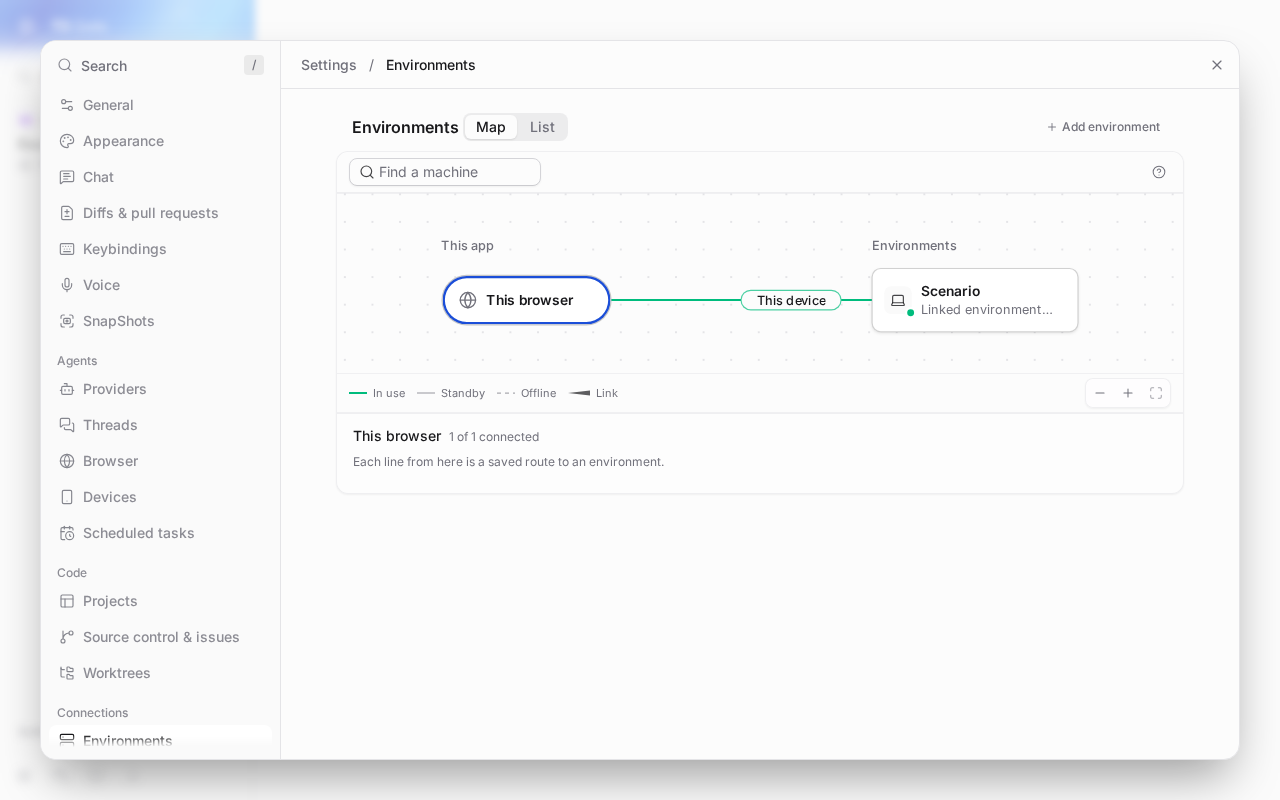
Setup: T3 web app from source (dev runner), Browser panel 2560x1600, light theme, isolated unseeded dev data (server labelled "Test machine").
Steps: open Settings → Connections → Environments (Map view) → click the Test machine node (its details show below the map) → press Escape.
On e242ed0 one Escape with Test machine selected closes Settings.
On 3d31e84 the same Escape returns the details to "1 machine" and Settings stays open (the ring is keyboard focus).
With Test machine selected and focus on the details panel (click its empty area), Escape on 3d31e84 also keeps Settings open:
An AI agent ran these checks. On 3d31e84 a second Escape closes Settings in both cases.
EnvironmentsMap.browser.test.tsxrenders the map inside the Settings dialog and covers Escape from the map, from the details panel, and after a click that does not move focus (as in Safari). All three pass in 3 of 3 runs and fail with e242ed0's map files; removing only the click focus, or only the details change, fails its own case. In the Browser panel with click focus blocked, Escape also kept Settings open.vp run check:changedexits 0.Not shown:
Generated with Claude Opus 5.5 in T3 Code Nightly