
Modern, privacy-first QR customizer.
No analytics. No network. Just your codes.
 |
 |
 |
 |
 |
 |
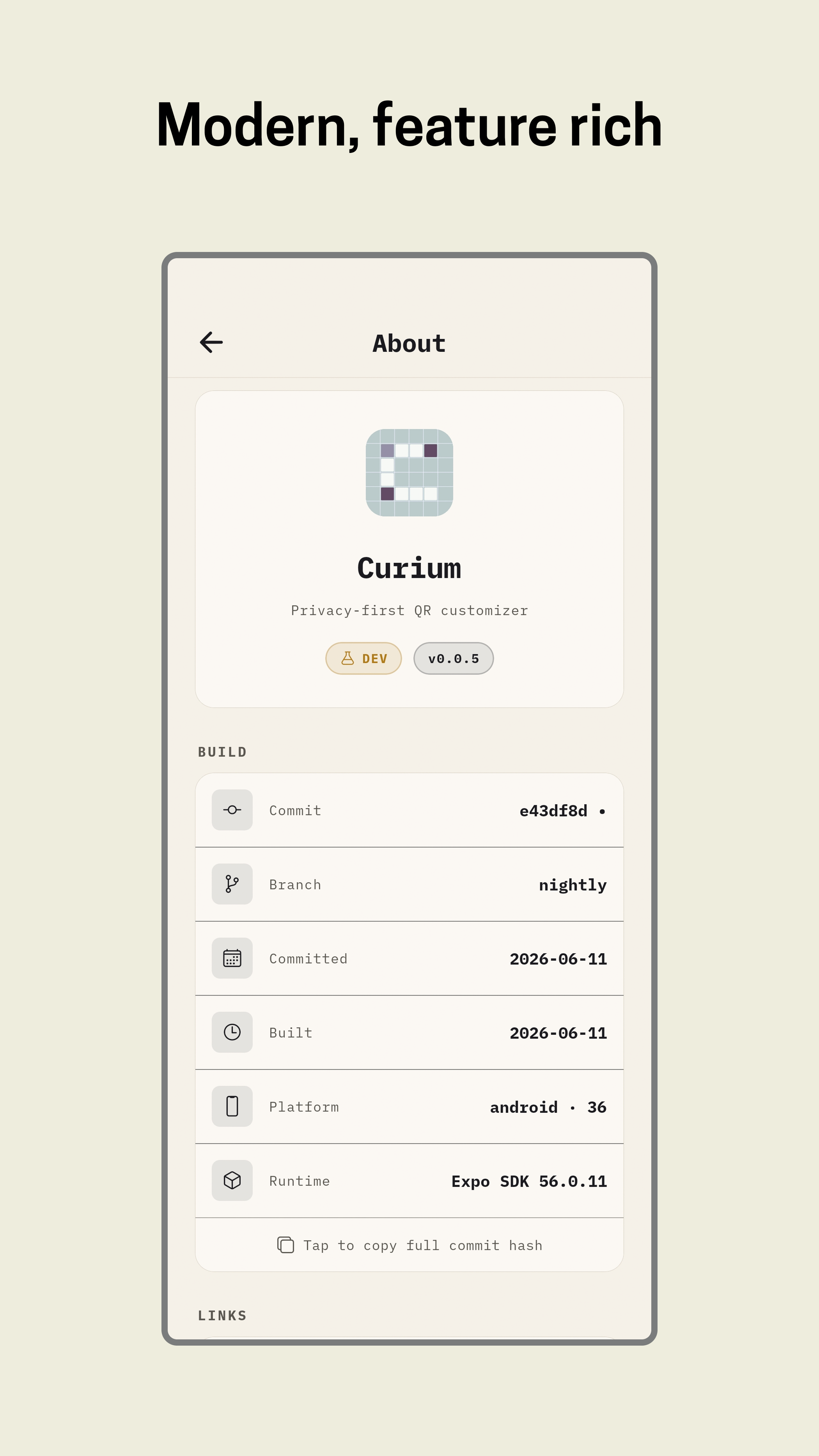
Preview builds may feel rough or unpolished and may contain bugs. They are intended for early testing and feedback. For stable use, wait for a release tagged
v*without a pre-release label.



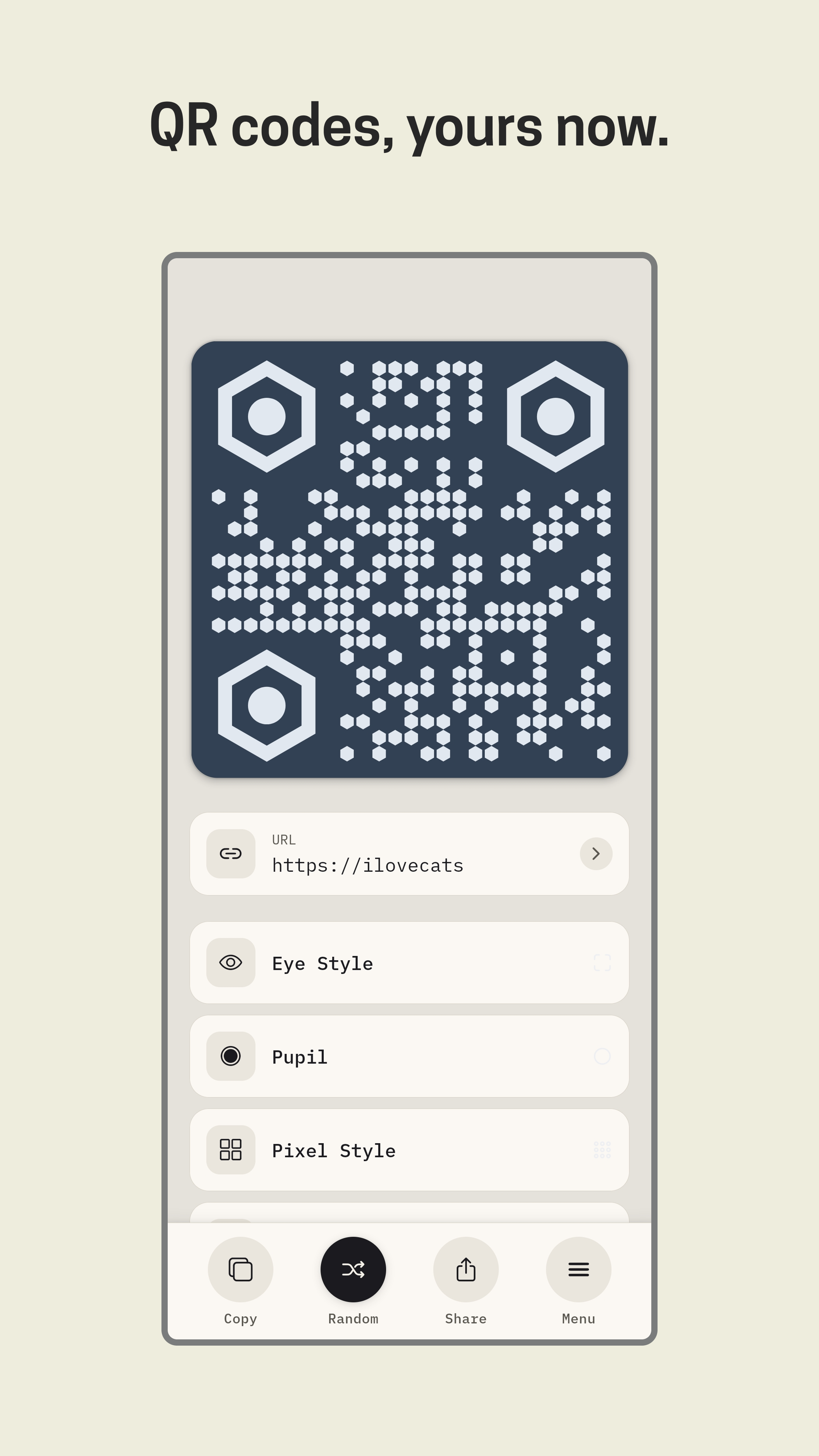
- 8 payload types — URL, text, Wi-Fi, email, phone, SMS, contact, location
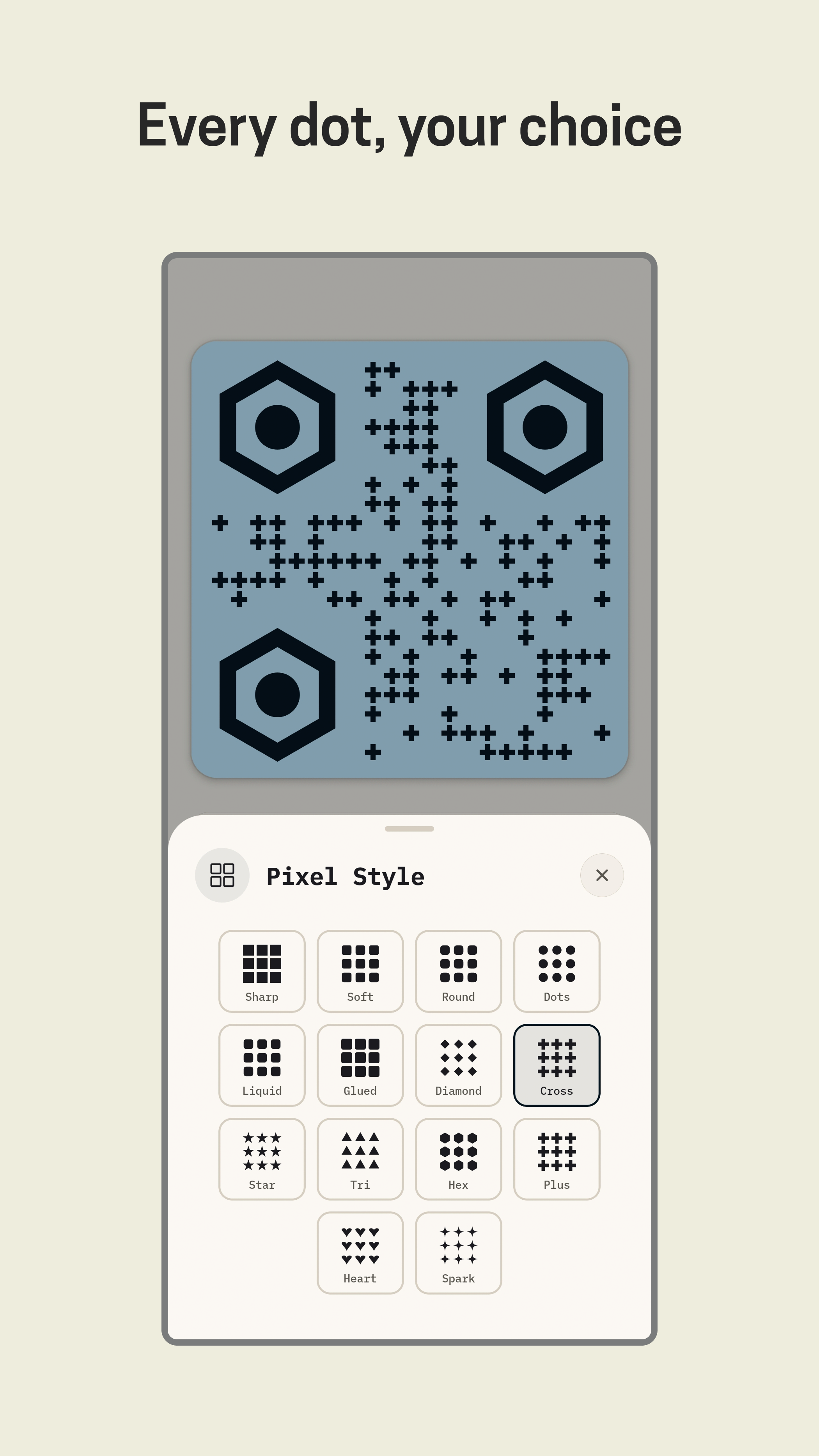
- Pixel styles — square, dots, rounded, extra-rounded, diamond, and more
- Eye styles — square, rounded, circle, and more
- Corner radius — sharp → pill (5 levels)
- Logo overlay — pick from gallery, resize, reposition by drag
- Logo background — rounded, circle, or none
- Logo border & shadow — toggle independently
- Error correction — L, M, Q, H; auto-bumped to H when a logo is applied
- Randomize — shuffle all colors and styles instantly
- Live preview — updates as you edit
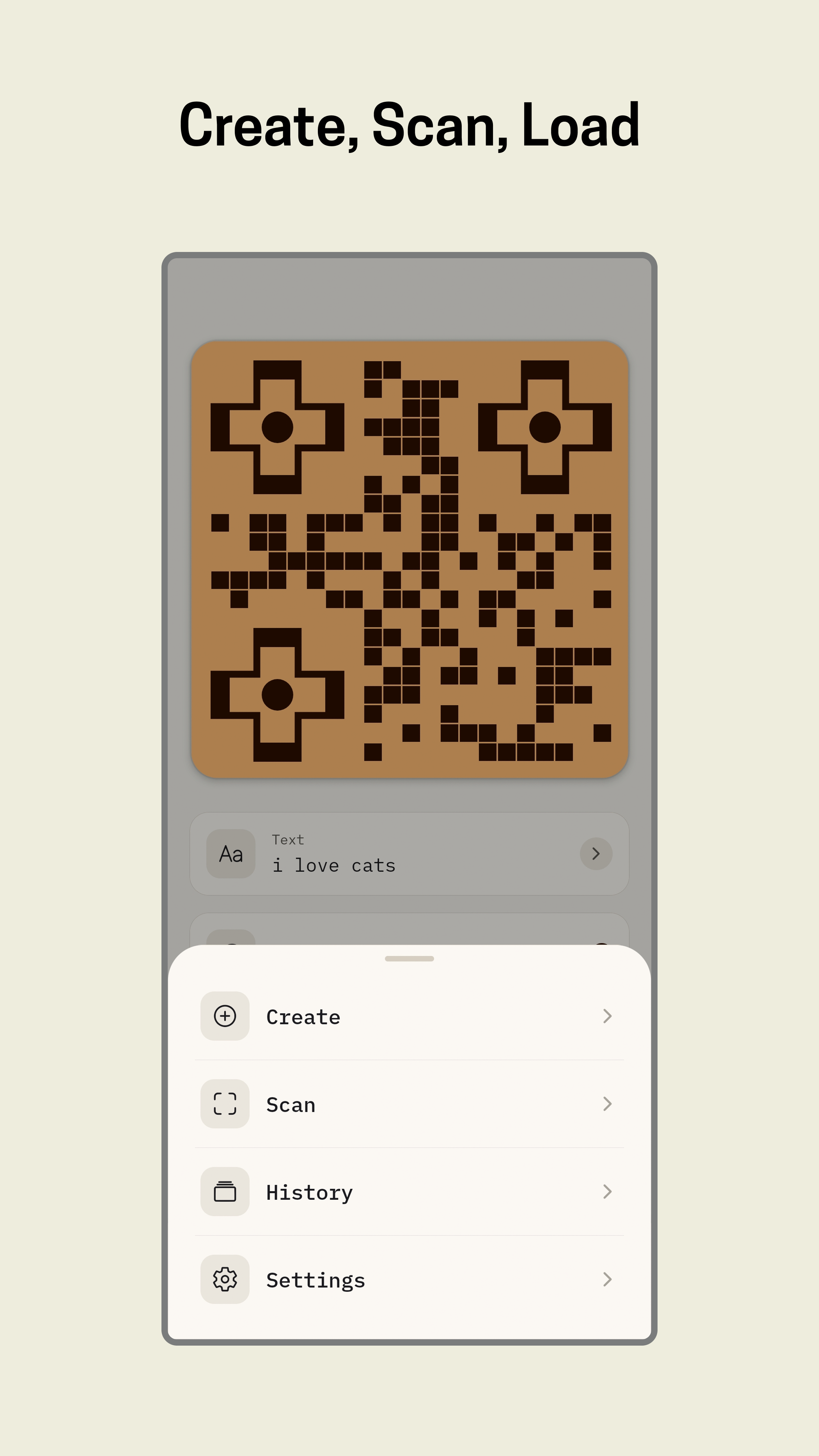
- Camera scan — QR codes + barcodes (EAN-13, Code 128, PDF417, Aztec, Data Matrix)
- Gallery scan — pick an image, detect code automatically
- Torch toggle — low-light scanning
- Scan to customize — scan any existing QR, load into generator, restyle and export
- Save styles — save any QR configuration as a named template
- One-tap load — restore a saved template instantly
- Delete — long-press to remove unwanted templates
- Save PNG — high quality, saved to gallery
- Share PNG — send via any installed app
- Share SVG — vector format, shared as document (works with WhatsApp, Signal, Telegram, etc.)
- Copy content — clipboard
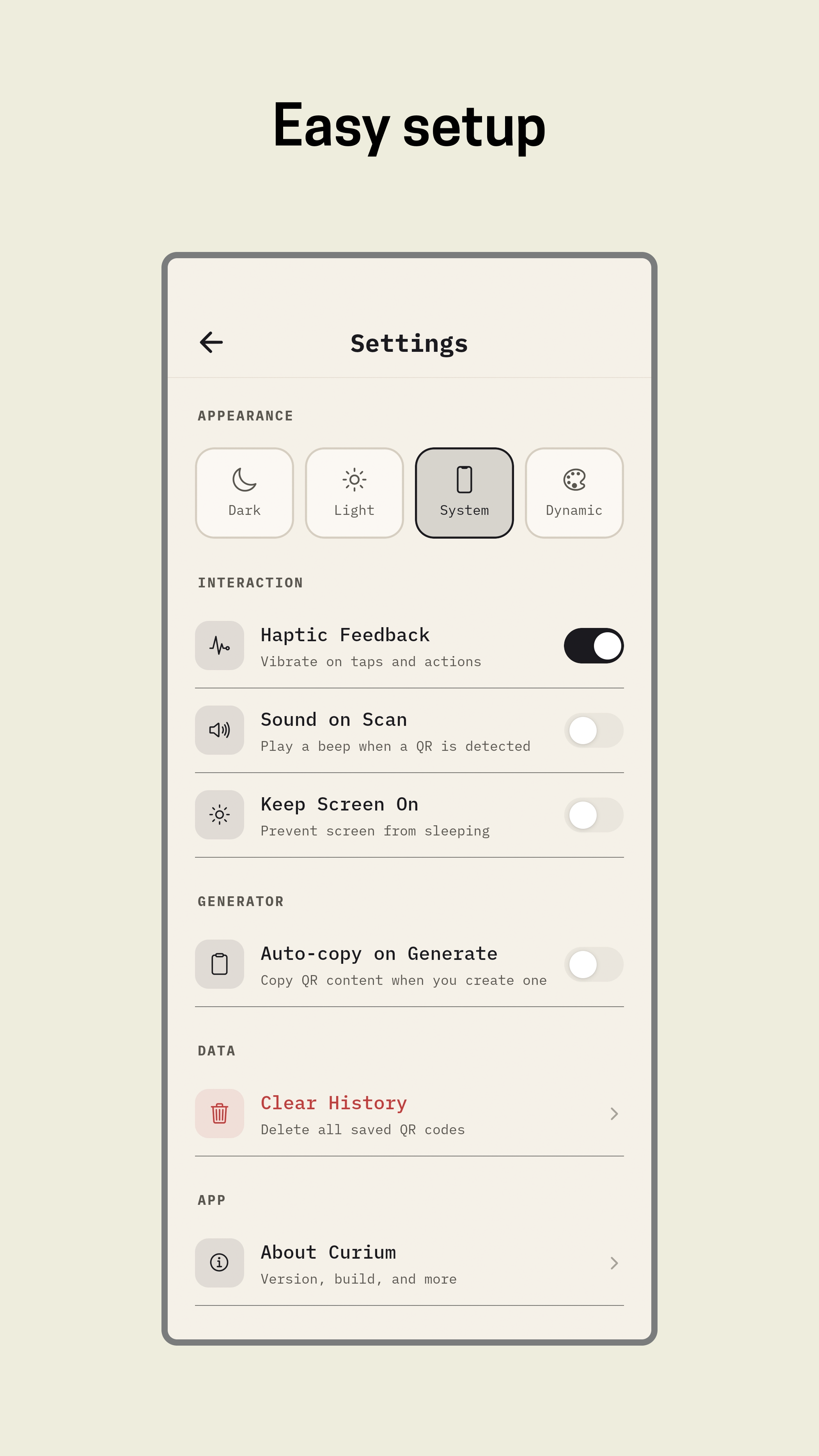
- Light / Dark / System — follows device preference
- Dynamic — UI syncs to your QR's background color
- Pure Black — AMOLED enhancement for OLED screens
- Smooth transitions — cross-fade between themes
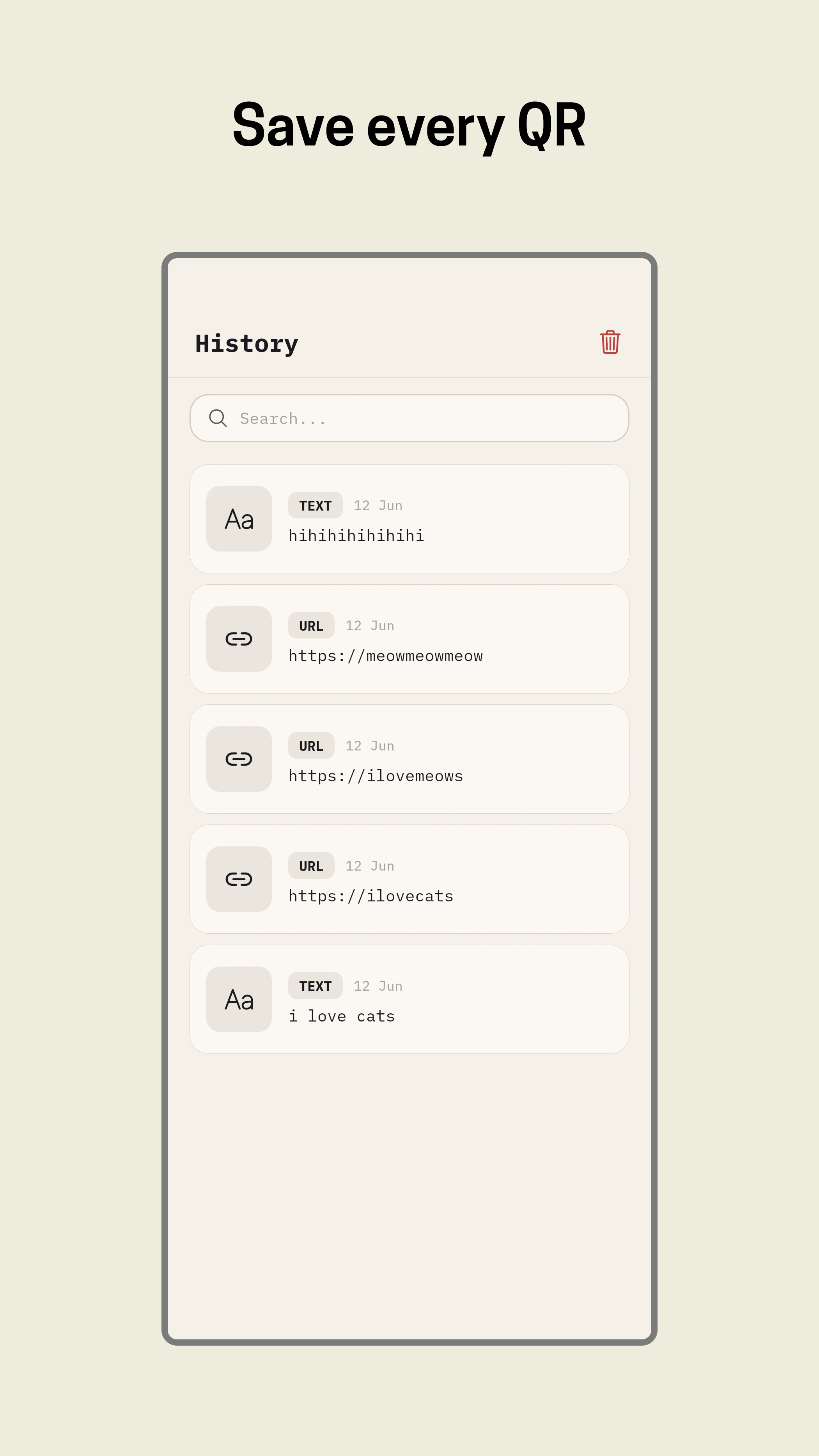
- Auto-save — every QR you create is stored locally
- Detail view — tap any saved QR to view, share, or delete
- Swipe-to-delete — remove individual entries
- Clear all — with confirmation dialog
- Search — filter by content or type
- Batch QR generation — create dozens of QR codes in one session, export as zip
- QR-from-image — upload an image, generate a QR that visually matches its color palette
- Animated QR — QR that transitions between two states (e.g., normal → brand reveal)
- Multi-color regions — different colors per data region, not just monochrome
- QR version override — force specific module count for exact sizing
- Batch style swap — restyle an entire set of QRs with one template change
- Eye size slider (5–9 modules)
- Presets: Standard (7), Compact (5), Bold (9)
- Gated behind "Experimental" toggle with scan disclaimer
- Per-eye size control (each eye independently sized)
- Eye position presets (compact, standard, spaced)
- Drag-to-reposition eyes within the grid
- Scan confidence indicator (visual feedback on scannability)
- Pupil size control (independent of outer ring)
- Full per-eye customization (size, position, shape independently)
- QR-from-image — generate a QR that visually matches an uploaded image
- Batch generation — create multiple QR codes at once
- QR templates — save and reuse style configurations
- Animated QR — QR that transitions between two states
- Multi-color QR — different colors per data region
- QR version override — force a specific QR version (module count)
- Separator style customization — the quiet zone around the QR
- Export as SVG vector (not just PNG raster)
- QR history tags / folders
| Layer | Technology |
|---|---|
| Framework | Expo SDK 56, React Native 0.85 |
| Navigation | Expo Router |
| Animations | React Native Reanimated 4 |
| Gestures | react-native-gesture-handler |
| Camera | expo-camera |
| Storage | AsyncStorage (offline-first) |
| Language | TypeScript |
| Typeface | IBM Plex Mono |
| Variant | Application ID | Purpose |
|---|---|---|
| Stable | com.nylxar.curium.stable |
Production releases |
| Preview | com.nylxar.curium.preview |
Preview testing |
- Node.js 22+
- pnpm
- Android Studio or a connected device
git clone https://github.com/nylxar/curium.git
cd curium
pnpm installpnpm start
# or
pnpm androidReleases are built automatically via GitHub Actions when a v* tag is pushed.
- Stable: Create a
v*tag (e.g.,v1.0.0) - Manual: Go to Actions → Android APK Splits → Run workflow
Or download the latest APK directly from Releases.
The GitHub Actions workflow builds release APKs with ABI splits (armeabi-v7a, arm64-v8a, x86_64, universal).
| Trigger | Flavor | Release |
|---|---|---|
Push tag v* |
stable | Yes |
| Daily cron (3 AM UTC) | nightly | No |
| Manual dispatch | selectable | No |
app/                 Expo Router screens
components/qr/       QR creation, styling, export, templates, navigation
components/ui/       Shared UI primitives (sheets, toasts, overlays)
constants/           Theme tokens, QR presets, build info, release notes
context/             Theme provider
services/            Local history, settings, and template persistence
utils/               SVG export, release notes parser
types/               QR payload and style types
plugins/             Expo config plugins
scripts/             Build info generator, release notes sync
assets/              Fonts, icons, splash assets
| Permission | Why |
|---|---|
CAMERA |
QR code scanning |
READ_MEDIA_IMAGES |
Gallery scan & logo picker |
No microphone. No location. No network access.
GNU General Public License v3.0
Built with care. No telemetry. No accounts. Just codes.