My Claude Code configuration, shared publicly for reference. Includes install script and tests suite.

Keep CLAUDE.md minimal - a set of focused rules beats a sprawling prompt.
Use hooks, not prompt instructions. Hard rules belong in hooks, not "reminders" to the LLM. Hooks are enforced mechanically. Instructions are mere suggestions that waste context (and tokens!).
Cross-platform notifications for long tasks. Get alerted when Claude finishes long-running work. Configurable and customizable — see Notifications.
Terse output style Use flat language, avoid synchopatic filler phrases ("Great idea!", "You're absolutely right!"). Summarize edits concisely. Less noise, direct feedback.
Behaviors enforced by hooks:
- Hard block destructive commands such as
rm -rfanddrop table users - Send notifications at the end of long-running turns
- Fire OS notifications for permission prompts (macOS)
When Claude finishes a turn, a notification fires if it took longer than CLAUDE_NOTIFICATION_THRESHOLD (default 120s). Set via CLAUDE_NOTIFICATION_METHOD:
- macOS:
say(audio, default) – reads completion message aloud. Set tonotificationfor visual popup viaosascript. Disabled inside Claude Desktop. - Windows:
BurntToastPowerShell popup (if available); silently skipped otherwise. - Linux: Silently skipped.
The notify-on-permission.sh hook fires an immediate notification whenever Claude Code needs tool-use permission, naming the specific request (e.g., Bash: /bin/rm /tmp/foo). Audio is the Blow.aiff chime via afplay, bypassing per-app sound gating.
Install terminal-notifier (brew install terminal-notifier) for grouped alerts and click-to-focus the originating terminal; otherwise uses osascript. Override target app via CLAUDE_PERMISSION_TERMINAL_BUNDLE env var or ~/.claude/permission-terminal-bundle file (set to none to disable; defaults to $TERM_PROGRAM). Click-to-focus is best-effort on macOS 11+ due to Apple's restrictions.
By default, stop-notifications use the system voice set in System Settings. To override, create ~/.claude/voice with a voice name (e.g., Fred, Victoria), or use the set-voice CLI command to list available voices, pick randomly, or set a specific voice.
The install script halts if you are not me.
If you want to use it:
- Fork this repo
- Review and customize
settings.hooks.json,CLAUDE-user.md, and the hook scripts for your own setup - Edit
install.shto check for your own username instead ofnoahlz - Run
./install.shfrom your fork
Running someone else's Claude Code config without reviewing it first is a bad idea — hooks run automatically and can have broad system access.
- Node.js >= 18 (installation and test suite)
- macOS, Windows, or Linux (notifications are cross-platform)
git clone https://github.com/noahlz/claude-code-config.git
cd claude-code-config
./install.sh
The script creates symlinks into your ~/.claude/ (Claude user home) into files in the repo. If a file already exists at a target path, it is backed up as <filename>.bak before being replaced. Running it again on already-linked files is safe — those are silently skipped.
This project has executable code...so we need unit tests!
npm test- Test hook scriptsnpm run test:integration- Test hooks viaclaude -p --model haikunpm run test:all
NOTE: Integration tests require an Anthropic API key and use real tokens!
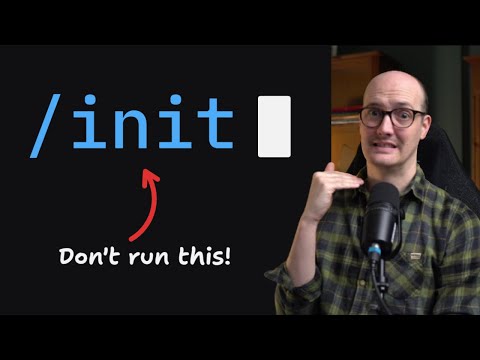
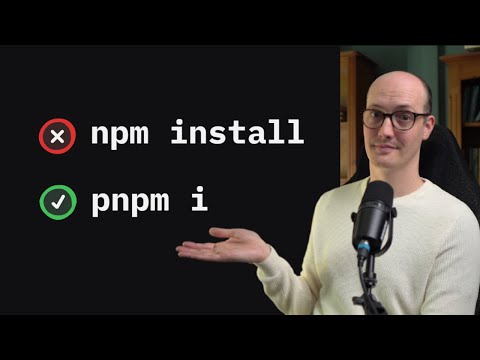
I (with Claude) completely re-wrote my user-level CLAUDE.md after watching these two videos by Matt Pocock:
"Never Run claude /init"
"How to actually force Claude Code to use the right CLI (don't use CLAUDE.md)"
Check them out!