A digital logic sandbox — build circuits from wires, gates, switches, clocks and lamps, and watch them run in real time.





A remaster of Logical System (v2.4.0). Place logic blocks on an infinite 2D grid, wire them together and simulate whole devices — from a single gate to adders and RAM.
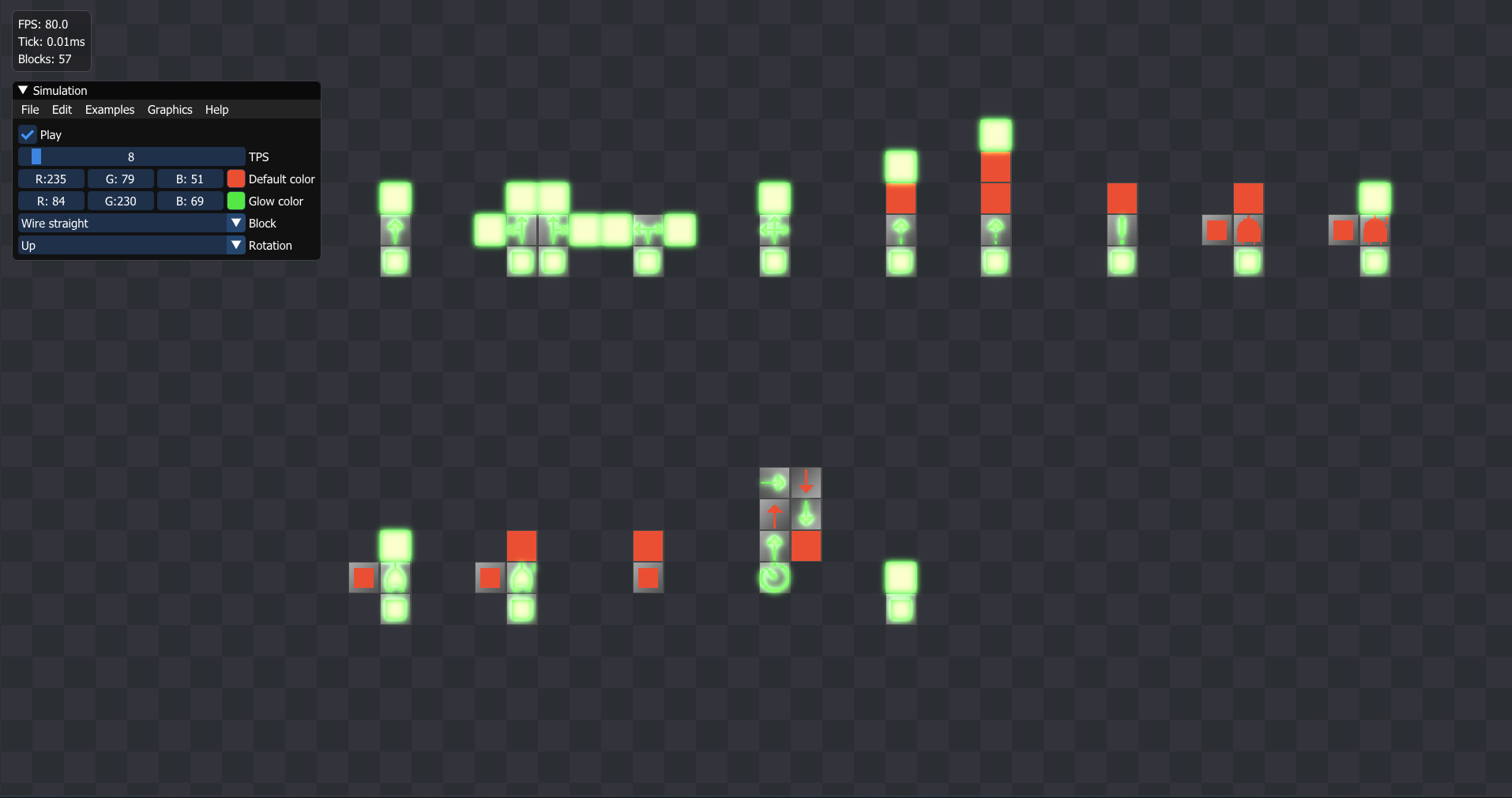
- 🧩 16 block types — 7 wire variants (straight, angled, T, cross, jumps), NOT, AND, NAND, XOR, NXOR, Switch, Clock, Lamp and a momentary Button (block reference)
- ⚡ Event-driven simulation — a tick only visits blocks whose inputs changed, so idle parts of a scheme cost nothing; logarithmic 2–65,536 TPS range, pause & single-step mode
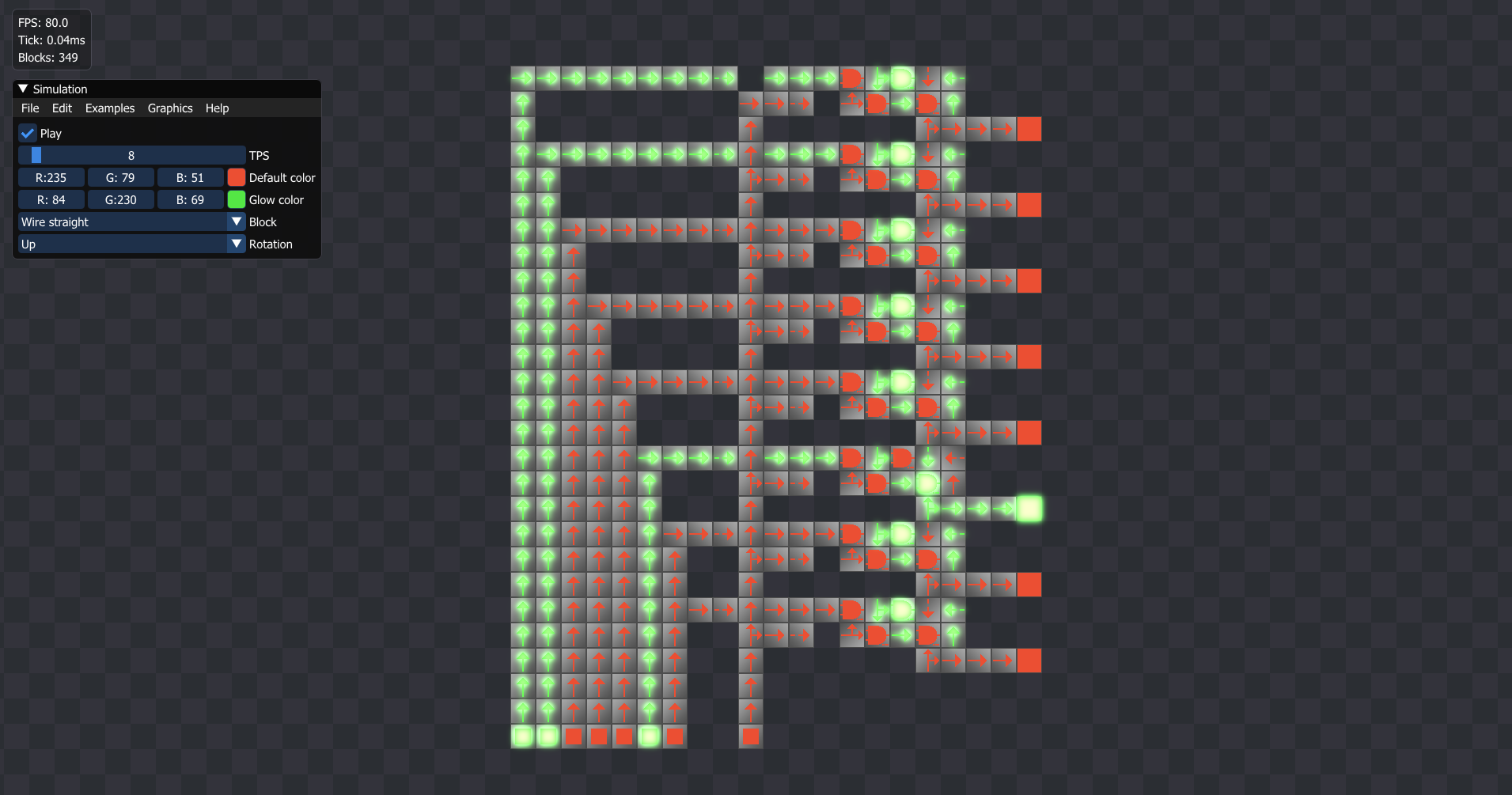
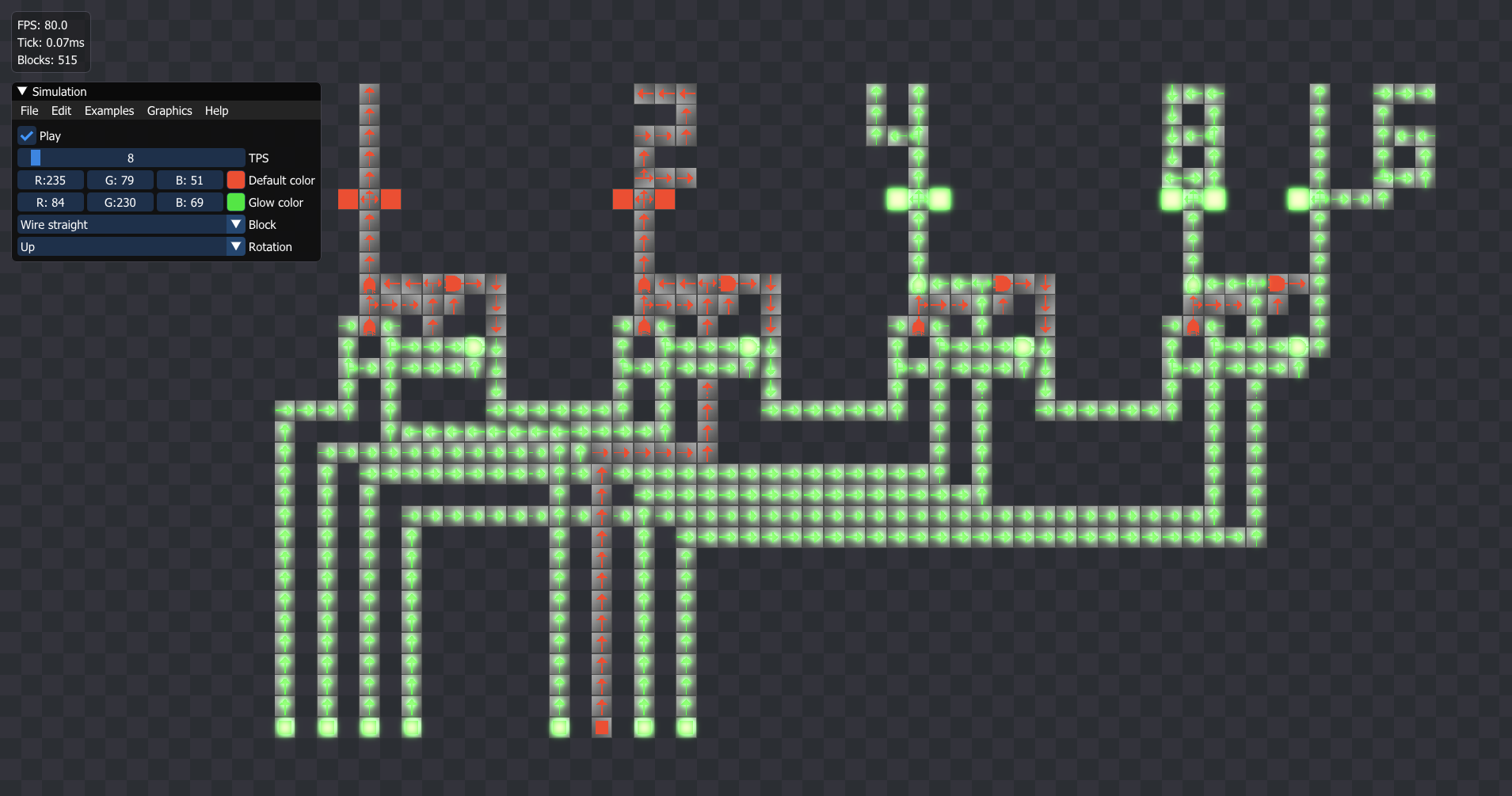
- 📚 Built-in examples — blinker, logic gates, RS latch, adders, an interactive 8-bit click adder with decimal seven-segment displays, and an autonomous 16-bit SUBLEQ computer with 1 KiB of gate-level RAM (Examples menu)
- ✏️ Fast editing — ghost preview under the cursor, drag to paint auto-rotating wire traces, floating paste placed with a click, move/rotate whole selections, block pipette on middle click
- ↩️ Undo / redo — Ctrl+Z / Ctrl+Y with gesture grouping: a paint stroke, paste or mass delete is one step
- 🚀 Batched instanced rendering — 12-byte instances from a texture atlas, chunked culling so only visible chunks are walked
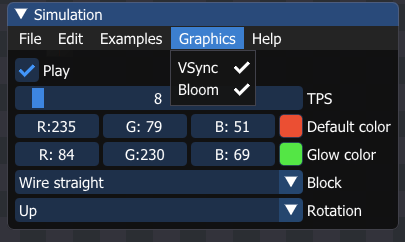
- 🌟 HDR bloom — active blocks glow via a half-resolution ping-pong Gaussian blur (can be toggled off)
- 💾 Safe project workflow — autosave with crash recovery, recent files, silent Ctrl+S, Save As and unsaved-changes protection; corrupted files are rejected without losing the current scheme
- ✂️ Clipboard workflow — box-select, copy, cut, paste, select-all, mass delete, plus whole-scheme export/import as a text string you can share anywhere
- ⚙️ Persistent settings — window size, VSync, bloom, TPS and recent files are stored in the platform's user-data directory
- 🖥️ Visual editor HUD — icon palette with rules, block inspector under the cursor, FPS / tick-time overlay, toast notifications and hideable UI


| Input | Action |
|---|---|
W A S D |
Pan the camera |
Space + drag |
Pan the camera directly |
| Mouse wheel / touchpad | Smooth zoom to cursor |
F / Shift + F |
Frame the whole scheme / selected blocks |
LMB |
Place block (drag paints wire traces) / toggle switch / rotate block; drag a selected block to move the selection |
RMB |
Erase block |
MMB |
Pick block type and rotation under cursor |
Shift + drag |
Box-select blocks |
Ctrl + Z / Y |
Undo / redo |
0–9 |
Pick block type (hold Shift for types 10–15) |
R |
Rotate current block, or the selection as a group (Shift — counter-clockwise) |
Esc |
Cancel floating paste / deselect |
Ctrl + S |
Save (Ctrl + Shift + S — Save As) |
Ctrl + O / N |
Open / new scheme |
Ctrl + C / V / X / A |
Copy / paste at cursor / cut / select all |
Delete |
Delete selected blocks |
F1 |
Block info toast (debug) |
F2 |
Toggle UI |
F3 |
Fill a 256×256 area (stress test) |
| Dependency | Purpose |
|---|---|
| glad + GLFW | OpenGL loading & windowing |
| glm | Math |
| Dear ImGui (freetype, GLFW & OpenGL3 bindings) | UI |
| plog | Logging |
| nativefiledialog | Native save/open dialogs |
| nlohmann-json, BSON | Scheme serialization |
| aklomp/base64, zlib, stb | Encoding, compression, image loading |
All third-party libraries are managed through the vcpkg manifest (vcpkg.json).
Requirements: CMake ≥ 3.25, a C++20 compiler (MSVC on Windows, Apple Clang on macOS or GCC/Clang on Linux), vcpkg (VCPKG_ROOT environment variable pointing to its checkout).
git clone https://github.com/kewldan/LogicalSystemRemaster.git
cd LogicalSystemRemaster

cmake --preset default
cmake --build --preset release
The author's in-house Engine library is picked up automatically: a sibling checkout (../Engine, override with -DENGINE_DIR=...) is used if present, otherwise it is fetched from GitHub and built as part of the project. vcpkg installs all manifest dependencies during the configure step.
The executable (build/Release/LogicalSystem.exe) can be started from anywhere — assets resolve relative to the exe. A single-file static build is available via cmake --preset static && cmake --build --preset static-release.
Install the Xcode command-line tools and clone/bootstrap vcpkg, then configure and build as usual:
xcode-select --install
git clone https://github.com/microsoft/vcpkg.git ~/vcpkg
~/vcpkg/bootstrap-vcpkg.sh
export VCPKG_ROOT="$HOME/vcpkg"

cmake --preset macos
cmake --build --preset macos-release
open build-macos/LogicalSystem.app
The build produces a native .app bundle for the host architecture (Apple Silicon on ARM Macs, Intel on Intel Macs). The bundled data/ directory is placed inside the application, so the app can be moved or launched from Finder.
Install the OpenGL/GLFW/GTK development packages, clone/bootstrap vcpkg, then configure and build:
sudo apt-get install -y xorg-dev libgl1-mesa-dev libglu1-mesa-dev libgtk-3-dev \
  pkg-config autoconf automake libtool libltdl-dev
git clone https://github.com/microsoft/vcpkg.git ~/vcpkg
~/vcpkg/bootstrap-vcpkg.sh
export VCPKG_ROOT="$HOME/vcpkg"

cmake --preset linux
cmake --build --preset linux-release
./build-linux/LogicalSystem
data/ is copied next to the executable, so run it from build-linux/ or ship the two together.
Run the tests with:
ctest --test-dir build -C ReleaseThe bundled example schemes are generated and verified by python tools/gen_examples.py.
If you find bugs, please open an issue or a pull request. Corrupted or truncated save files are detected and rejected without touching the scheme you have open.
MIT © kewldan