
A tiny personal image CDN on Cloudflare Workers. Clone it, run one command, and you have your own.
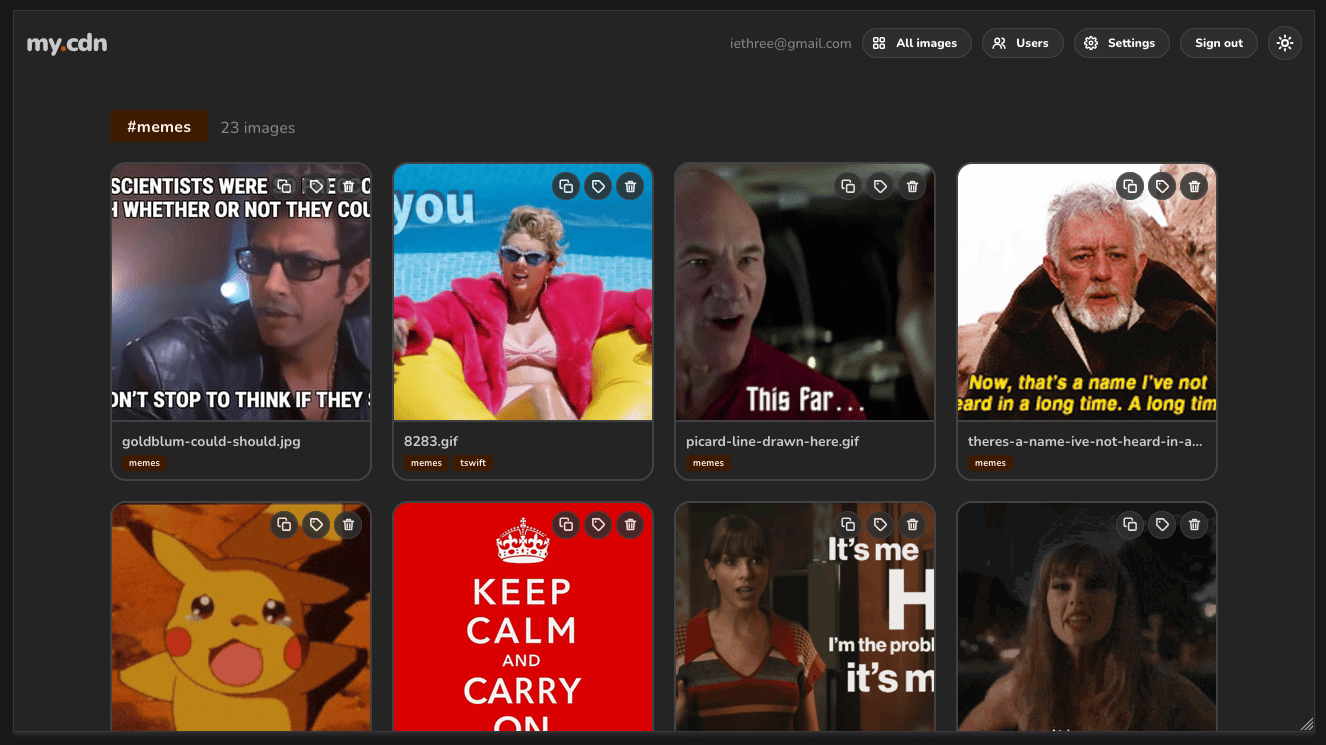
Works best with a domain so you can get email login and sweet links, but you can also run it from workers.dev if you want.
You need Bun and a Cloudflare account. A domain on Cloudflare is optional.
bun install
bun run setup
Setup logs you in to Cloudflare if needed (and asks which account, if you have several), asks for an app name, a primary color, the domain to serve from, and your email, then shows you exactly what it's about to create before it touches anything:
- a Worker on your custom domain (Cloudflare handles DNS and TLS) or a
*.workers.devaddress - a D1 database with the schema from
migrations/ - an R2 bucket for the files
- on Paid, Email Sending on the domain for the magic-link emails
- a locally generated
BETTER_AUTH_SECRET, stored as a worker secret - your email as the first user
Setup detects whether the account is on Workers Free or Paid and adapts:
- Paid: sign-in is by emailed magic link. Setup enables Email Sending on your domain, and anyone you add at
/ugets sign-in emails. - Free: Cloudflare doesn't offer outbound email on Free, so sign-in is email + password. Setup asks for your password, stores it hashed (PBKDF2-SHA256, 100k iterations), and
/ulets you add users with a password you hand them. Everyone can change their own password from the header. Everything else (uploads, galleries, D1, R2, image resizing) fits in the free tier for personal use.
You can serve from a custom domain on your account or from a free *.workers.dev address, on either plan.
It writes wrangler.jsonc and .dev.vars for you. Both are gitignored, so your ids and secrets never end up in a fork. The committed wrangler.template.jsonc is the source of truth for bindings.
Change the name or color later by editing APP_NAME and APP_COLOR (any hex) under vars in wrangler.jsonc and redeploying.
/settings shows how much data is stored, against the 10 GB that R2 includes free.
bun run dev                        # http://localhost:8787, sign-in links print to the console
bun run deploy                     # build, apply pending migrations, wrangler deploy
bun run user:add someone@x.com --remote   # add a user from the CLI (or use /u in the app); add --password '…' on Free
bun run db:migrate                 # apply new migrations to production
bun run seed:images --count 1000 # fill the local dev database with synthetic imagesraycast/ is a Raycast 2.4+ extension that searches your images and copies or pastes their URLs. Run cd raycast && npm install && npm run dev, then enter your base URL when Raycast asks.
Workers + static assets · D1 · R2 · Images binding · Email Service · React + Mantine, bundled by Bun.
sharpcan't run on Workers (native libvips), so resizing and recompression use the Cloudflare Images binding. Output keeps the input format (JPEG/PNG/GIF/WebP/AVIF) at quality 85.- Images are keyed in R2 by a random id, so renames and aliases never move files.
- Delivery responses are cached for a day. Renames and deletes purge the edge cache in the colo that handled the request; other colos expire naturally.
- SVG uploads are rejected on purpose (they can carry scripts).
- If your domain already had a DNS record, the first deploy fails with a conflict.
bunx wrangler deploy --forcereplaces the record with the worker.