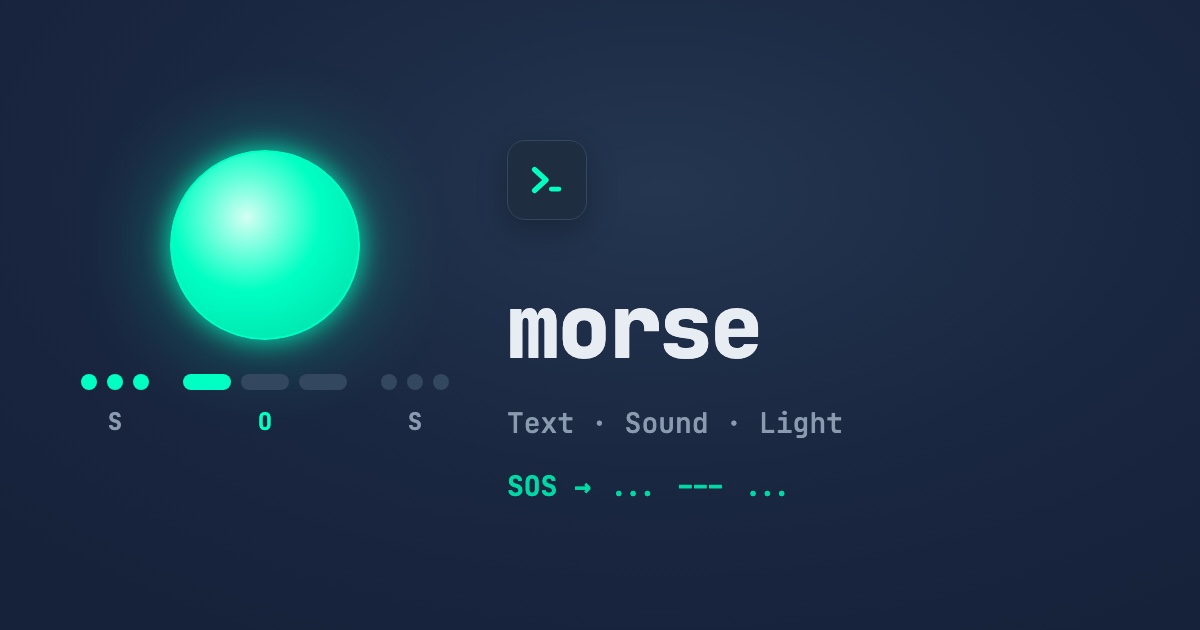
A zero-dependency Morse code encoder and decoder for Node.js. It covers the full ITU set, prosigns and custom symbols, and outputs WAV audio, timings and vibration patterns. It has a CLI and supports Strings, Buffers and Streams.





Try it live in your browser → Type text, hear the beeps and watch the light flash. No install needed. · Watch the 50s video
More short package videos on @gykhdev. Sibling packages: @gykh/caesar-cipher, @gykh/vigenere-cipher, @gykh/enigma, @gykh/cat-facts. All packages: @gykh on npm.
- 🚀 Zero Dependencies: Pure native Node.js implementation.
- 🌍 Full ITU set: Letters, digits and punctuation, plus accented letters (É, Ü, Ñ, Ç, …).
- 🆘 Prosigns:
<SOS>,<AR>,<SK>,<BT>or any<…>are sent as one run with no letter gaps. - 🎨 Your symbols: Use
•/–or any characters you like for the dot, dash and separators. The decoder also accepts common look-alikes. - 🔊 Audio: Get a WAV file or raw samples, with click-free tones at any speed and pitch.
- ⏱️ Timings: Standard PARIS timing and Farnsworth spacing, as millisecond durations or
navigator.vibrate()patterns. - 🛟 Unknown characters: Choose to throw, skip or replace them.
- 💻 CLI:
npx @gykh/morse "SOS" --play. - 🔄 Multi-Format Support: Strings, Buffers and Node.js Streams. Streams stay safe when a letter or UTF-8 character is split across chunks.
- 📦 Dual ESM & CommonJS with full TypeScript types.
pnpm add @gykh/morse
# or
npm install @gykh/morse
# or
yarn add @gykh/morse
Requires Node.js 18 or newer.
Letters are separated by a space and words by /. Decoding returns upper-case text.
// ESM
import { encode, decode } from "@gykh/morse";

// CommonJS
// const { encode, decode } = require("@gykh/morse");

encode("Hello, World!"); // ".... . .-.. .-.. --- --..-- / .-- --- .-. .-.. -.. -.-.--"
decode("... --- ...");   // "SOS"

encode("hi", { dot: "•", dash: "–" }); // "•••• ••"
decode("••• ––– •••"); // "SOS"Wrap letters in <> to send them as one character with no gaps between them:
encode("<SOS> help"); // "...---... / .... . .-.. .--."
decode("...-.-"); // "<SK>"encode("a😀b"); // throws TypeError: Cannot encode "😀" at position 2
encode("a😀b", { unknown: "skip" }); // ".- -..."
encode("a😀b", { unknown: "replace" }); // ".- ..--.. -..." (😀 becomes ?)import { toWav, timings, toPattern } from "@gykh/morse";
import { writeFile } from "fs/promises";
await writeFile("sos.wav", toWav("SOS", { wpm: 20, frequency: 600 }));
timings("SOS"); // [60, -60, 60, -60, 60, -180, ...] ms, negative = silence
toPattern("SOS"); // [60, 60, 60, 60, 60, 180, 180, ...] on/off, starts with on
// In a browser or React Native, buzz the phone:
navigator.vibrate(toPattern("SOS"));toSamples(text, options) gives you the raw Float32Array, which you can feed to Web Audio or your own encoder.
const morse = encode(Buffer.from("Über")); // <Buffer ...> "..-- -... . .-."
decode(morse).toString(); // "ÜBER"For input over 10000 characters or bytes, use the streams:
import { createEncodeStream, createDecodeStream } from "@gykh/morse";
import fs from "fs";
import { pipeline } from "stream/promises";

await pipeline(
  fs.createReadStream("book.txt"),
  createEncodeStream({ unknown: "skip" }),
  fs.createWriteStream("book.morse")
);

await pipeline(
  fs.createReadStream("book.morse"),
  createDecodeStream(),
  fs.createWriteStream("book-decoded.txt")
);
new EncodeTransform(options) and new DecodeTransform(options) do the same thing.
npx @gykh/morse "SOS"                      # ... --- ...
npx @gykh/morse -d "... --- ..."           # SOS
npx @gykh/morse "<SOS> help" --play        # hear it
npx @gykh/morse "CQ CQ" --wav cq.wav --wpm 15 --frequency 700
cat book.txt | npx @gykh/morse > book.morse| Flag | Meaning |
|---|---|
-d, --decode |
Decode Morse to text |
-w, --wav <file> |
Save the tones as a WAV file |
-p, --play |
Play the tones (afplay, aplay / paplay / ffplay, or PowerShell) |
--wpm <n>, --farnsworth <n>, --frequency <hz> |
Speed and pitch |
--dot <c>, --dash <c> |
Symbols |
--strict |
Fail on characters with no Morse code (by default they print as ?) |
| Field | Meaning | Default |
|---|---|---|
dot |
Dot symbol, one character | "." |
dash |
Dash symbol, one character | "-" |
separator |
Between letters | " " |
wordSeparator |
Between words. When it is only spaces, such as " ", the decoder treats 2+ spaces as a word gap |
" / " |
unknown |
"throw", "skip" or "replace" |
"throw" |
replacement |
The character used by "replace" |
"?" |
When decoding, / and | always split words, and • · – — _ work as dots and dashes, along with your own symbols.
| Field | Meaning | Default |
|---|---|---|
wpm |
Character speed in words per minute (1–100) | 20 |
farnsworth |
Overall speed. Lower values stretch the gaps but keep the letters fast | wpm |
frequency |
Tone in Hz (audio only) | 600 |
volume |
0–1 (audio only) | 0.5 |
sampleRate |
Samples per second (audio only) | 44100 |
unknown and replacement also work here.
text/morse(stringorBuffer, max 10000 chars/bytes)- Returns: the same type as the input.
- Returns:
number[]of durations in ms. Positive means the signal is on and negative means silence.
- Returns:
number[]of whole ms, alternating on and off and starting with on.
- Returns: a mono
Float32Arrayfrom -1 to 1, or a 16-bit PCM WAVBuffer. Audio is capped at 10 minutes.
Frozen lookup tables: character → code and code → character (or prosign).
Node.js stream.Transform streams with no size limit.
Note
The string and buffer functions accept up to 10000 characters/bytes. For larger data, use the streams.
Everything is measured in units. At wpm words per minute, one unit lasts 1200 / wpm ms (60 ms at 20 WPM). This is based on the standard word "PARIS", which is exactly 50 units long.
| Element | Length |
|---|---|
| Dot | 1 unit on |
| Dash | 3 units on |
| Gap inside a letter | 1 unit off |
| Gap between letters | 3 units off |
| Gap between words | 7 units off |
Farnsworth timing sends each letter at full speed but adds longer gaps between letters and words. Learners hear the real rhythm of every letter while still having time to think. For example, timings("E E", { wpm: 20, farnsworth: 10 }) keeps the 60 ms dots and stretches the word gap to about 1525 ms.
Several prosigns share their code with a character: <AR> is +, <BT> is = and <KN> is (. When decoding, the character wins. Accented letters that share a code, such as Ä and Æ, decode to the first one in the table.
- Sylvester Das — Website • MiniFyn • Buy Me A Coffee
MIT © 2026 get-your-knowledge-here