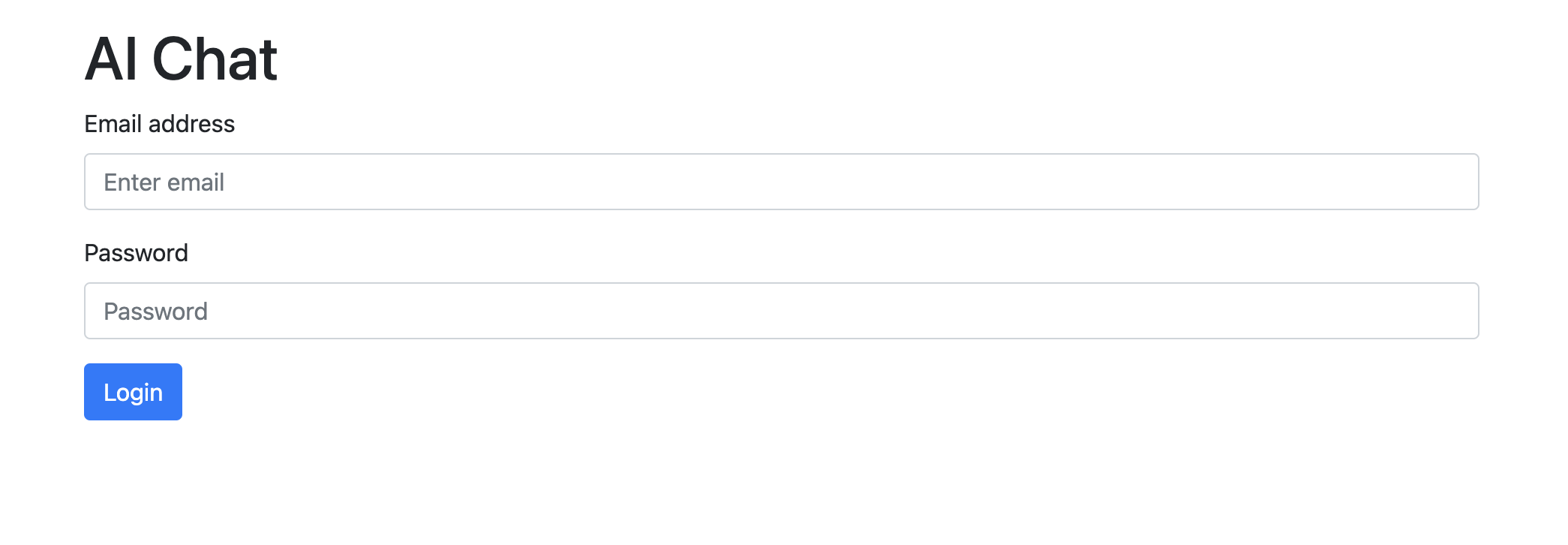
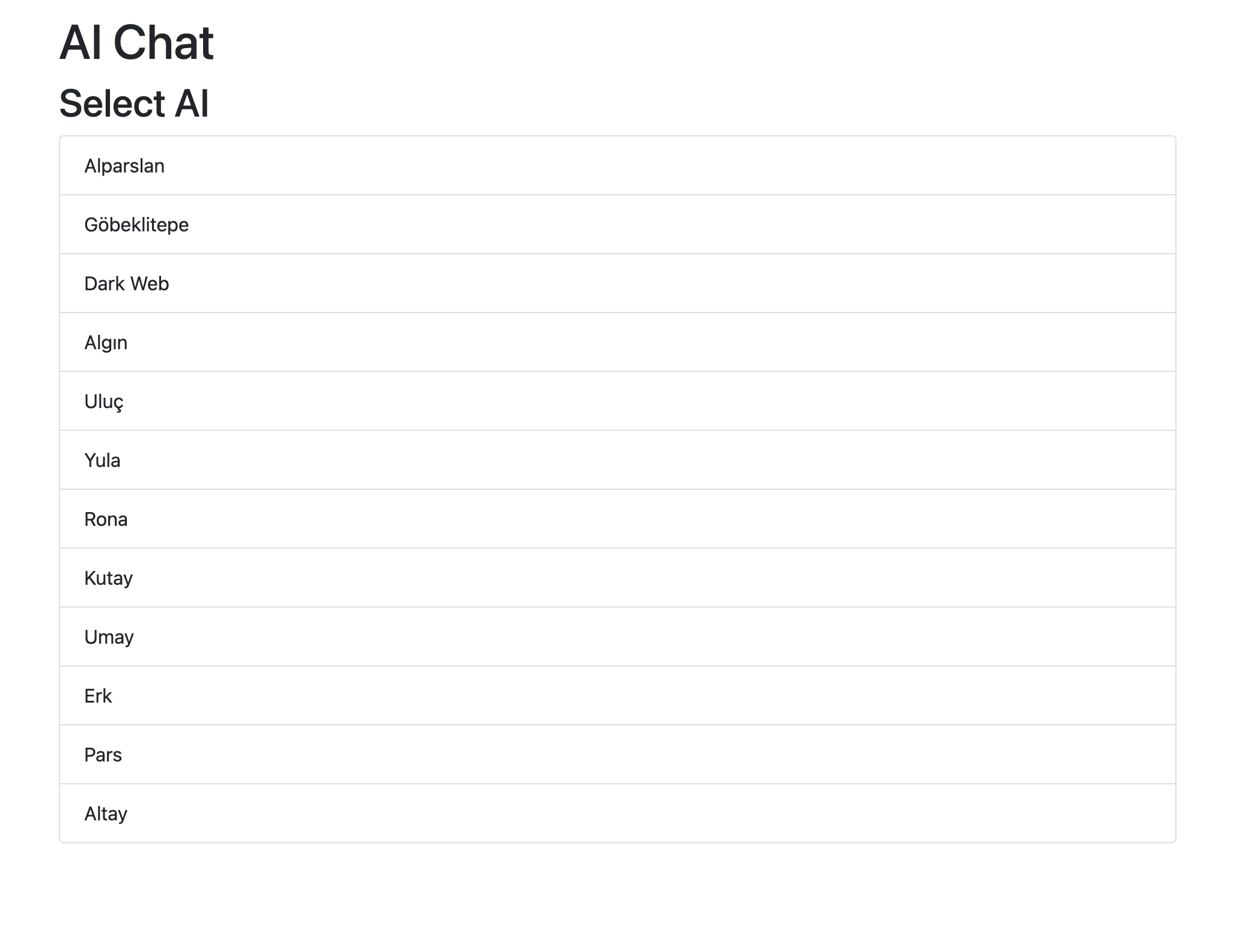
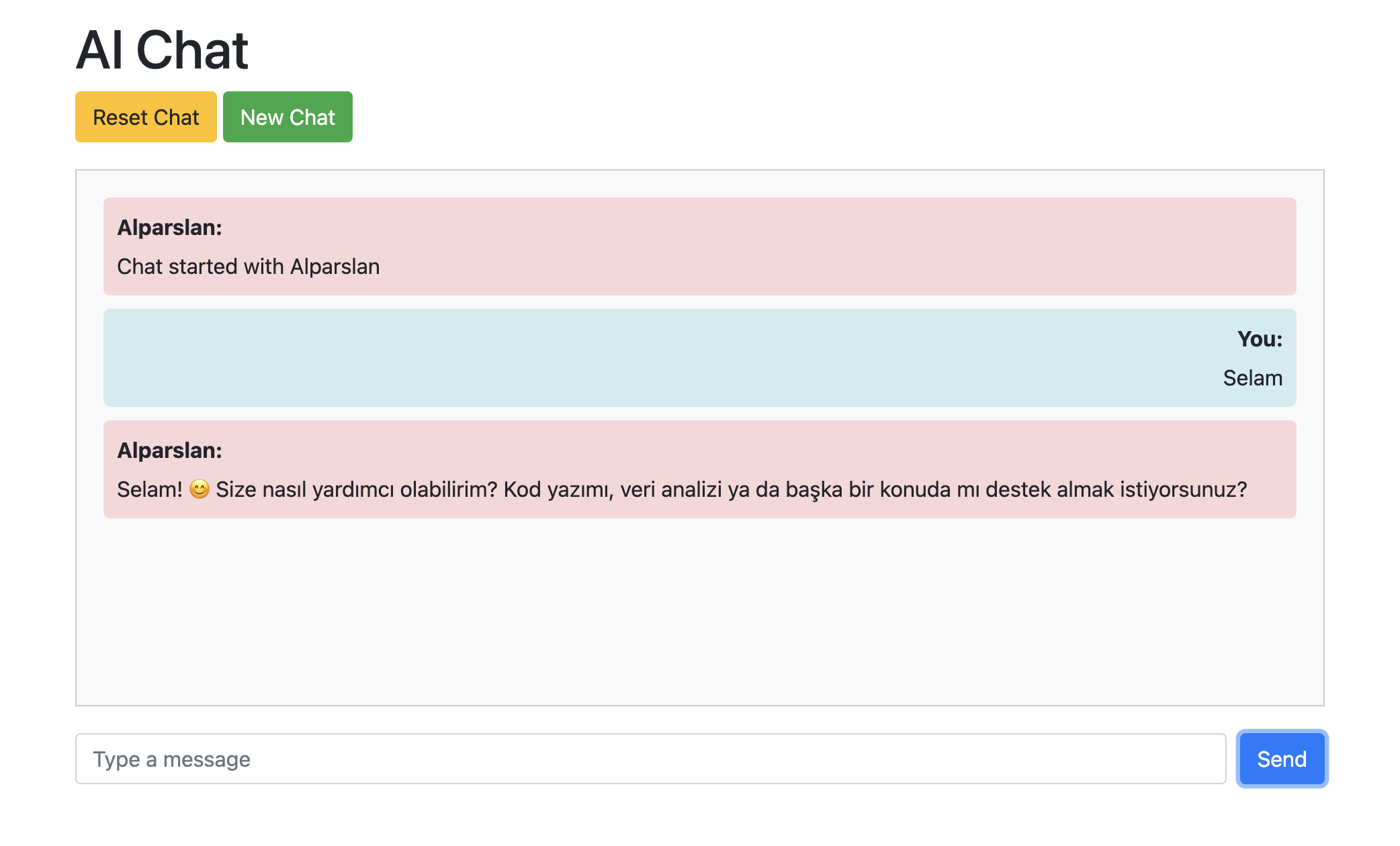
This project is a web-based AI chat application that allows users to login, select an AI, and chat with it. The application is built using HTML, CSS, JavaScript (jQuery), and PHP, and utilizes the AIGENCY API for AI interactions.
- User authentication (login)
- AI team listing
- Start new chat
- Reset chat
- Send and receive messages
- HTML
- CSS
- JavaScript (jQuery)
- PHP
- Web server with PHP support (e.g., Apache, Nginx)
- Internet connection (for API requests)
- AIGENCY account
This application uses the AIGENCY API for AI interactions. You need to create an account on AIGENCY and obtain your API credentials.
- Go to AIGENCY and sign up for an account.
- Verify your email address.
- Log in to your AIGENCY account and navigate to the API section to get your API credentials.
-
Clone the repository to your local machine:
git clone https://github.com/ecloud-bh/aichat.git
-
Navigate to the project directory:
cd aichat -
Place the project files in the web server's root directory (e.g.,
htdocsfor XAMPP,wwwfor WAMP). -
Start your web server.
-
Open your web browser and navigate to
http://localhost/aichat. -
Enter your email and password to login.
-
Select an AI from the list.
-
Start chatting with the AI.
-
Use the "Reset Chat" button to reset the chat or the "New Chat" button to select a new AI.
aichat/ ├── api.php ├── index.html ├── script.js └── README.md
-
api.php: Handles API requests to the server. -
index.html: Main HTML file with the user interface. -
script.js: JavaScript file containing the application logic. -
README.md: Project documentation.