Skip to content

About

Hyper theme based on the Cobalt Next Theme for VS Code

Resources

Stars

2 stars

Watchers

0 watching

Forks

Latest commit


History

7 Commits

Folders and files

NameName
Last commit message
Last commit date


Repository files navigation

Cobalt Next for Hyper

Hyper theme based on Cobalt Next for VS Code.
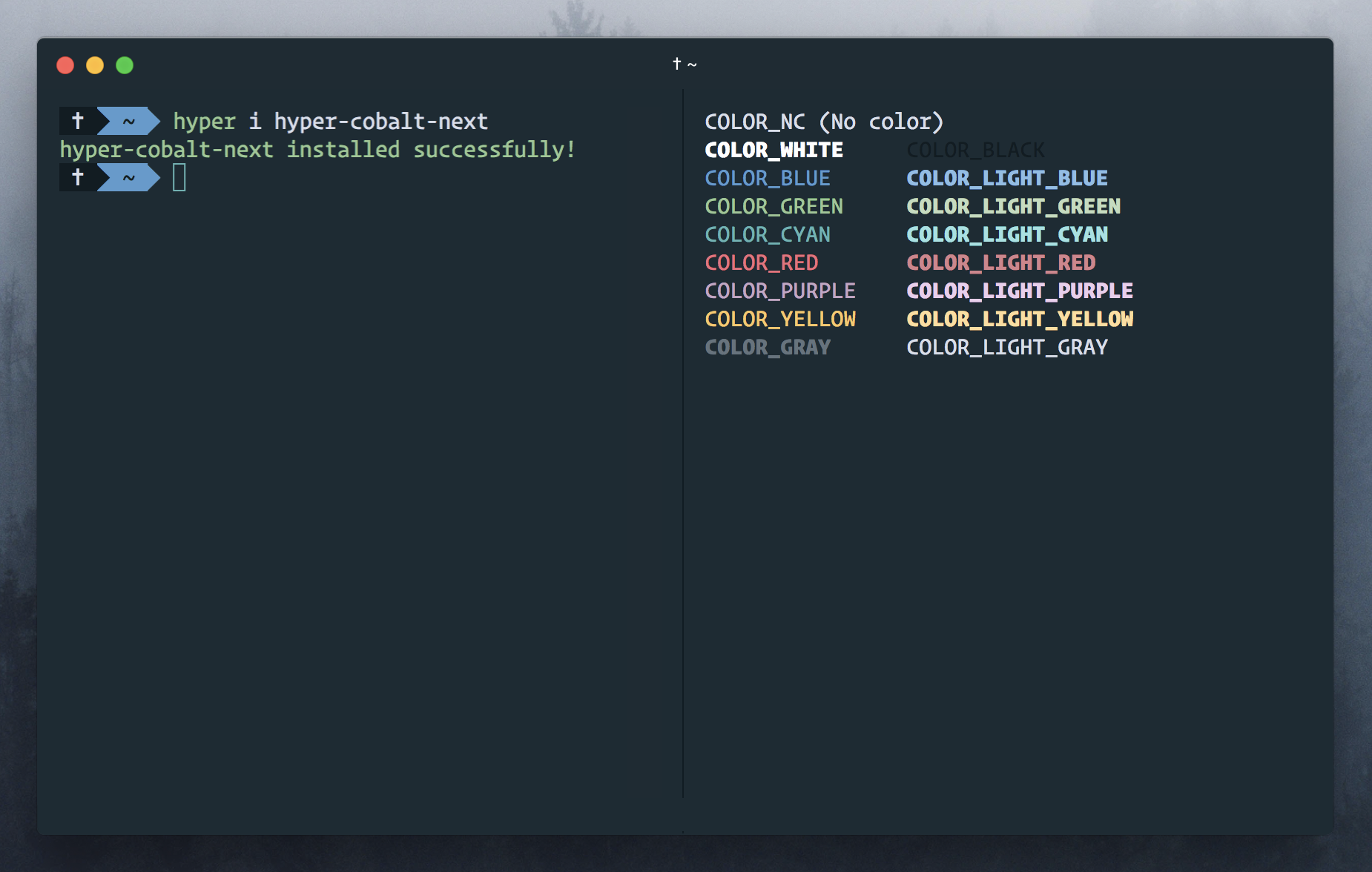
screenshot

Install

  1. Open Hyper's preferences with Cmd + , (or manually at ~/.hyper.js) with your editor.
  2. Update your list of plugins to include hyper-cobalt-next, like so:
plugins: [
    'hyper-cobalt-next'
],
  1. Fully reload Hyper (Cmd+Shift+R), and tada! 🎉

License

MIT

About

Hyper theme based on the Cobalt Next Theme for VS Code

Resources

Stars

2 stars

Watchers

0 watching

Forks

Releases

Packages

Used by

Contributors

Languages