
Helpful Design Tools
No accounts. No subscriptions.


- Available Apps
- What are color primitives?
- Creating accurate halftones
- Why generate thumbnails?
- Contributions
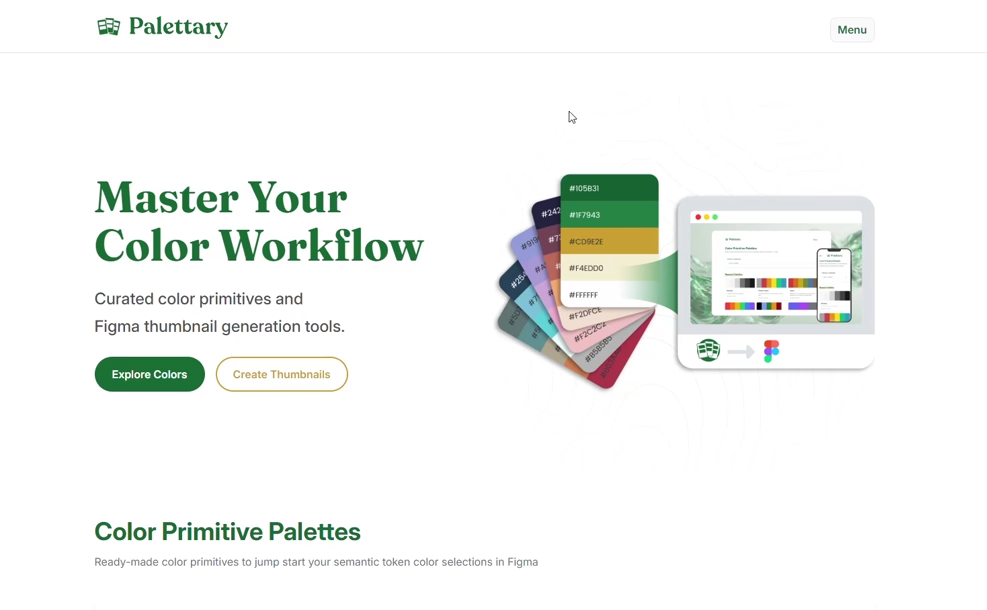
Browse, preview, and export curated color palette collections directly to Figma. Perfect for setting up your design system's foundation.


- Browse palettes with evocative names
- One-click hex copy
- Export to Figma JSON, TXT, or MD
Convert any image to a scalable monochrome vector halftone.


- Monochrome, Flattened Color, and CMYK Separation modes
- Square and Diamond grid options
- Correct rotation coverage at any screen angle
- Export as SVG
Create professional file cover thumbnails for your Figma projects in seconds. Keep your team organized with consistent visuals.


- Customizable project status & types
- Toggle platform icons (iOS, Android, etc.)
- Export as PNG or SVG
Create clean, permanent QR codes for free. Your link is encoded directly into the code — no redirects, no expiration, no tracking.


- Custom dot, corner, and background colors, including transparent
- Square, rounded, and circular module styles
- Embed a logo, with optional auto-recolor to match
- Export as true vector SVG or PNG
Color primitives are the raw color values in your design system (e.g., blue-500: #2563EB). They describe what a color is.

Figure 1: Figma variables panel showing color primitives.
Semantic tokens, on the other hand, describe a color's purpose (e.g., color-text-primary). By referencing primitives, you create a flexible abstraction layer.
Primitive:        blue-600 → #2563EB
                      ↑
Semantic token:   color-link-default → blue-600
- Start with Primitives: Use a palette from Palettary as your foundation.
- Mix & Match: Once ported into Figma, alter colors as you see fit.
- Create Semantics: Create semantic tokens and map them to the corresponding primitives.
This article on Medium is a terrific resource from which to learn more.
A halftone converts a continuous-tone image into a pattern of discrete dots. Varying dot size creates the illusion of shading — large dots in dark areas, small dots in highlights. Halftones are the foundation of offset printing, risograph, and screen printing, and remain a popular aesthetic in digital design.
CMYK separation. Process color printing uses four ink layers — Cyan, Magenta, Yellow, and Key (Black) — each screened at a different angle to prevent moiré patterns. CMYK Separation mode generates a separate SVG per channel at its own screen angle with mix-blend-mode: multiply applied. Standard angle presets (US, EU, and six alternates) are included, and individual channels can be disabled for spot color workflows like risograph (CMY only) or duotone.
Proper rotation. Palettary's tool loops the grid in rotated coordinate space over the full image diagonal before transforming back to image coordinates, then uses a clipPath to trim to bounds. This means any angle — 0°, 15°, 45°, 75° — produces complete, edge-to-edge coverage.
Grid types. Square grid places dots at equal horizontal and vertical intervals. Diamond grid halves the vertical spacing and offsets every odd row by half a cell width, producing twice the row density in the same vertical space. This can be a handy alternative to a square grid for some black and white images. Square grids are preferred for color.
Figma's file browser can quickly become cluttered. Thumbnails give your team a visual system to scan and identify files instantly.
With Palettary's thumbnail generator, you can:
- See status at a glance: Know immediately if a file is
WIP,In Review, orReady for Devwithout opening it. - Quickly know categorization: Distinguish between
Design,Prototypes, andSpecswith color-coded covers. - Understand project context: Ensure every file clearly states which project or design system it belongs to.
I want these tools to be helpful to as many as possible. If you'd like to submit a palette, or an idea, use this Google Form. For bug reports, submit to this repository.