Fix zoom button positioning and size in styledMode#172
Merged
Conversation


Contributor
Author
|
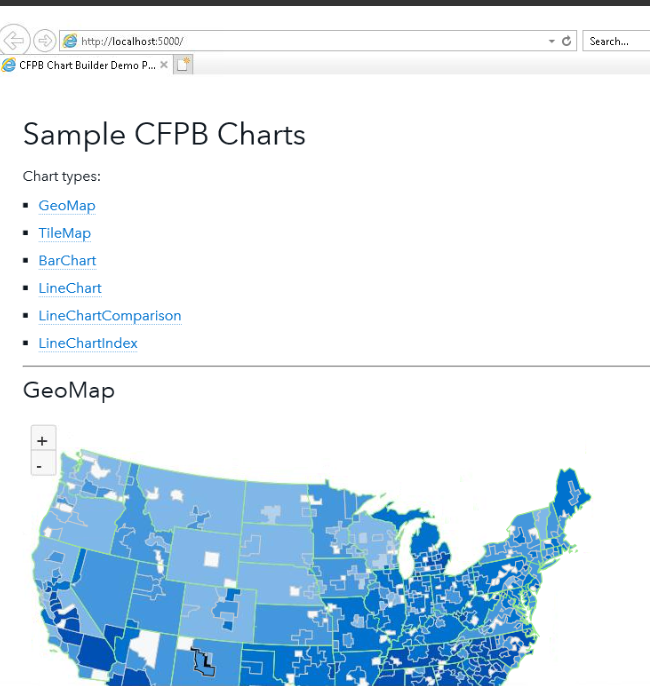
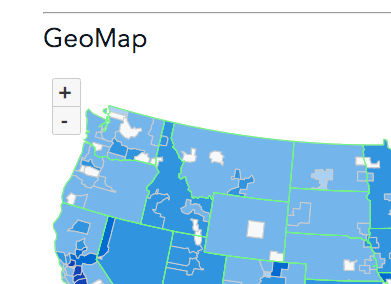
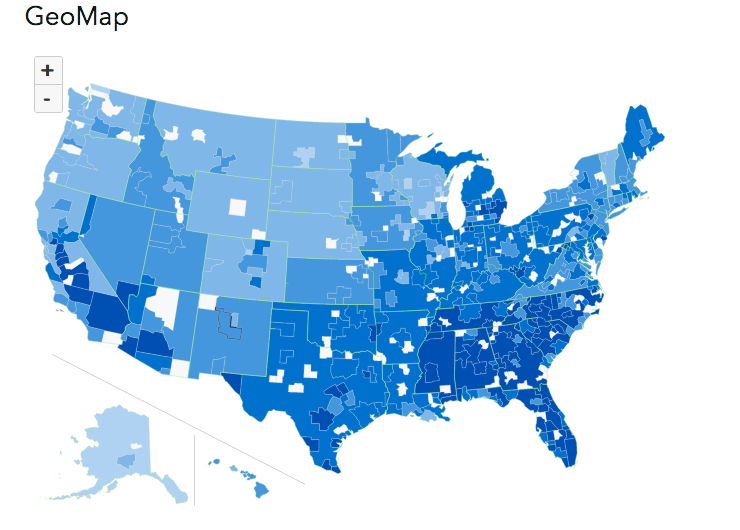
@Scotchester this is the best I could do for IE11:
IE11
Chrome
Firefox
|

Scotchester
approved these changes
Apr 3, 2019
 Scotchester
left a comment
Scotchester
left a comment
Scotchester
left a comment
Contributor
There was a problem hiding this comment.
Looks good enough to me, @cfarm.
This file contains hidden or bidirectional Unicode text that may be interpreted or compiled differently than what appears below. To review, open the file in an editor that reveals hidden Unicode characters.
Learn more about bidirectional Unicode characters
Sign up for free
to join this conversation on GitHub.
Already have an account?
Sign in to comment
2 participants


Add this suggestion to a batch that can be applied as a single commit.This suggestion is invalid because no changes were made to the code.Suggestions cannot be applied while the pull request is closed.Suggestions cannot be applied while viewing a subset of changes.Only one suggestion per line can be applied in a batch.Add this suggestion to a batch that can be applied as a single commit.Applying suggestions on deleted lines is not supported.You must change the existing code in this line in order to create a valid suggestion.Outdated suggestions cannot be applied.This suggestion has been applied or marked resolved.Suggestions cannot be applied from pending reviews.Suggestions cannot be applied on multi-line comments.Suggestions cannot be applied while the pull request is queued to merge.Suggestion cannot be applied right now. Please check back later.
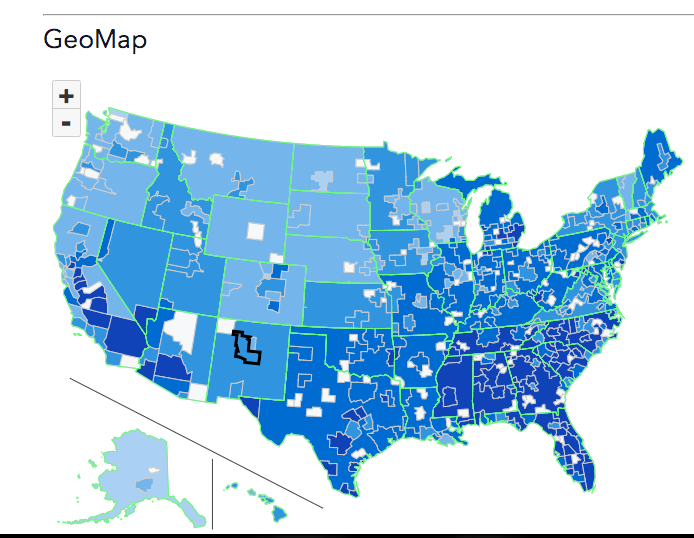
Fixes wonky zoom buttons that appeared after turning on styledMode for geographic maps in #171
Additions
Testing
gulp build && gulp watchScreenshots
Before
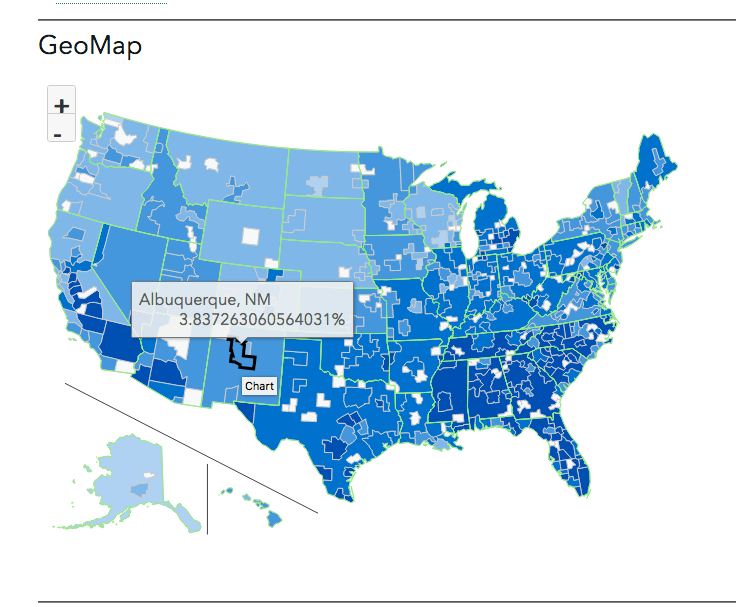
After
Notes
Todos
Checklist