Simple implementation of Selenium Grid with using Docker container
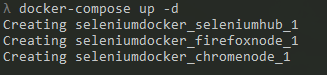
In the directory of project you can run this command :
docker-compose up -d
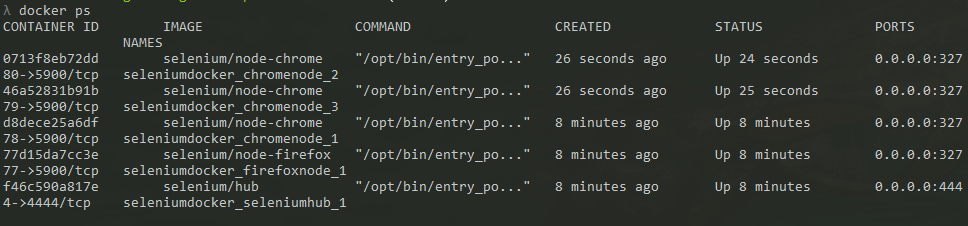
You can see the active containers with this command :
docker ps

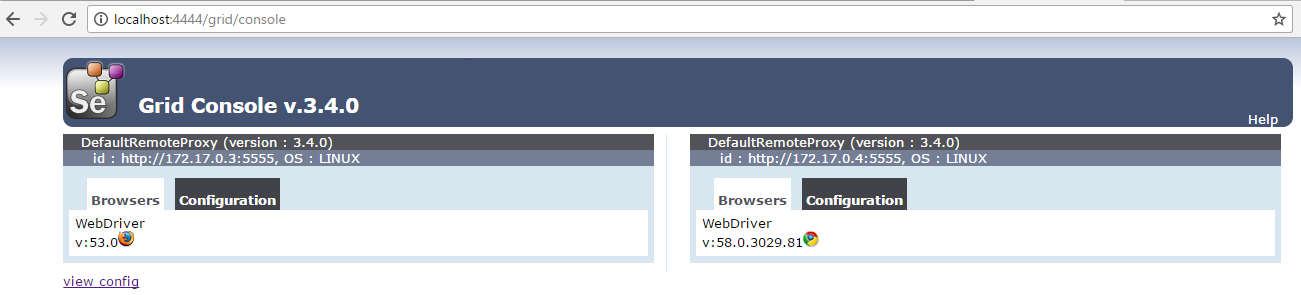
Now you can see your active Browsers in this page :
http://localhost:4444/grid/console
You can scale chromenodes as much as you want with this command :
docker-compose scale chromenode=3

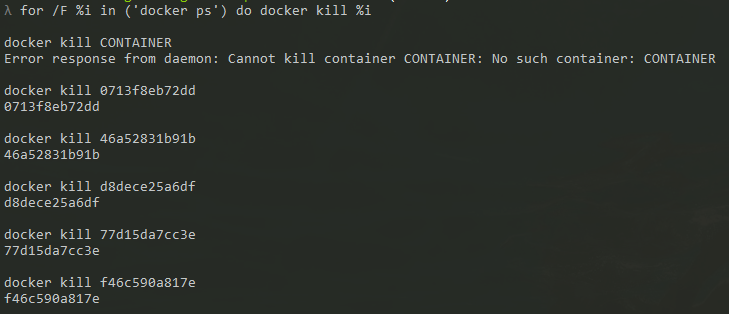
End of the project, you can kill all active containers with this command :
for /F %i in ('docker ps') do docker kill %i
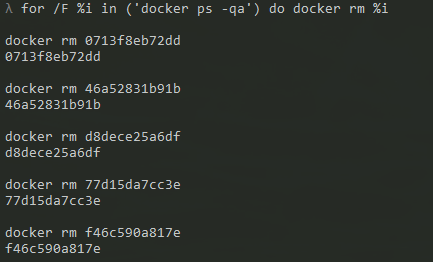
End of the project, you can remove all passive containers with this command :
for /F %i in ('docker ps -qa') do docker rm %i
This example project helps you understand running selenium with docker containers.
You can find more information about selenium in this webpage: http://www.seleniumhq.org
You can find more information about docker in this webpage: https://www.docker.com
If you got any questions don't hesitate to contact with me: celikgumusdag@gmail.com