shell shortcut launcher inspired by spacemacs
alias に登録する程でもないことを Spacemacs みたいに呼び出そう!
Let's call things like Spacemacs that aren't worth registering in alias!
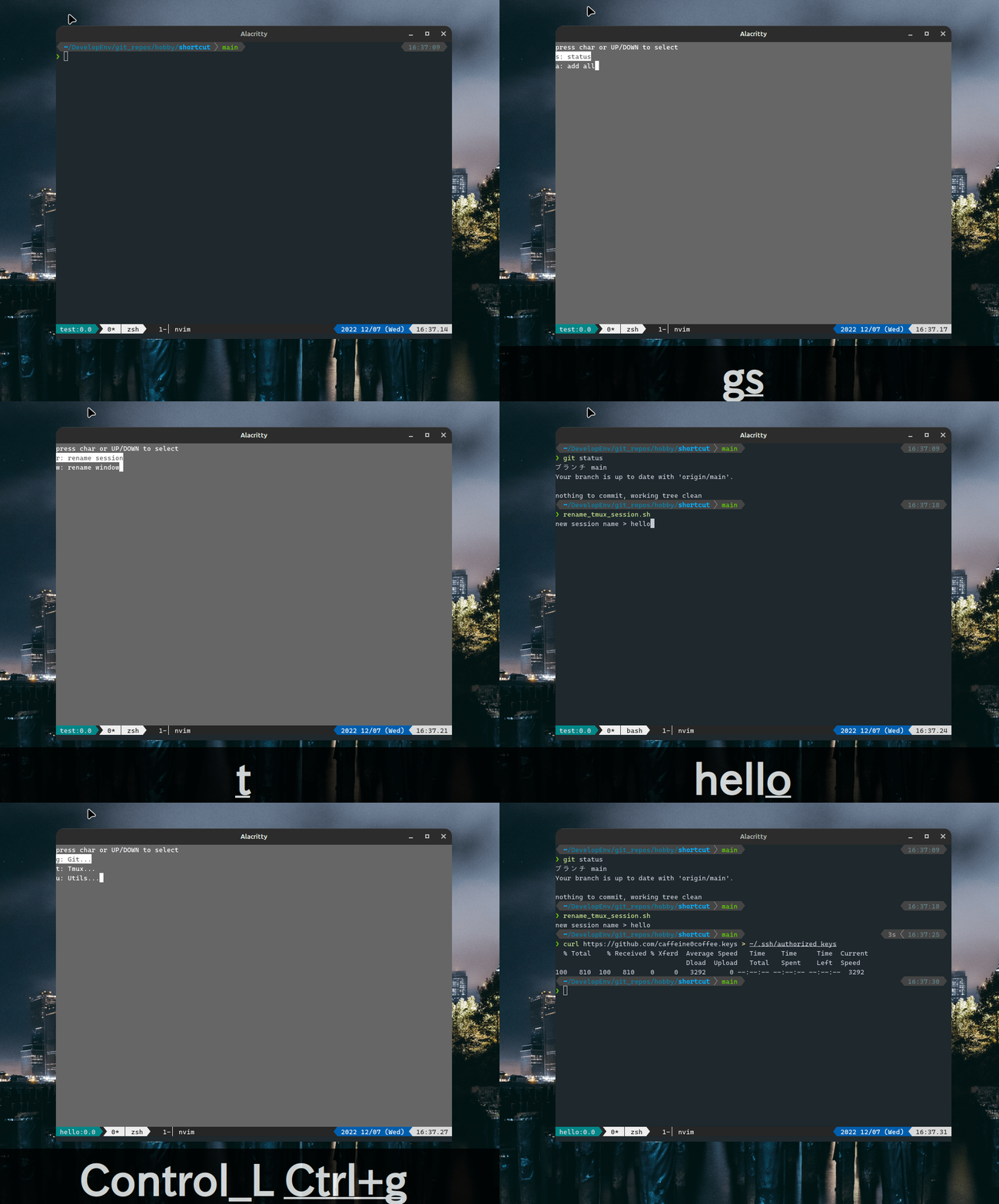
連続したキーストロークを階層構造で定義することができます。(config.jsonを参照)
Sequential keystrokes can be defined in a hierarchical structure. (See config.json)
requirement: python3
git clone git@github.com:caffeine0coffee/space-shell-shortcut.git
# space-shell-shortcut
function space-shell-shortcut() {
    BUFFER=`zsh <path-to-run.sh> < $TTY`
    if [ $? -eq 0 ]; then
        CURSOR=$#BUFFER
        zle accept-line
    else
        zle reset-prompt
    fi
}
zle -N space-shell-shortcut

bindkey <your-favorite-key> space-shell-shortcut
# e.g. bindkey '^G' space-shell-shortcutTODO: automation
copy config.json to your wkshell_config.json and customize it.