A ScratchX module for easily programming Astro Pi (http://astro-pi.org)
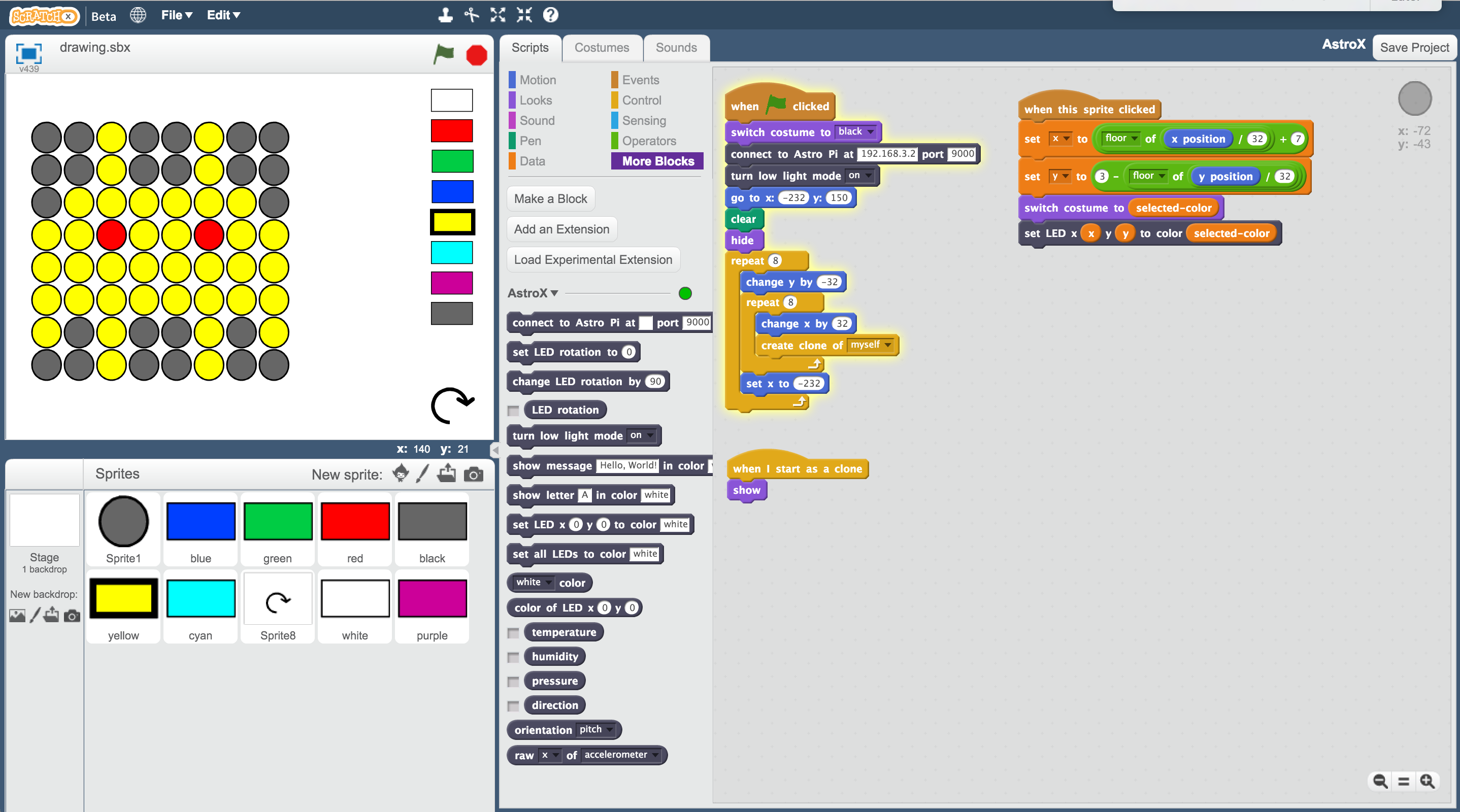
- Open a terminal on your Raspberry Pi. Run
$ pip install astrox. (See here if pip is not installed).
- Open this webpage in a browser on any computer on the same network as the Raspberry Pi: http://scratchx.org/?url=http://as2388.github.io/AstroX/extension.js#scratch
- Add this script, substituting the IP address for the IP address of your Raspberry Pi:
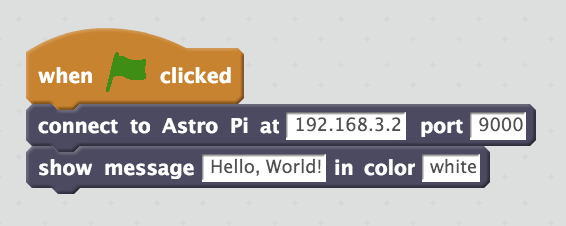
The message "Hello, World" should now display on Astro Pi. If it does not, check your browser's console for an error message.
You can now incorporate AstroX blocks into your projects as you would any other Scratch block. Just remember to run a "connect to Astro Pi at" block before any other AstroX blocks.