


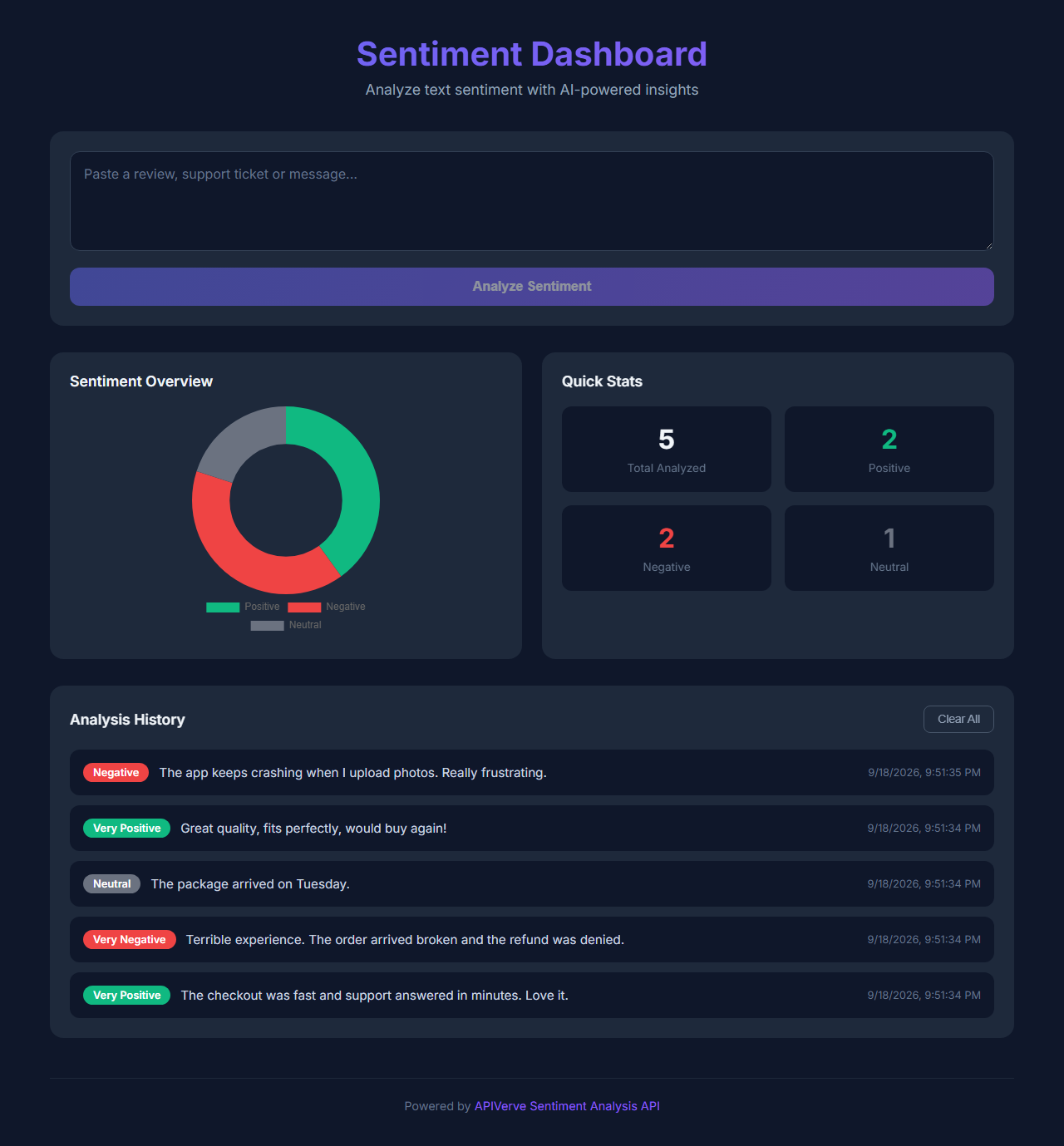
Paste reviews, support tickets or messages and see whether each one reads positive, negative or neutral. The dashboard keeps a running chart and history in your browser.
This template needs an APIVerve API key. Sign up free, no credit card required.
Click Deploy with Vercel above. Vercel copies this repo to your GitHub account, asks for your APIVERVE_API_KEY, and gives you a live URL about a minute later.
-
Clone the repository
git clone https://github.com/apiverve/sentiment-dashboard-react-tutorial.git cd sentiment-dashboard-react-tutorial -
Install dependencies
npm install
-
Add your API key
cp .env.example .env
Then open
.envand setAPIVERVE_API_KEY. -
Start it
npm run dev
-
Open
http://localhost:5173
npm run dev serves the page and runs the api/ functions together, the same way Vercel does, so you don't need the Vercel CLI.
- The page (
src/App.jsx) callsPOST /api/sentiment. api/sentiment.jschecks the input, then calls Sentiment Analysis. Your API key stays on the server and never reaches the browser.- The page shows the result.
├── api/sentiment.js     # Vercel function: checks input, calls APIVerve with your key
├── lib/apiverve.js      # Shared by api/: key check, rate limit, the APIVerve call
├── lib/dev-api.js       # Runs api/ locally under `npm run dev` (Vercel ignores it)
├── src/App.jsx          # The page (React)
├── vite.config.js
├── .env.example         # Copy to .env and add your key
└── package.json
const res = await fetch('https://api.apiverve.com/v1/sentimentanalysis', {
  method: 'POST',
  headers: { 'x-api-key': process.env.APIVERVE_API_KEY, 'Content-Type': 'application/json' },
  body: JSON.stringify({ text })
});
const { data } = await res.json();
// data.sentimentText → "very positive", data.comparative, data.isNegativeOnce deployed, anyone who finds your URL can use it on your API key. Each visitor can make 10 requests a minute, which is fine for a demo. The limit is kept in memory, so it isn't shared between serverless instances. For production:
- Put the page behind your own sign-in, or
- Move the limit to a shared store such as Upstash Redis, or
- Call the route only from your own backend.
- Score each new review or ticket as it comes in, and flag the negative ones
- Store results in a database instead of the browser, to chart trends over time
- Add Keyword Extractor to see what the negative messages are about
- Sentiment Analysis:
POST https://api.apiverve.com/v1/sentimentanalysis - Full documentation
- React 18 and Vite 5 for the page
- Vercel Functions in
api/for the server side (Node.js 20+) - Deploys to Vercel as-is: Vite builds the page, and each file in
api/becomes a function
MIT. See LICENSE.