
- Generate QR code or Barcode
- Customizable text, font, colors, and logos
See DroneTag Docs
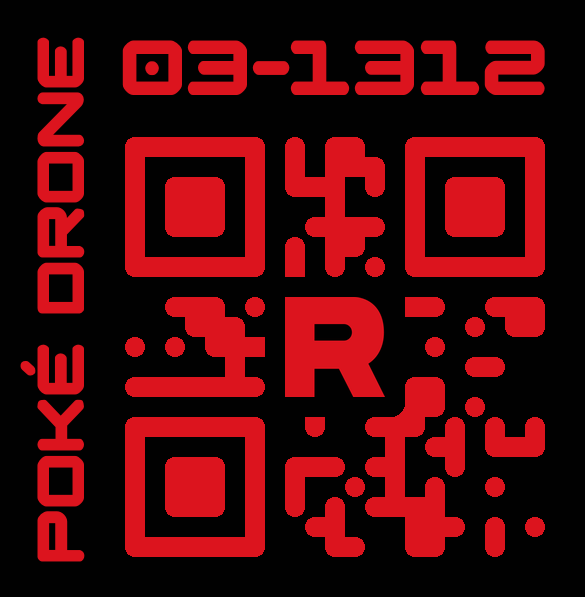
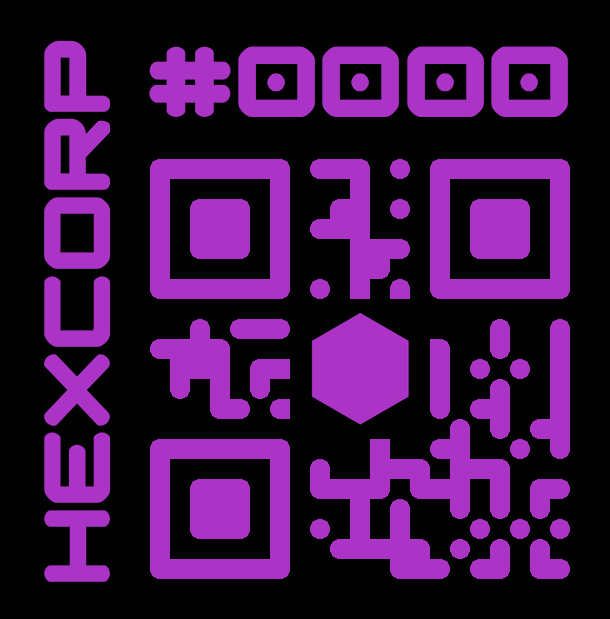
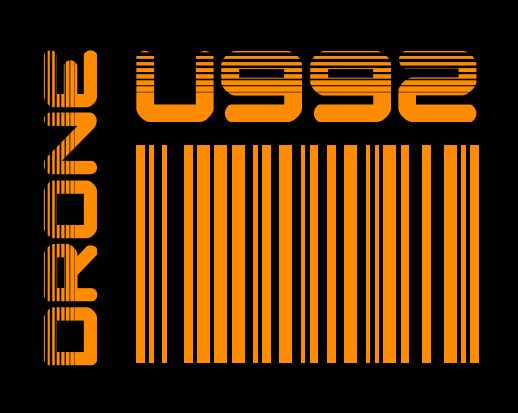
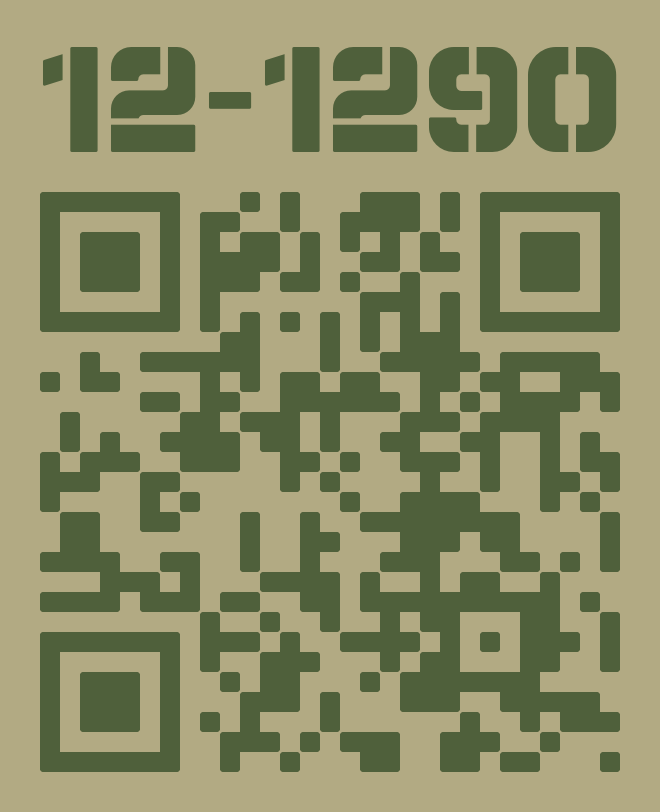
- 3 styles to chose from that change with QR code or Barcode
- Customizable text, font, colors, logos, and ID image
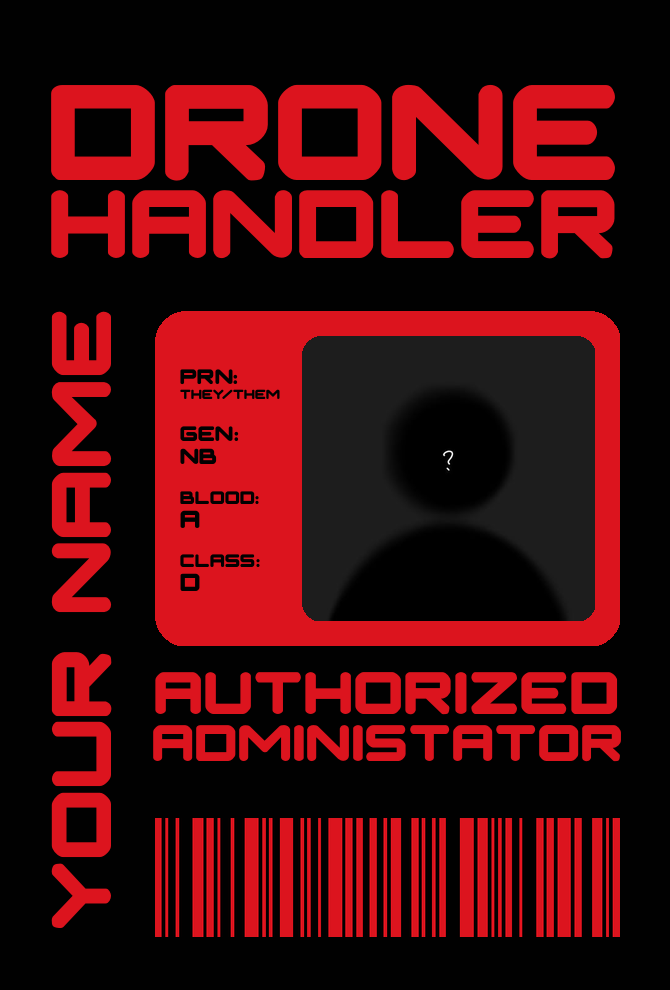
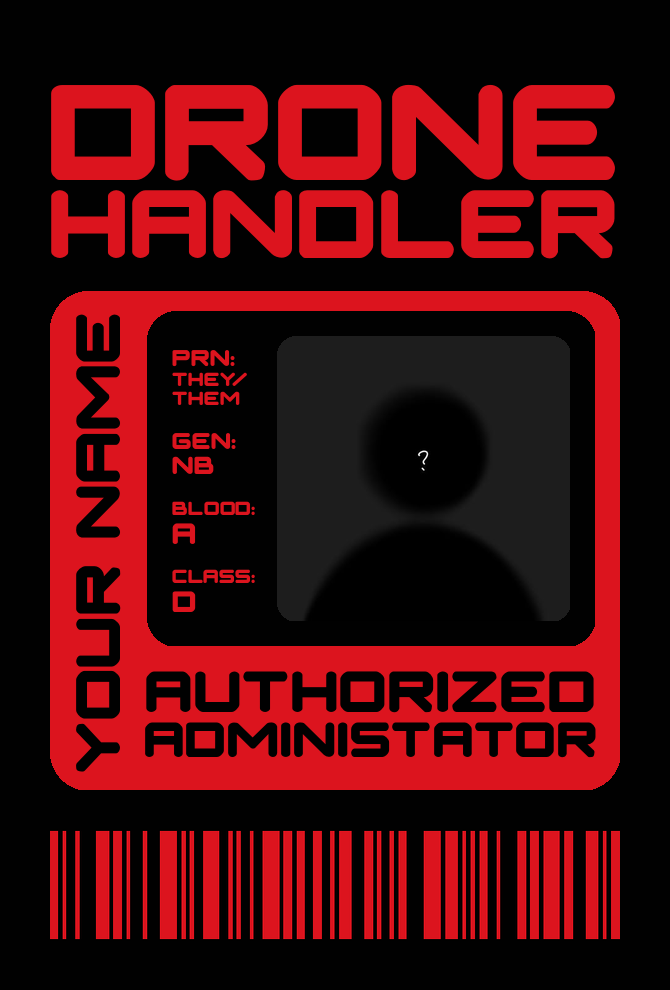
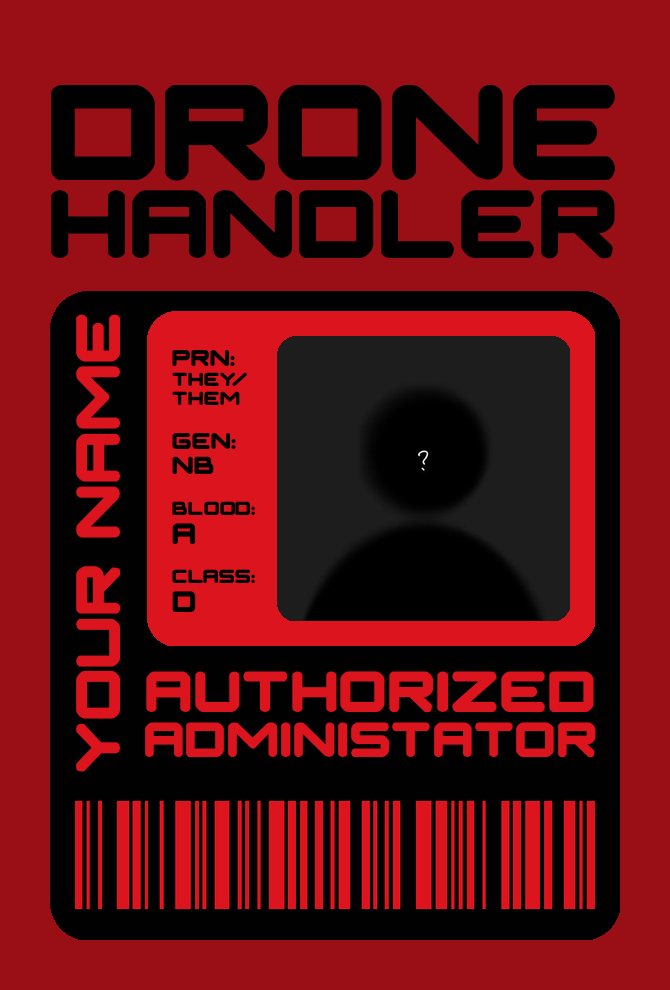
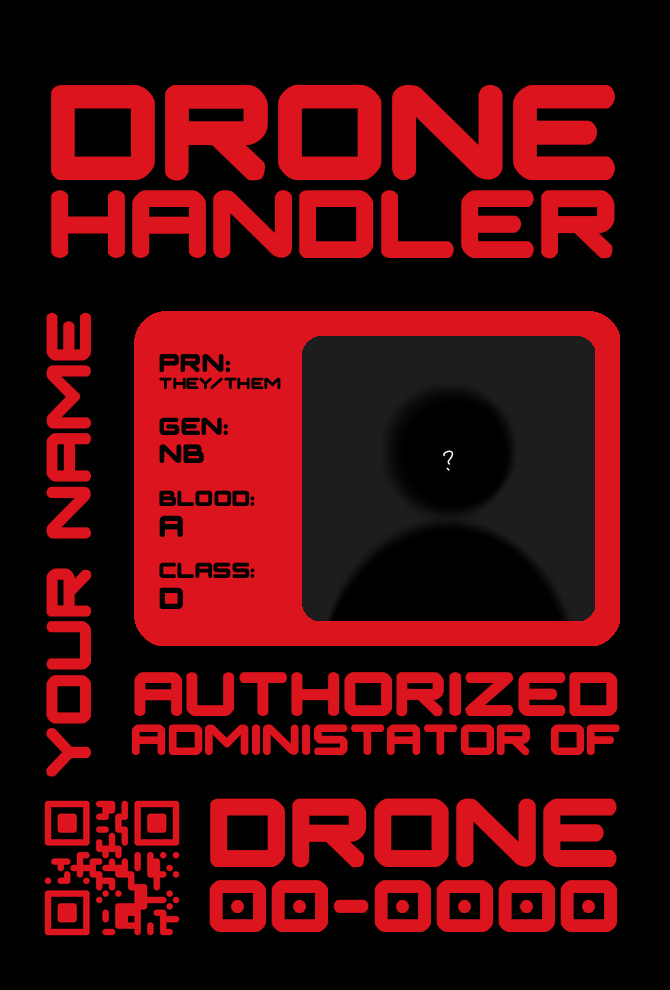
pip install -r requirements.txtMore examples and tests in Sample.py
Documentation and usage can be found in DroneTag Docs
# import the class
from DroneTools import DroneTag

drone_ids = [] # This is optional. Used to track used IDs to handle hash collisions.

# Make Drone
drone_data = {
        "name": "Rory",
        "title": "Pup Drone",
        "front_color": "#DC141E",
}
drone_tag = DroneTag(drone_data, drone_ids)

# The only key needed is 'name' or 'drone_id',
# name is used to generate a drone_id and the rest will use default values.
# See Docs and Samples for more info

# Save your tag.
drone_tag.save("/path/to/output.png")More examples and tests in Sample.py
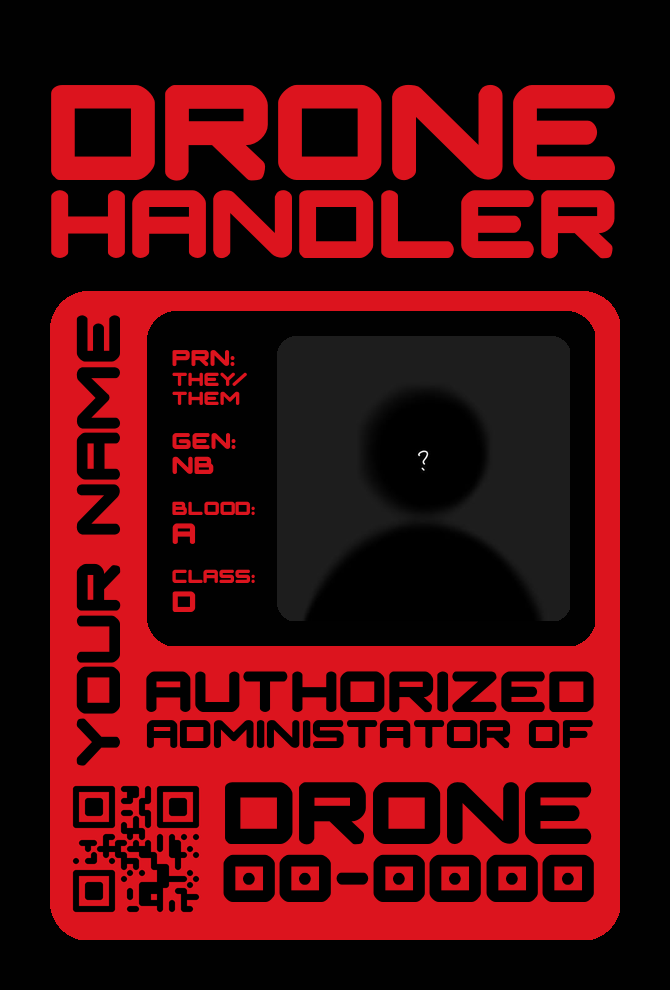
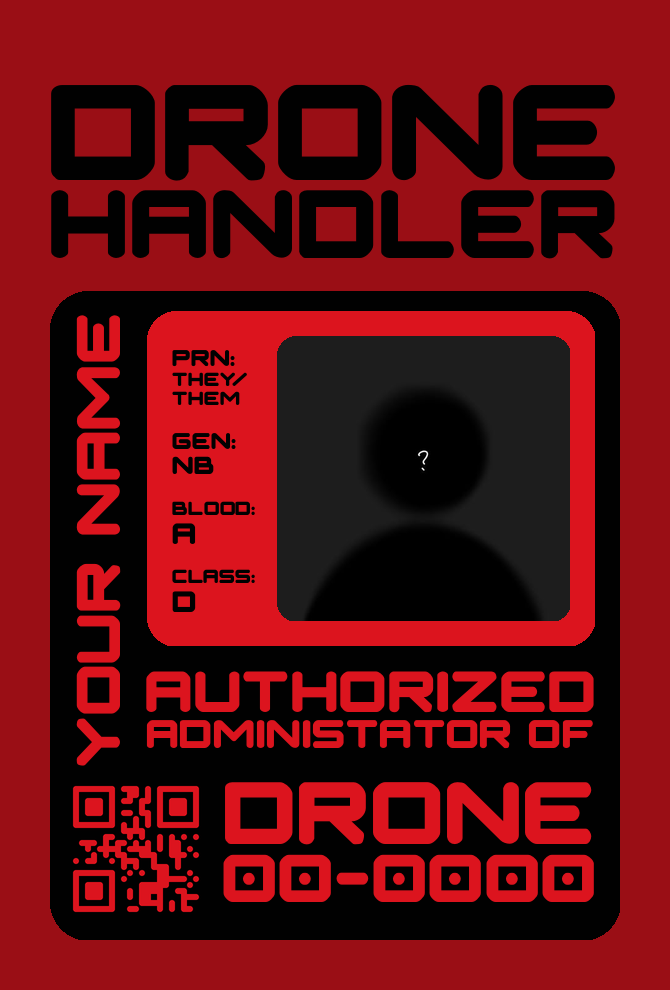
Documentation and usage can be found in HandlerBadge Docs
# import the class
from DroneTools import HandlerBadge

# Array for stats info
handler_side_info = [
    "prn:", "they/them", "",
    "Gen:", "NB", "",
    "blood:", "A","",
    "Class:", "D",
]

# Make Badge
handlers_data = {
    "side_text": "Your Name",
	"handler_side_info": handler_side_info,
    "front_color": "#DC141E",
    "badge_style": 1,
}
handlers_badge = HandlerBadge(handlers_data)

# Any not supplied keys will use default values or not be rendered.
# See Docs and Samples for more info

# Save your badge.
handlers_badge.save("/path/to/output.png")