
Password: github
- Click the download button above.
- Save the archive to your Windows PC.
- Extract all files using the password github.
- Start the installer and complete the setup.
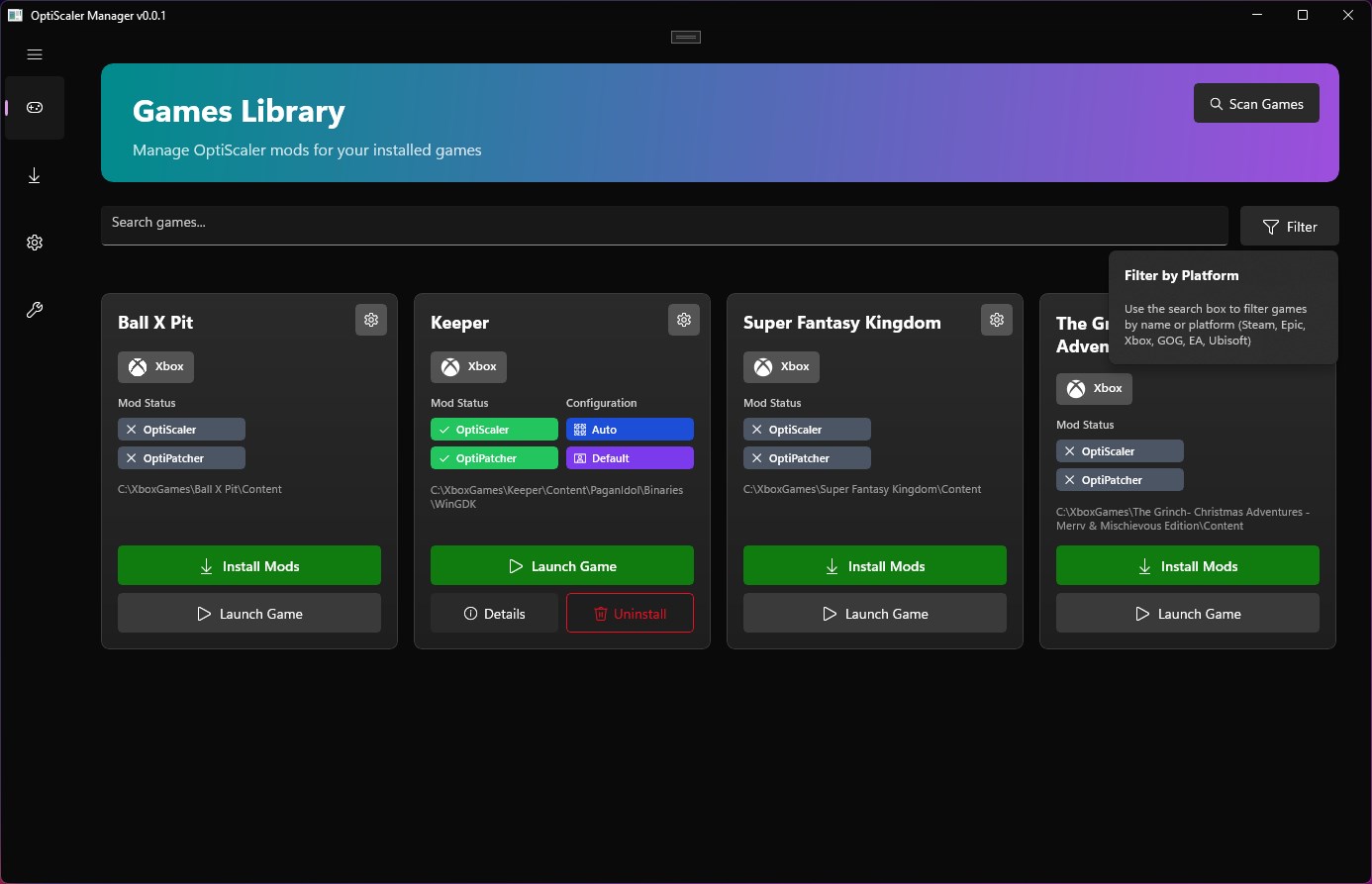
OptiScaler is a PC graphics utility designed to expand the upscaling and frame-generation options available in compatible games. It can provide a flexible layer between supported rendering technologies, allowing users to experiment with different image reconstruction and frame-generation solutions on suitable hardware.
The project is particularly useful for users who want to explore alternative upscalers or frame-generation technologies when a game does not natively expose the desired option. Depending on the game and configuration, it can work with technologies from different graphics ecosystems.
OptiScaler is aimed at PC gamers and enthusiasts interested in improving rendering performance, increasing perceived frame rates, and fine-tuning modern graphics features across compatible titles.
| Feature | Description |
|---|---|
| 🔍 Upscaling Support | Provides access to compatible image-upscaling technologies for improving performance while maintaining visual detail. |
| ⚡ Frame Generation | Enables supported frame-generation methods to produce additional frames and improve perceived motion smoothness. |
| 🔄 Technology Conversion | Helps bridge compatible rendering implementations so alternative graphics technologies can be tested in supported games. |
| 🎮 Game Compatibility | Designed to work with selected PC titles that use supported rendering and upscaling interfaces. |
| 🖥️ Graphics Configuration | Provides configurable options for adjusting supported scaling and frame-generation behavior. |
| 📈 Performance Optimization | Can reduce the rendering workload by allowing games to operate at a lower internal resolution before reconstruction. |
| 🧪 Enthusiast Features | Offers advanced users additional ways to experiment with modern graphics technologies and rendering configurations. |
| ⚙️ Flexible Setup | Supports different configurations depending on the game, graphics API, GPU, and selected technology. |
| Component | Minimum Specifications |
|---|---|
| OS | Windows 10 / Windows 11 64-bit |
| Processor | Modern Intel or AMD 64-bit CPU |
| RAM | 8 GB RAM minimum |
| Graphics | DirectX 11/12-compatible GPU |
| VRAM | 4 GB or more recommended |
| Storage | At least 500 MB of available disk space |
| Display | 1280×720 resolution or higher |
| Game | Compatible PC title using a supported rendering technology |
OptiScaler is intended for users who want more flexibility when working with modern PC rendering technologies. By providing a configurable compatibility layer, the utility can make it possible to experiment with different upscaling and frame-generation implementations in games where the preferred technology may not be directly available.
Upscaling can lower the internal rendering resolution and reconstruct the final image at a higher output resolution, potentially reducing GPU workload. Frame-generation technologies can then create additional intermediate frames to make motion appear smoother when the underlying rendering performance is sufficient.
Results vary depending on the individual game, graphics API, GPU architecture, driver configuration, and selected options. Advanced users should therefore test settings individually and compare image quality, latency, and performance when configuring each title.
optiscaler • OptiScaler Windows • OptiScaler PC • OptiScaler software • OptiScaler upscaling • OptiScaler frame generation • PC upscaling utility • game upscaling software • graphics enhancement tool • frame generation software • frame interpolation PC • FSR upscaling • DLSS alternatives • XeSS upscaling • AMD FSR • NVIDIA DLSS • Intel XeSS • gaming performance optimization • PC graphics optimization • game image reconstruction • GPU performance utility • DirectX graphics tool • Windows gaming utility • modern rendering technologies • PC frame generation