



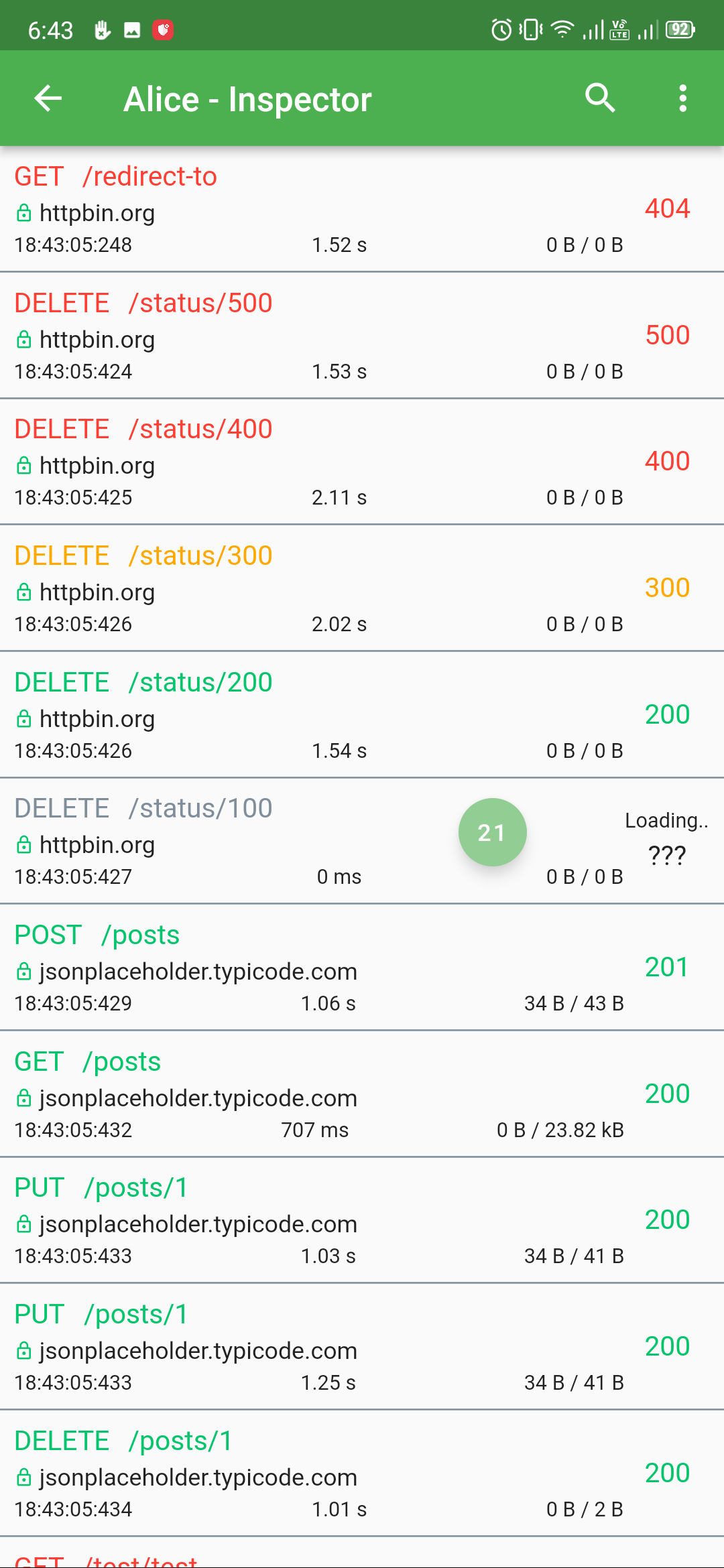
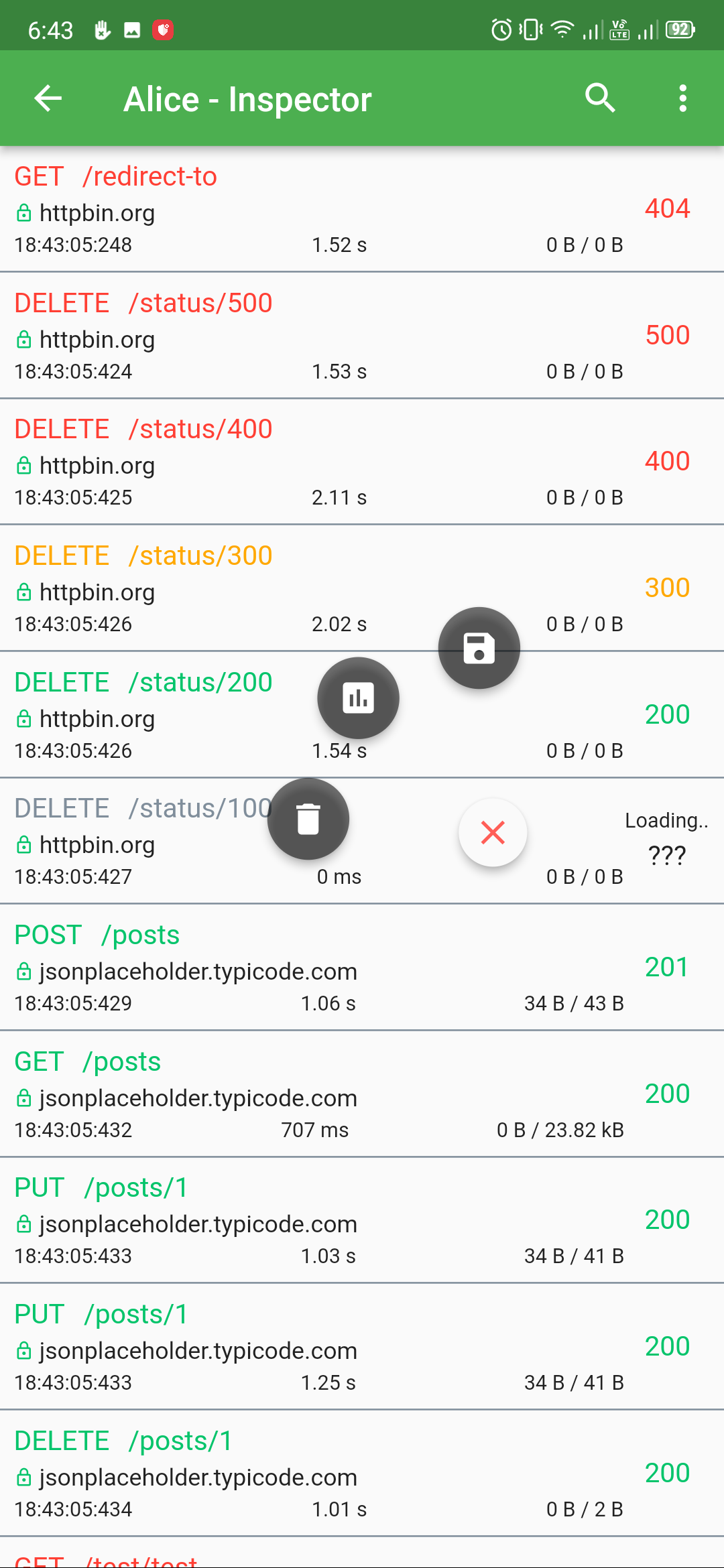
Alice is an HTTP Inspector tool for Flutter which helps debugging http requests. It catches and stores http requests and responses, which can be viewed via simple UI. It is inspired from Chuck and Chucker.
Overlay bubble version of Alice: https://github.com/jhomlala/alice
|
|
|
|
|

|
|
|

|
|

|
|
- Dio
- HttpClient from
dart:iopackage - Http from
httppackage - Generic HTTP client
Core
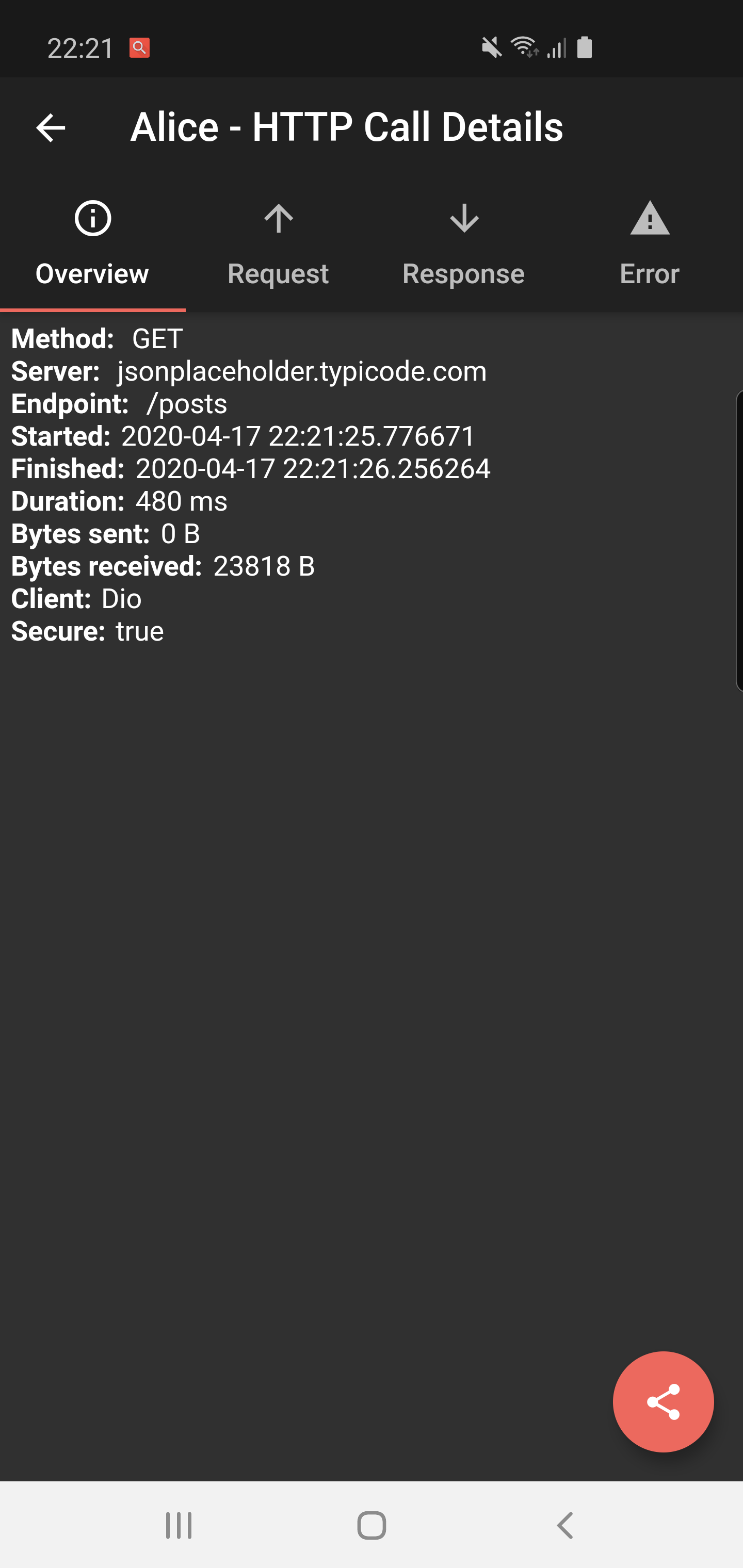
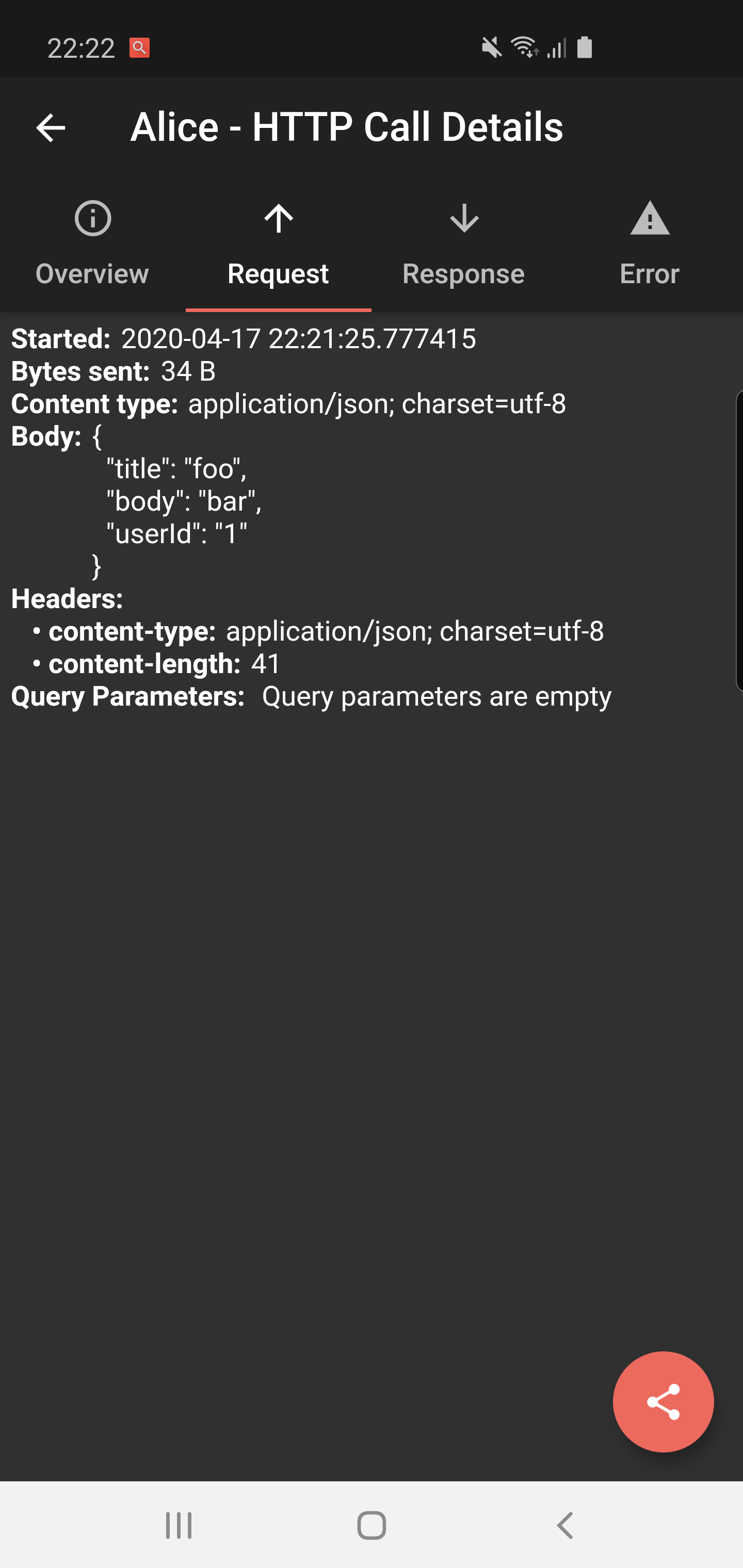
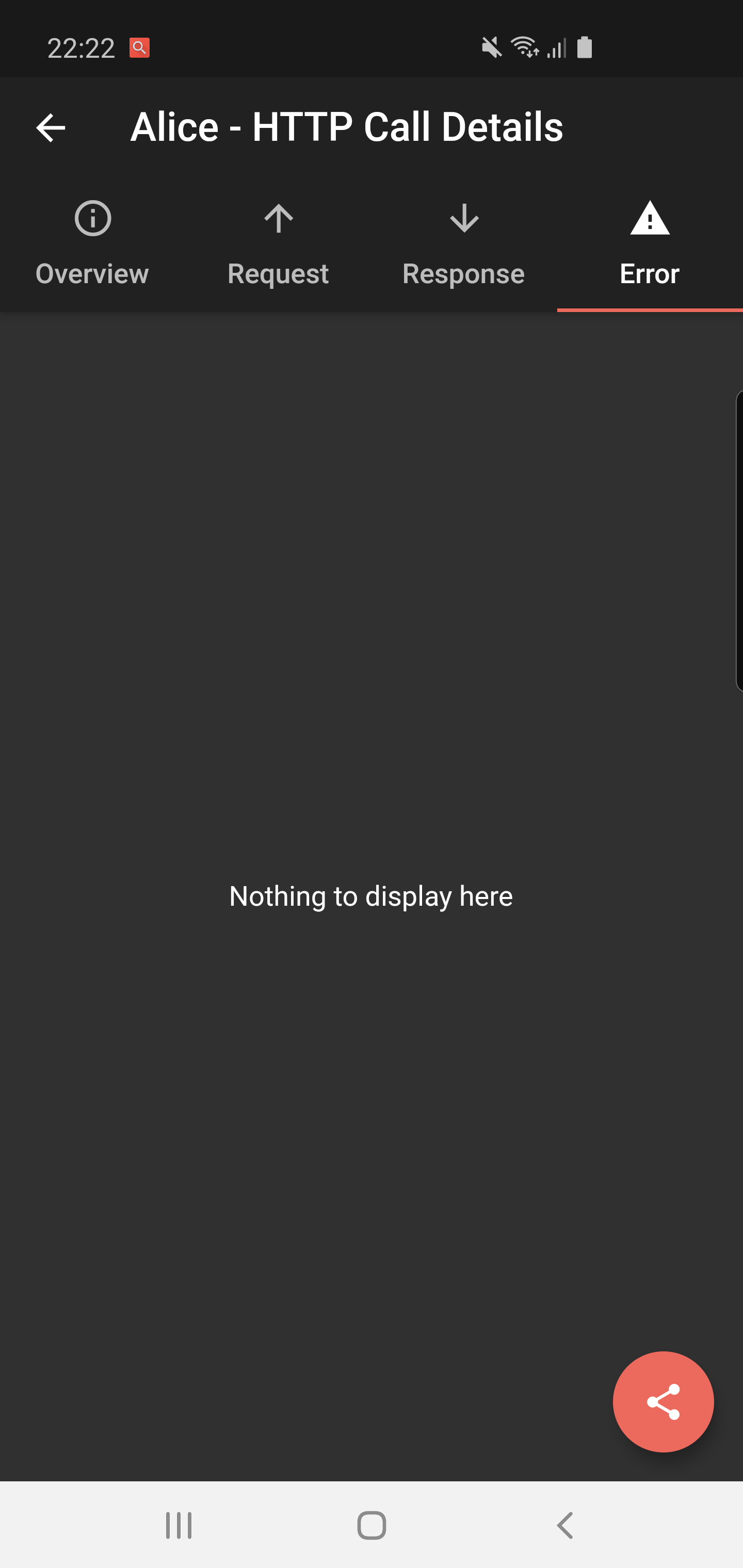
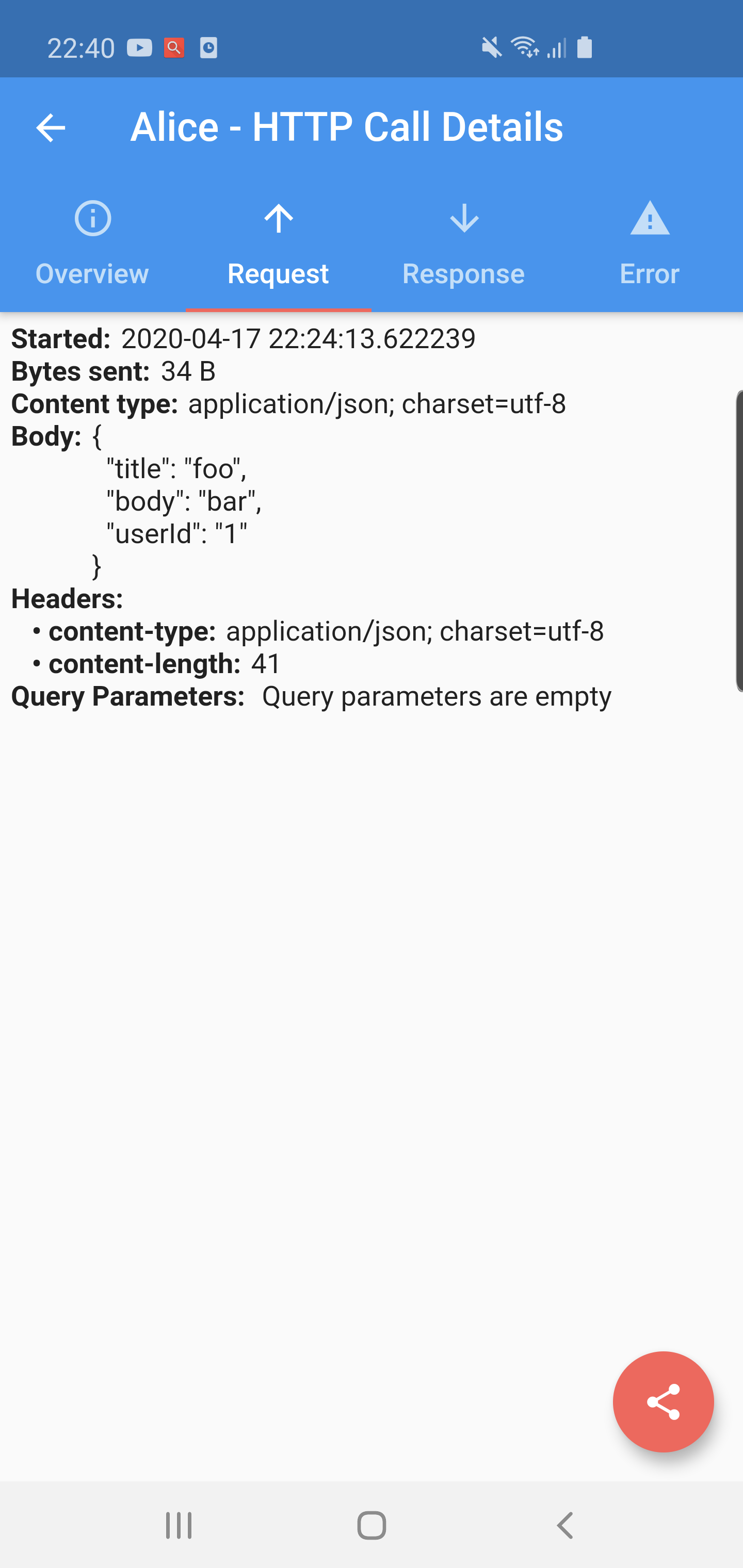
- Detailed logs for each HTTP call (request, response, error)
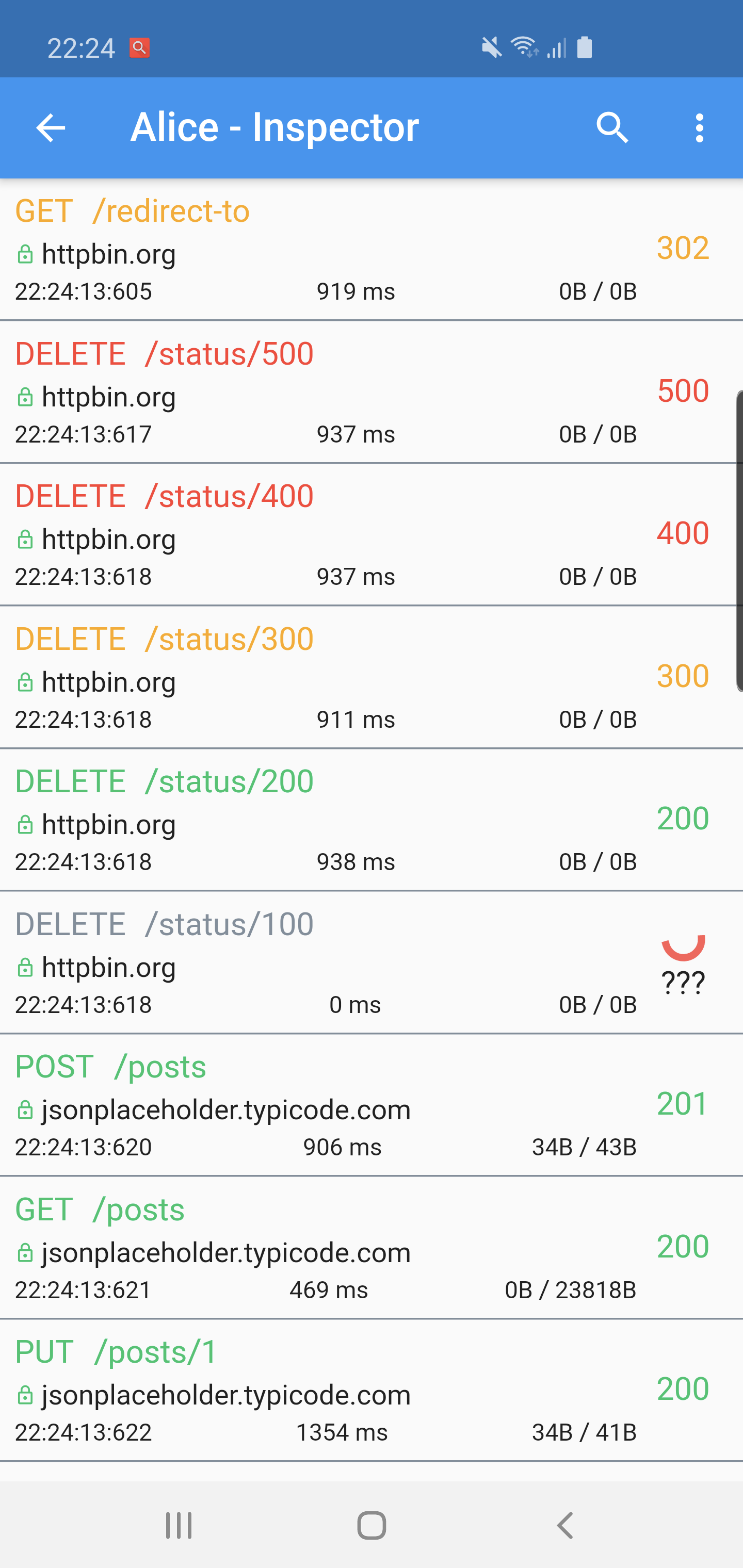
- Inspector UI for viewing HTTP calls
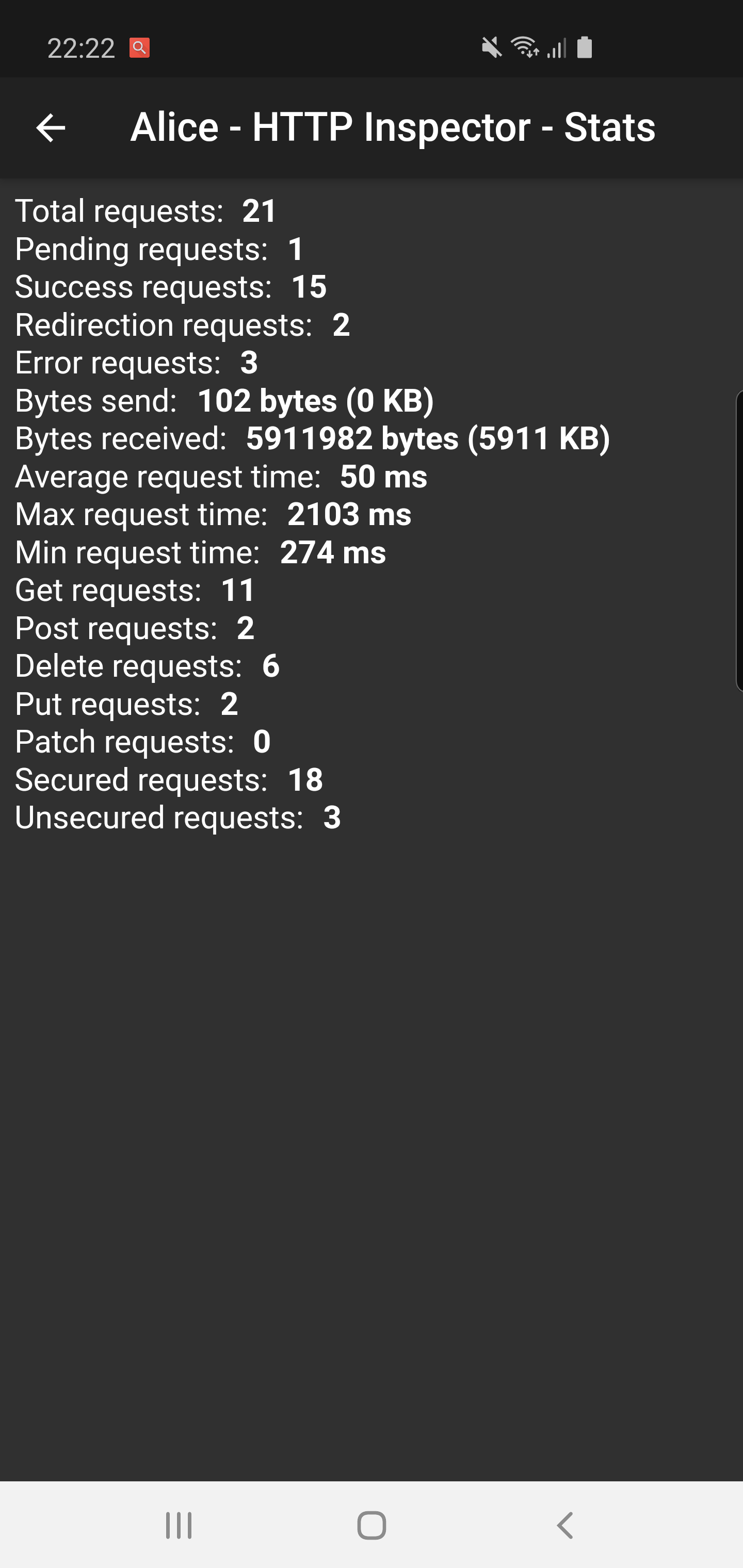
- Statistics
- Error handling
- HTTP calls search
- Bubble overlay entry
New in v2.x
- Dark theme with card-based UI design
- Dual-tab layout: Request List + Endpoint Ranking
- Endpoint ranking with multi-dimension sorting (call count, max duration, avg duration, max response size)
- Tap ranking items to copy endpoint URL
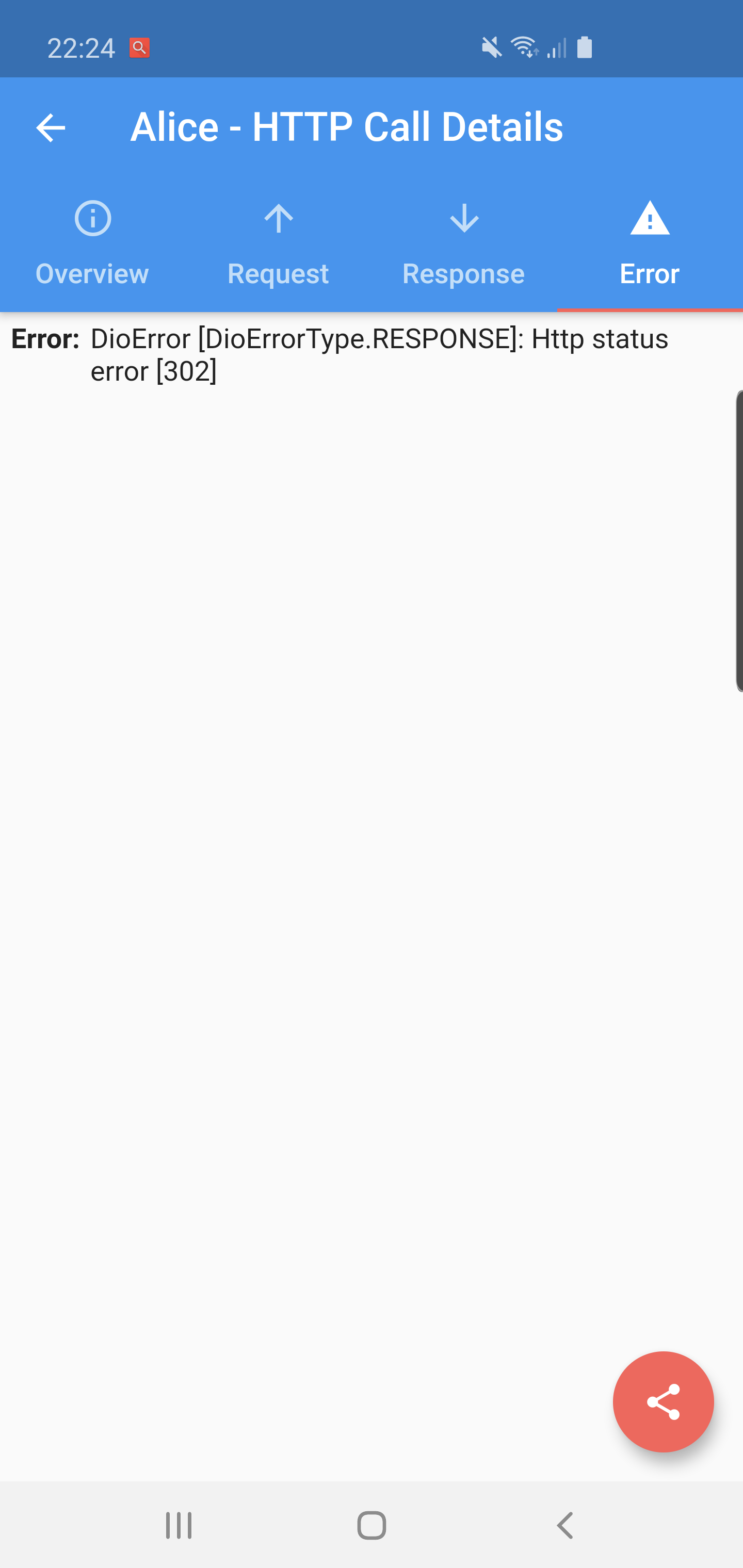
- Detail page with Overview / Request / Response / Error tabs
- Bottom sheet share menu (Copy cURL, Copy Response, Share All)
- Chinese / English internationalization (auto-detected from system locale)
- Add this to your pubspec.yaml file:
dependencies:
flutter_alice: ^2.0.1- Install it
$ flutter pub get- Import it
import 'package:flutter_alice/alice.dart';- Create Alice instance:
final navigatorKey = GlobalKey<NavigatorState>();
final alice = Alice(navigatorKey: navigatorKey);- Add navigator key to your application:
MaterialApp(
  navigatorKey: navigatorKey,
  home: YourHomeWidget(),
)
You need to add this navigator key in order to show inspector UI.
- Optional: To use bubble overlay, wrap your app with OverlaySupport:
import 'package:overlay_support/overlay_support.dart';

OverlaySupport(
  child: MaterialApp(
    navigatorKey: navigatorKey,
    home: YourHomeWidget(),
  ),
)Dio
final dio = Dio();
dio.interceptors.add(alice.getDioInterceptor());
HTTP package
Using extension methods:
import 'package:flutter_alice/core/alice_http_extensions.dart';

http
  .get(Uri.parse('https://jsonplaceholder.typicode.com/posts'))
  .interceptWithAlice(alice);

// POST with body
http
  .post(Uri.parse('https://jsonplaceholder.typicode.com/posts'), body: body)
  .interceptWithAlice(alice, body: body);
Or the standard approach:
http.get(Uri.parse('https://jsonplaceholder.typicode.com/posts')).then((response) {
  alice.onHttpResponse(response);
});
HttpClient from dart:io
Using extension methods:
import 'package:flutter_alice/core/alice_http_client_extensions.dart';

httpClient
  .getUrl(Uri.parse("https://jsonplaceholder.typicode.com/posts"))
  .interceptWithAlice(alice);

// POST with body
httpClient
  .postUrl(Uri.parse("https://jsonplaceholder.typicode.com/posts"))
  .interceptWithAlice(alice, body: body, headers: Map());
Or the standard approach:
httpClient
  .getUrl(Uri.parse("https://jsonplaceholder.typicode.com/posts"))
  .then((request) async {
    alice.onHttpClientRequest(request);
    var httpResponse = await request.close();
    var responseBody = await utf8.decoder.bind(httpResponse).join();
    alice.onHttpClientResponse(httpResponse, request, body: responseBody);
});ElevatedButton(
child: Text("Open Inspector"),
onPressed: alice.showInspector,
)
// Or call from anywhere
alice.showInspector();Alice 是一个 Flutter HTTP 调试工具,用于捕获和查看应用中的 HTTP 请求与响应。 灵感来源于 Chuck 和 Chucker。
悬浮气泡版本:https://github.com/jhomlala/alice
- Dio
dart:io的 HttpClienthttp包的 Http- 通用 HTTP 客户端
基础功能
- 每个 HTTP 请求的详细日志(请求、响应、错误)
- 请求列表查看界面
- 统计信息
- 错误捕获与展示
- HTTP 请求搜索
- 悬浮气泡入口
v2.x 新增
- 暗黑主题卡片式 UI 设计
- 双 Tab 布局:请求列表 + 接口排行榜
- 接口排行榜支持多维度排序(调用次数、最长耗时、平均耗时、最大响应体积)
- 点击排行榜条目可复制接口地址
- 详情页包含概览 / 请求 / 响应 / 错误四个 Tab
- 底部弹出分享菜单(复制 cURL、复制响应、分享全部)
- 中英文国际化(根据系统语言自动切换)
- 在 pubspec.yaml 中添加依赖:
dependencies:
flutter_alice: ^2.0.1- 安装依赖
$ flutter pub get- 导入
import 'package:flutter_alice/alice.dart';- 创建 Alice 实例:
final navigatorKey = GlobalKey<NavigatorState>();
final alice = Alice(navigatorKey: navigatorKey);- 将 navigatorKey 添加到应用中:
MaterialApp(
  navigatorKey: navigatorKey,
  home: YourHomeWidget(),
)
需要添加 navigatorKey 才能打开调试界面。
- 可选:使用悬浮气泡入口,需用 OverlaySupport 包裹应用:
import 'package:overlay_support/overlay_support.dart';

OverlaySupport(
  child: MaterialApp(
    navigatorKey: navigatorKey,
    home: YourHomeWidget(),
  ),
)Dio
final dio = Dio();
dio.interceptors.add(alice.getDioInterceptor());
HTTP 包
使用扩展方法:
import 'package:flutter_alice/core/alice_http_extensions.dart';

http
  .get(Uri.parse('https://jsonplaceholder.typicode.com/posts'))
  .interceptWithAlice(alice);

// POST 请求
http
  .post(Uri.parse('https://jsonplaceholder.typicode.com/posts'), body: body)
  .interceptWithAlice(alice, body: body);
或标准方式:
http.get(Uri.parse('https://jsonplaceholder.typicode.com/posts')).then((response) {
  alice.onHttpResponse(response);
});
dart:io 的 HttpClient
使用扩展方法:
import 'package:flutter_alice/core/alice_http_client_extensions.dart';

httpClient
  .getUrl(Uri.parse("https://jsonplaceholder.typicode.com/posts"))
  .interceptWithAlice(alice);

// POST 请求
httpClient
  .postUrl(Uri.parse("https://jsonplaceholder.typicode.com/posts"))
  .interceptWithAlice(alice, body: body, headers: Map());
或标准方式:
httpClient
  .getUrl(Uri.parse("https://jsonplaceholder.typicode.com/posts"))
  .then((request) async {
    alice.onHttpClientRequest(request);
    var httpResponse = await request.close();
    var responseBody = await utf8.decoder.bind(httpResponse).join();
    alice.onHttpClientResponse(httpResponse, request, body: responseBody);
});ElevatedButton(
child: Text("打开调试器"),
onPressed: alice.showInspector,
)
// 或在任意位置调用
alice.showInspector();This project is licensed under the Apache License 2.0 - see the LICENSE file for details.