

An alternate version of Notepad made using Java Swing
This project was made in Java 8 using Notepad++.
• Make sure you have JDK 1.8.0 or above version. (It might also work with versions 1.6 & 1.7)
• Use any IDE or command prompt to run the file
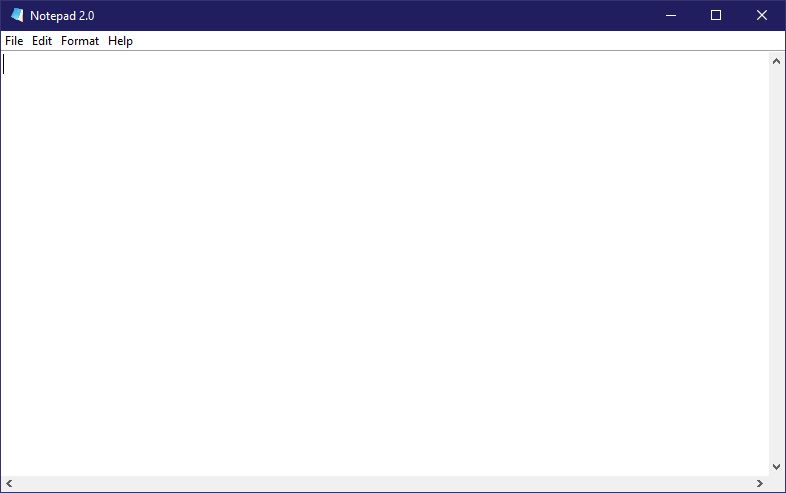
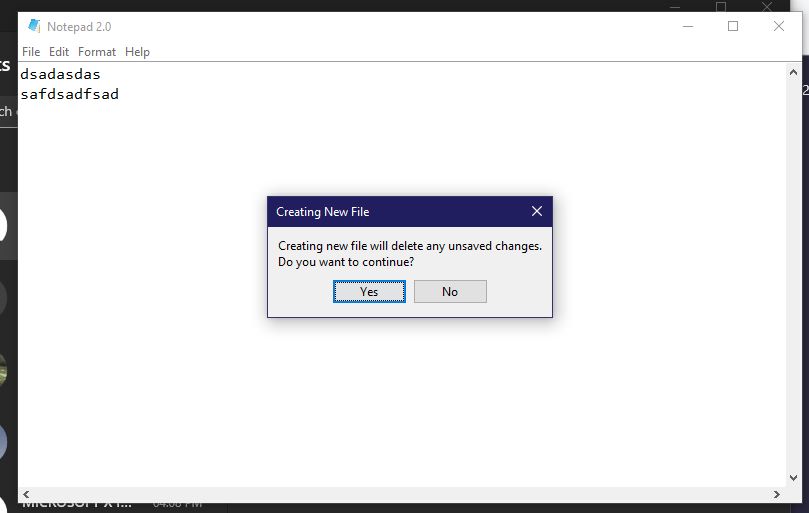
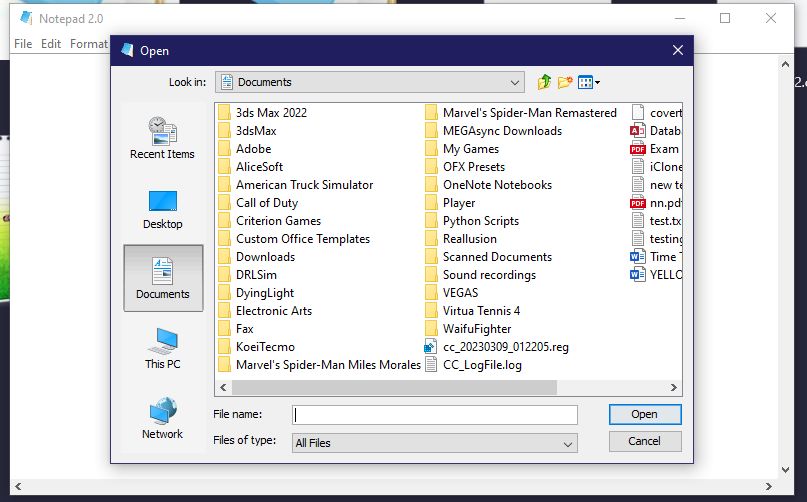
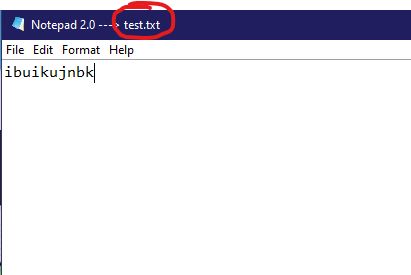
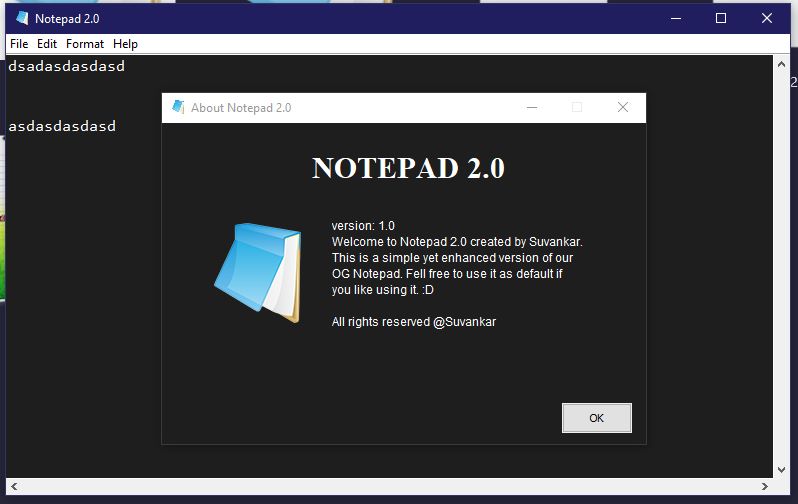
-
Import Statements:
‣ The import statements include the necessary classes for Swing components, events, file handling, printing, and more. -
Class Declaration:
‣ The class notepad2 extends the JFrame class and implements the ActionListener and ItemListener interfaces.
‣ It represents the main frame of the Notepad application. -
Variable Declarations:
‣ The code declares various variables, including components, colors, menus, menu items, icons, text areas, scroll panes, and managers. -
Constructor:
‣ The constructor initializes the main frame of the Notepad application.
‣ It sets the title, size, location, and icon of the frame.
‣ It creates a JTextArea for text input and sets its properties.
‣ It creates an UndoManager to handle undo and redo operations.
‣ It creates a JScrollPane to provide scrollbars to the text area.
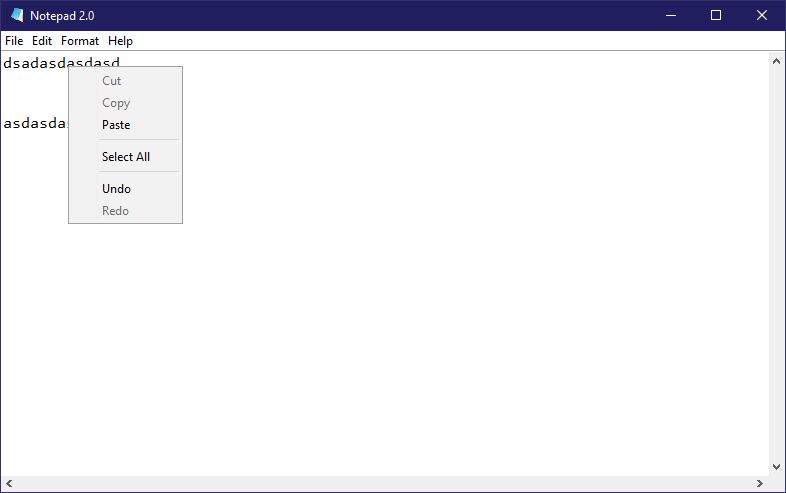
‣ It calls methods to create the menu bar, set keyboard shortcuts, and set the popup menu.
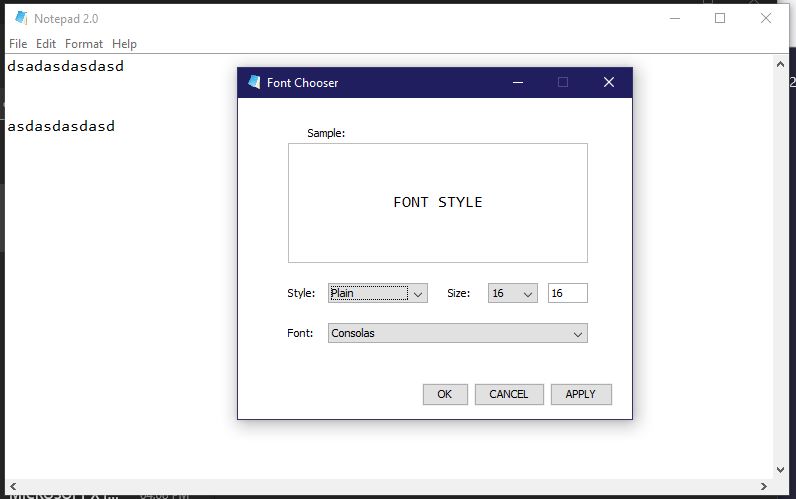
‣ It also creates additional frames for font selection and about information.
‣ Finally, it sets the default font size and family, sets the frame icon, sets the default close operation, and makes the frame visible. -
Event Handling:
‣ The actionPerformed method handles various actions performed by the user, such as clicking menu items or buttons.
‣ It uses if-else statements to determine the source of the event and executes the corresponding actions.
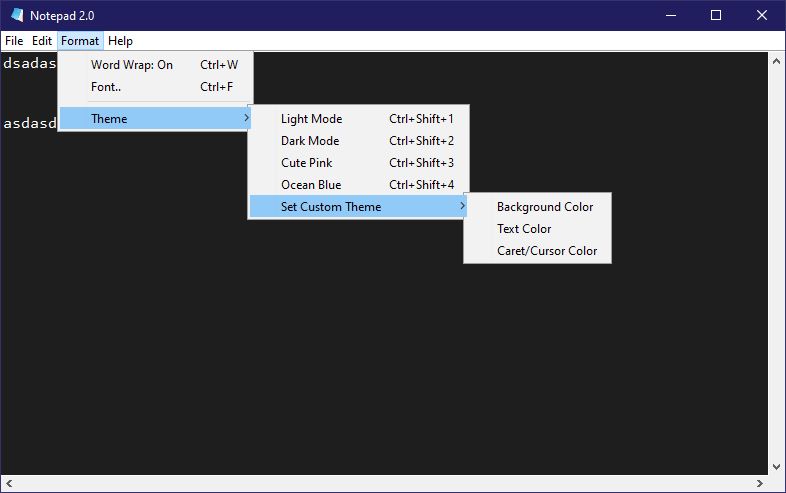
‣ Actions include creating a new file, opening a file, saving a file, printing, exiting the application, copying, cutting, pasting, undoing, redoing, selecting all text, changing the font and word wrap settings, changing themes, and more.
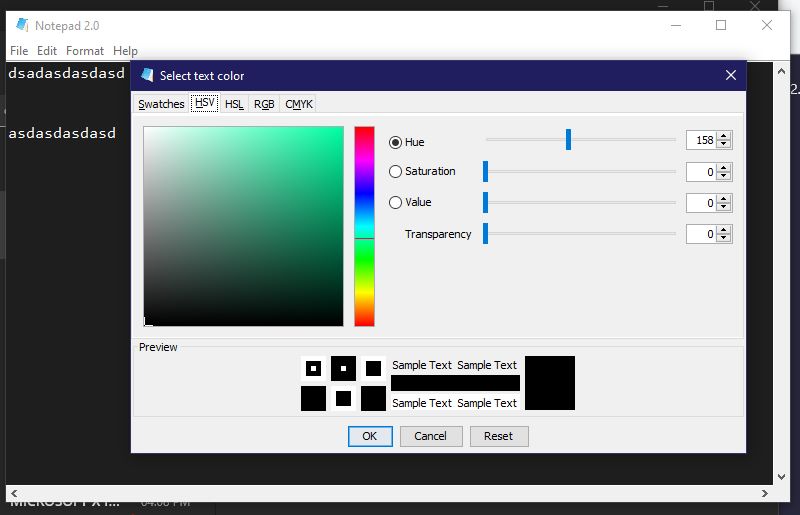
‣ Some actions involve using file choosers to select files and color choosers to select colors. -
Item State Change Handling:
‣ The itemStateChanged method handles changes in selected items, specifically in the font, style, and size selection combo boxes.
‣ It updates the sample text font and the size field accordingly. -
Menu Bar Creation:
‣ The createMenuBar method creates the menu bar and adds menus and menu items to it.
‣ Menus include File, Edit, Help, and Format.
‣ Menu items are added to the corresponding menus and linked to the ActionListener for event handling.