
Download a free Odoo 19 multi-unit barcode addon for product packaging, inner boxes, master cartons, pallets, and stock receipt scanning.
This GitHub module lets warehouse users scan one product in different package sizes and automatically convert every scan into the product's stock UoM.
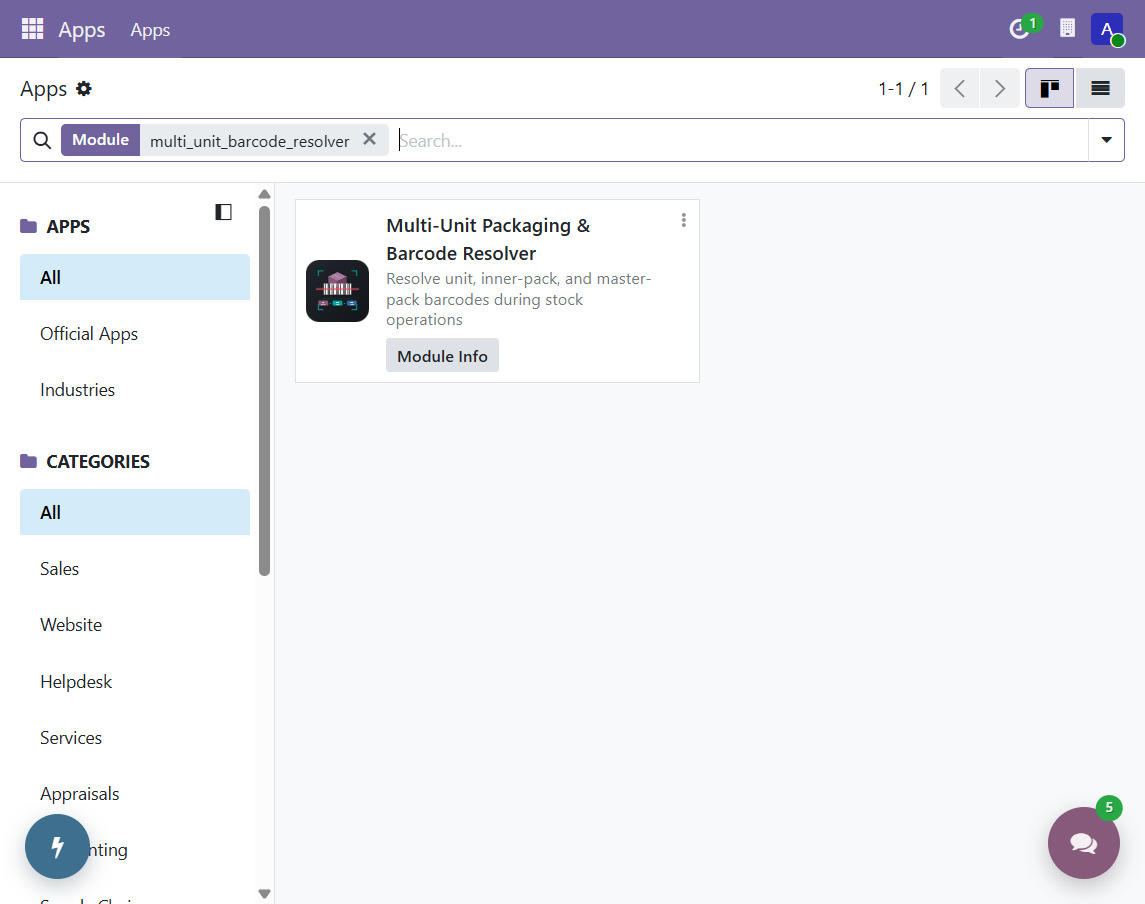
- Author: SARANG T
- Odoo version: 19.0
- License: LGPL-3
- Addon name:
multi_unit_barcode_resolver
Download the ZIP, extract the multi_unit_barcode_resolver folder into your Odoo custom addons directory, update the Apps list, and install the module.
The addon is installed and working in the local Odoo 19 database odoo19-main.
Implemented:
- Extends Odoo 19's native
product.uompackaging barcode model. - Supports single-unit product barcodes.
- Supports separate Inner Box and Master Carton / Pallet barcode levels.
- Converts every package scan into the product's stock UoM.
- Adds a
Scan Package Barcodeaction on stock transfers. - Applies valid quantities to stock move done quantities.
- Records barcode, product, packaging level, quantity, user, timestamp, and result status for every scan.
- Shows Not Scanned, Partially Scanned, Matched, and Discrepancy statuses.
- Detects short scans, over-scans, unknown barcodes, and products not belonging to the transfer.
- Blocks incoming receipt validation when package scans are present but do not match the receipt demand.
- Adds package-level metadata and converted stock-unit previews to the Packaging Barcodes list.
- Includes a temporary scan wizard for repeated warehouse barcode scans.
- Includes the supplied SVG scanner artwork as the module icon.
The addon has passed:
- Python compilation.
- XML parsing.
- Odoo module installation and upgrade.
- Four Odoo transaction tests with zero failures and zero errors.
- Barcode resolution for unit, inner-box, and master-carton/pallet barcodes.
- Quantity conversion and move-line quantity application.
- Over-scan logging without inflating the applied stock quantity.
- Incoming receipt validation blocking for incomplete or discrepant scans.
- Install the addon from Apps, or update it with
-u multi_unit_barcode_resolver. - Open a storable product and configure its additional UoMs/packagings.
- Open the product's Packaging Barcodes list and assign a barcode to each packaging UoM.
- Set
Packaging LeveltoInner BoxorMaster Carton / Pallet. - Open an incoming receipt, outgoing delivery, or internal transfer.
- Click
Scan Package Barcodeand scan the product, inner-box, or master-pallet barcode. - Review the Packaging Scans tab and resolve any partial or discrepancy status before validating an incoming receipt.
The barcode on the product itself resolves as one single stock unit. A packaging barcode resolves using the conversion from its Odoo 19 UoM to the product's stock UoM.
For a product with Unit(s) as its stock UoM:
- Unit barcode = 1 stock unit.
- Inner Box UoM with a factor of 12 = 12 stock units per scan.
- Master Carton / Pallet UoM with a factor of 144 = 144 stock units per scan.
A receipt for 24 units can therefore be completed by scanning the 12-unit inner-box barcode twice.
This version intentionally uses Odoo's standard stock move quantity and validation flow. It does not yet create a separate physical stock.package record for every barcode scan, parse GS1 variable-weight data, integrate with the optional stock_barcode mobile client, or print labels.
Odoo 19 barcode addon, multi-unit barcode for Odoo, Odoo product packaging barcode, inner box barcode, master carton barcode, pallet barcode, stock receipt barcode scanning, Odoo inventory barcode module, and GitHub Odoo 19 addon.