
An intelligent, fully conversational financial memory system.
Control your lending, borrowing, expenses, income, and transfers through pure natural language right from your terminal.
View on PyPI
·
Report Bug
·
Request Feature


- About The Project
- Getting Started (For Users)
- Documentation & Features
- Local Development (For Contributors)
- License
Tracking finances shouldn't require complex spreadsheets, clunky UIs, or manual data entry. WhatsMyNote brings the power of state-of-the-art Large Language Models (LLMs) directly to your terminal.
Just type what happened naturally. The AI will instantly parse your intent, validate the transaction using a Human-in-the-Loop mechanism (if it's complex), and persist it securely to your database.
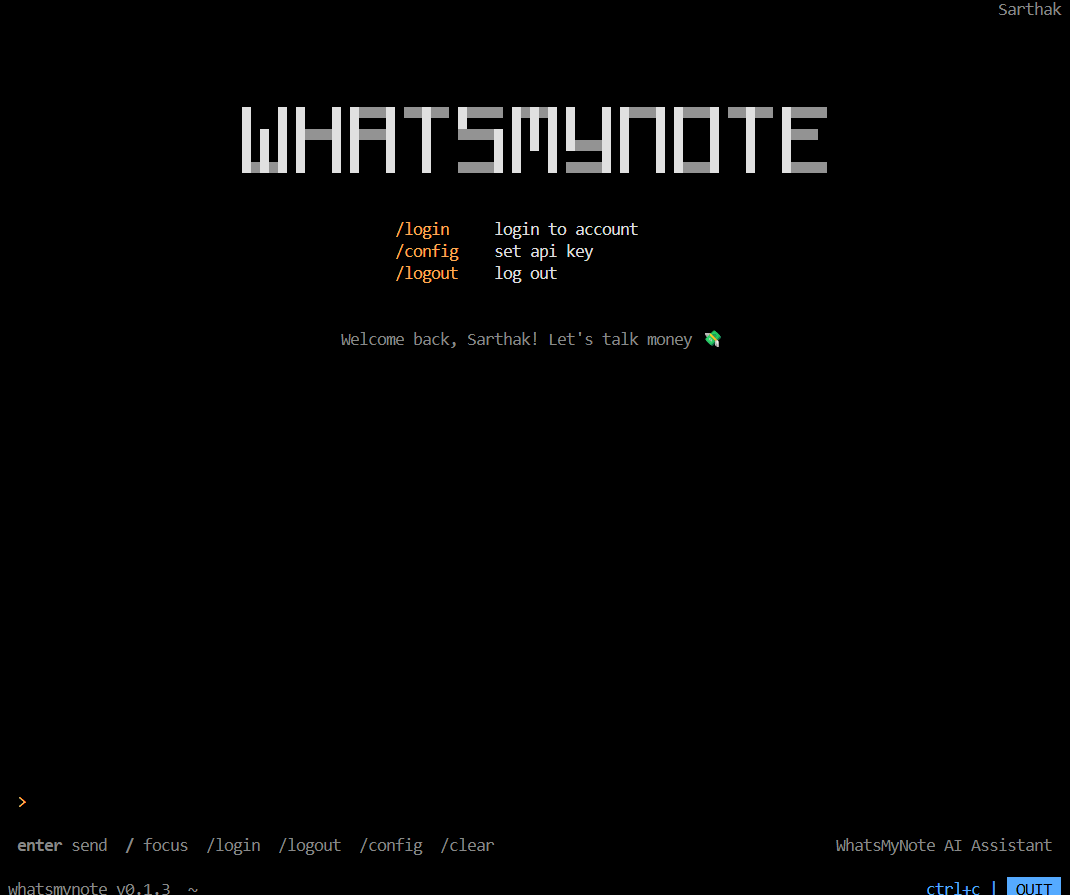
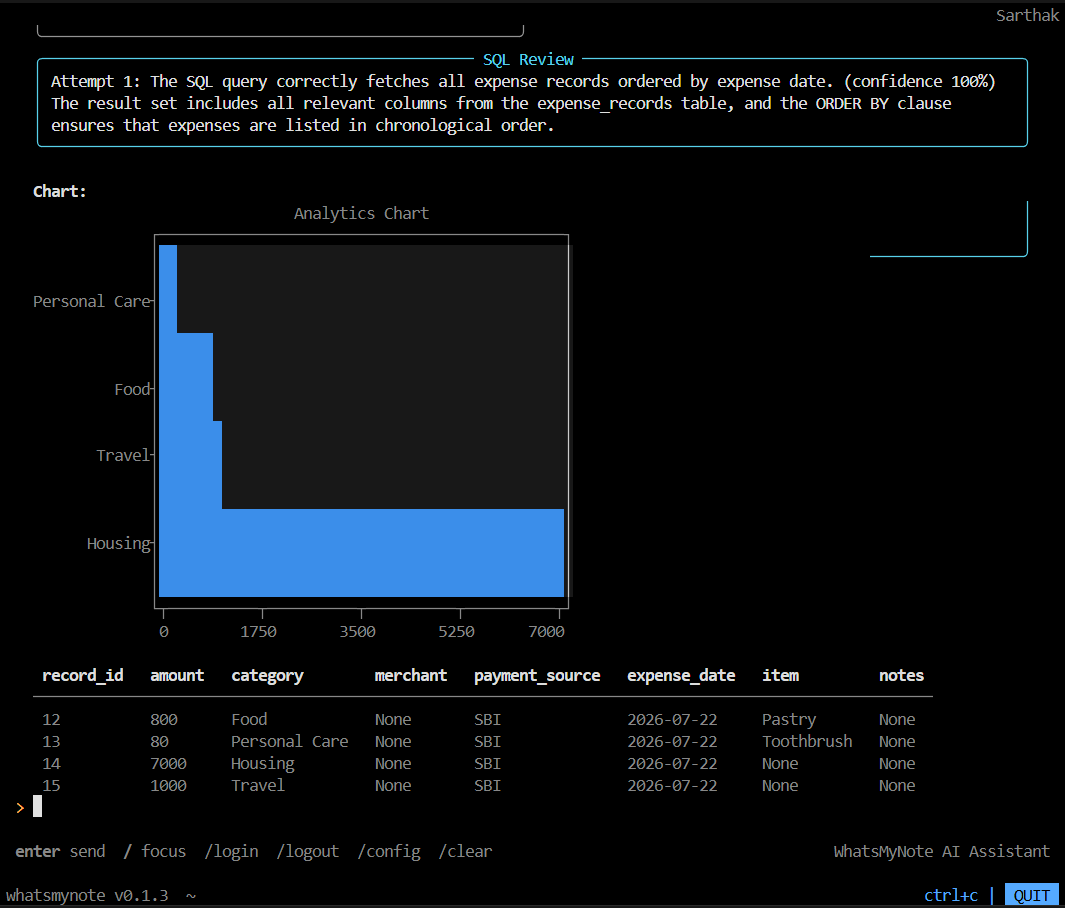
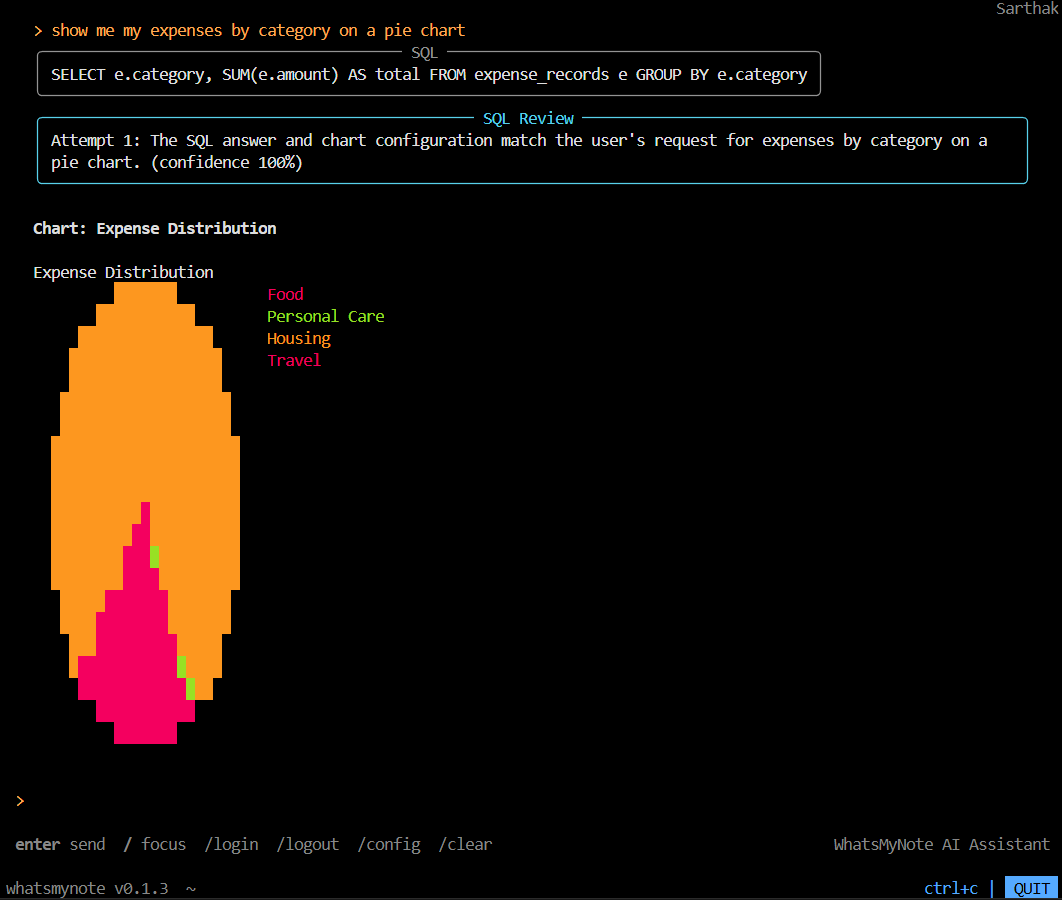
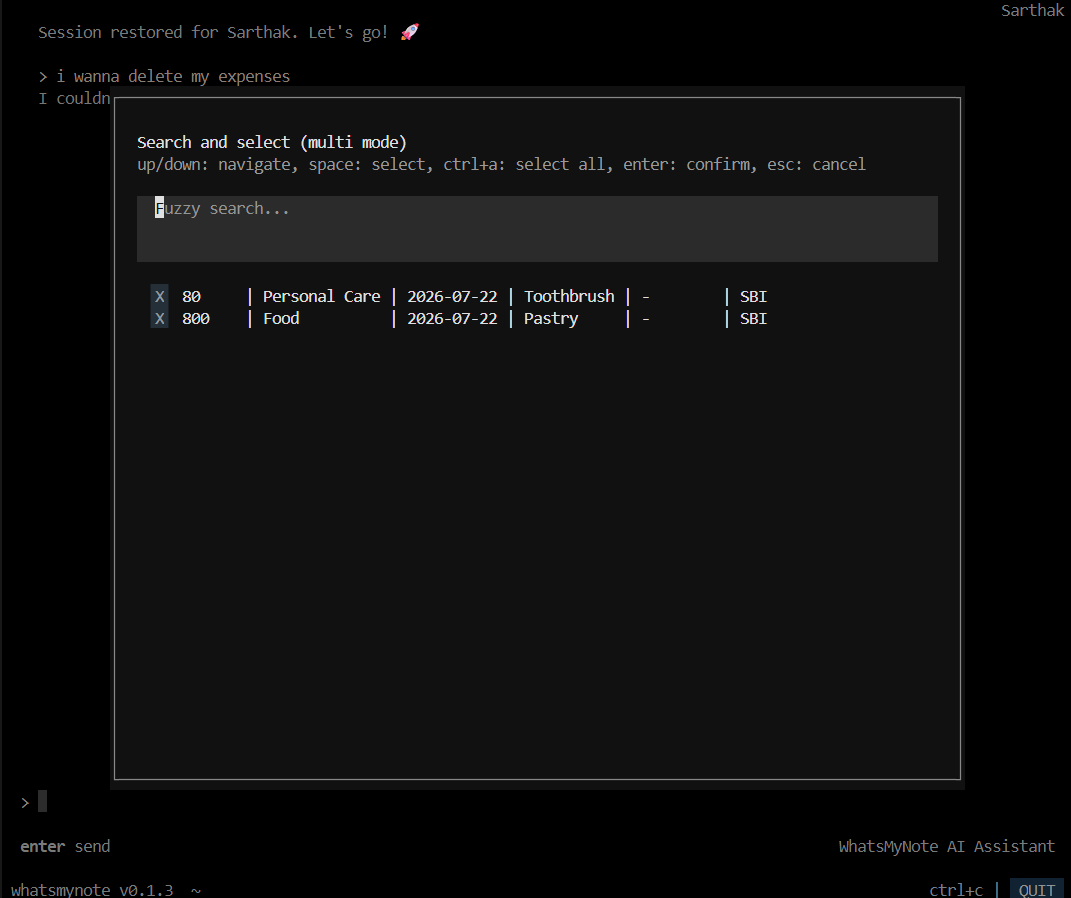
Say goodbye to manual tracking:
"I spent $15 on coffee today using my HDFC account."
"My friend John borrowed $50 from me for lunch."
"Show me my expenses for this month as a chart."
WhatsMyNote uses a powerful Multi-Agent Architecture powered by LangGraph. A Supervisor agent routes your query to the exact specialist agent needed to handle your request.
graph TD
    User([User CLI Input]) --> Supervisor[Supervisor Agent]

    Supervisor -->|Routing| Classifier[Classifier Agent]
    Classifier -->|Classified Intent| SpecialistAgents

    subgraph SpecialistAgents[Specialist Agents]
        AccountAgent[Account Agent]
        BudgetAgent[Budget Agent]
        ExpenseAgent[Expense Agent]
        IncomeAgent[Income Agent]
        LendingAgent[Lending Agent]
        TransferAgent[Transfer Agent]
    end

    SpecialistAgents --> Validate{Human-in-the-Loop Validation}

    Validate -->|Requires Details| Clarify[Ask User for Details]
    Clarify --> User

    Validate -->|Confirmed| DB[(PostgreSQL Database)]

    Supervisor -->|Analytics Query| SQLAgent[Text-to-SQL Agent]
    SQLAgent --> DB
    DB --> SQLAgent
    SQLAgent --> Output([CLI Rich Chart / Table])

    DB --> Output([Success Message])
- Language: Python
- AI/LLM Framework: LangGraph, LangChain, Groq (Llama-3)
- Data Validation: Pydantic
- Database & Persistence: SQLAlchemy & PostgreSQL (hosted on Render/Supabase)
- Authentication: Supabase OAuth (Google/GitHub)
- CLI UI: Textual (with native Rich rendering)
Deep Dive: Check out the Core Concepts & Architecture page for a full breakdown of the multi-agent system.
The recommended way to install WhatsMyNote is directly from PyPI. Ensure you have Python 3.11+ installed.
# We highly recommend using uv for lightning-fast installation!
uv tool install whatsmynote

# Or standard pip:
pip install whatsmynoteAfter installing, simply type the command below in your terminal:
whatsmynote- You will be prompted to log in via your browser using Supabase (Google/GitHub).
- The CLI will securely store your token locally.
- The AI will guide you through setting up your first Default Account and your monthly Budgets.
- You are ready to chat!
Full Guide: Read the Getting Started Guide for detailed CLI examples and screenshots.
WhatsMyNote supports an extensive array of financial primitives. Dive into the detailed documentation for each capability below:
| Feature | Description |
|---|---|
| Accounts | Manage multiple bank accounts, cash wallets, and set defaults. |
| Budgets | Track your spending limits across categories (e.g., Food, Rent). |
| Expenses | Log spending, automatically categorized against your budgets. |
| Income | Track your salary, freelance gigs, and incoming funds. |
| Lending & Borrowing | Never forget who owes you money, and who you owe. |
| Transfers | Move money seamlessly between your own accounts. |
| Analytics (Text-to-SQL) | Ask the AI complex questions ("What did I spend on Food last week?") and it will instantly write and execute secure SQL to show you beautiful charts. |
If you'd like to contribute to the codebase or run the backend completely locally, you'll need uv installed.
-
Clone the repo:
git clone https://github.com/SarJ2004/WhatsMyNote.git cd WhatsMyNote -
Environment Setup:
cp .env.sample .env
You will need to provide your own
GROQ_API_KEYand Supabase keys in the.envfile.Important: For
DATABASE_URL, use the Supabase Direct connection (Port 5432 or Session mode). Do NOT use the Transaction Pooler (Port 6543), as it breaks SQLAlchemy schema migrations during initial setup. -
Install Dependencies:
uv pip install -e . -
Run the Backend locally:
uv run uvicorn backend.main:app --reload
-
Test the CLI: Open a new terminal window, ensure
ENV="dev"is in your.env, and run:uv run whatsmynote
Distributed under the MIT License. See LICENSE for more information.