Highlights new items and presets in edit mode.
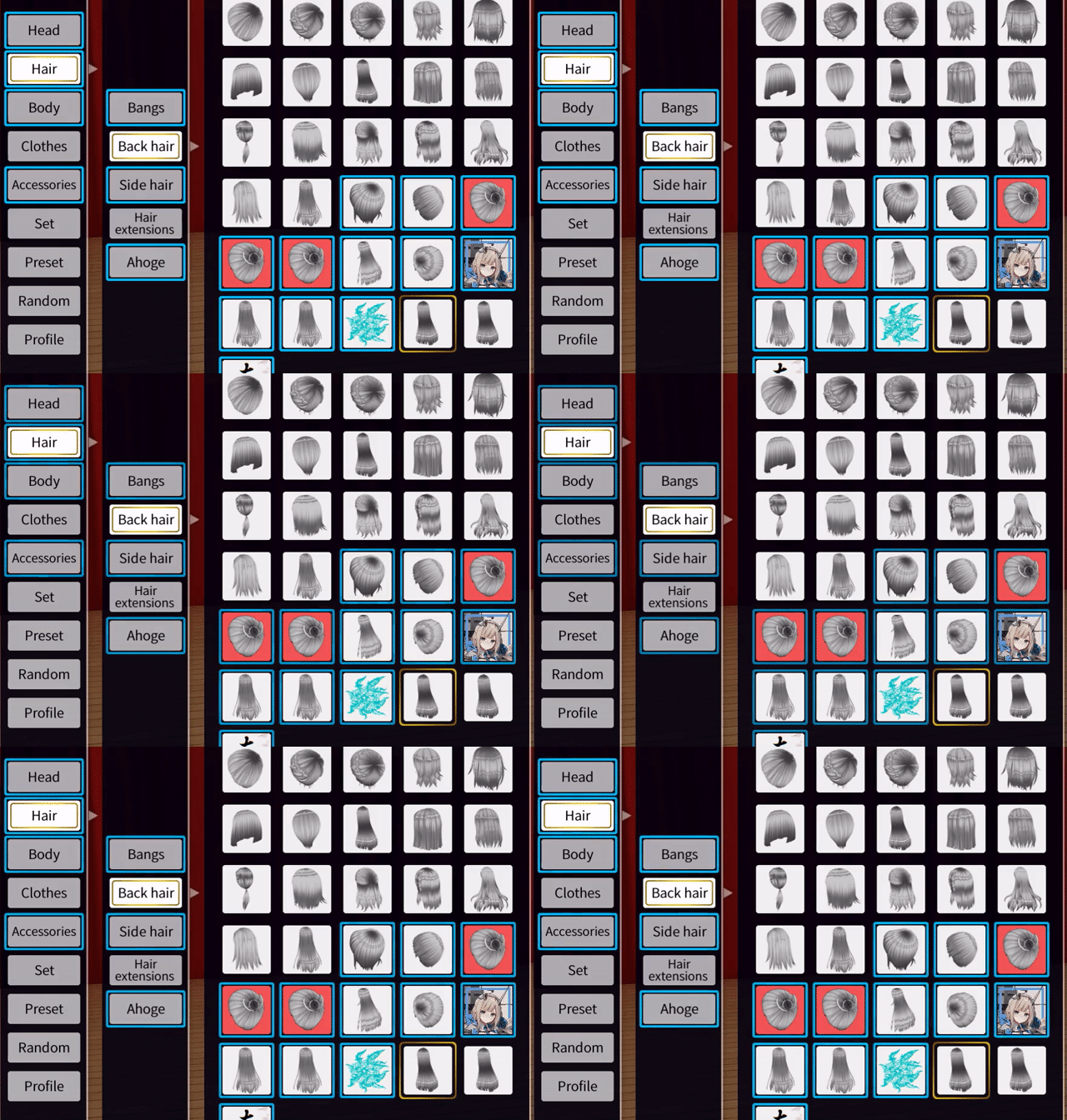
Settings are found in BepInEx\config\net.perdition.com3d2.editmodehighlights.cfg and may be modified directly or by using a BepInEx configuration manager.
By default, highlights are removed when an item or preset is equipped. This behavior is controlled via the MarkSeenPreference.
CategoryLoad- When opening a category (such as Shoes), all items within are instantly marked as seen. Highlights remain until the next time the category is opened.MouseHover- Items are marked as seen when moving the mouse cursor over them.Click- Items are marked as seen when equipping them. (default)
Items that are removed and later readded are once again highlighted. For improved compatibility with ExtendedPresetManagement, the same does not apply to presets, which are permanently marked as seen. (on a filename basis)
Get the latest version from the release page. Extract the archive contents into the root of your game directory.