This script is designed to execute commands or programs as administrator using Digispark board.
Important Note: If the program does not work on your device, try changing the delays in the code, the time of execution of certain actions directly depends on the speed of your computer.
Download Arduino IDE and setup it using this tutorial on Youtube
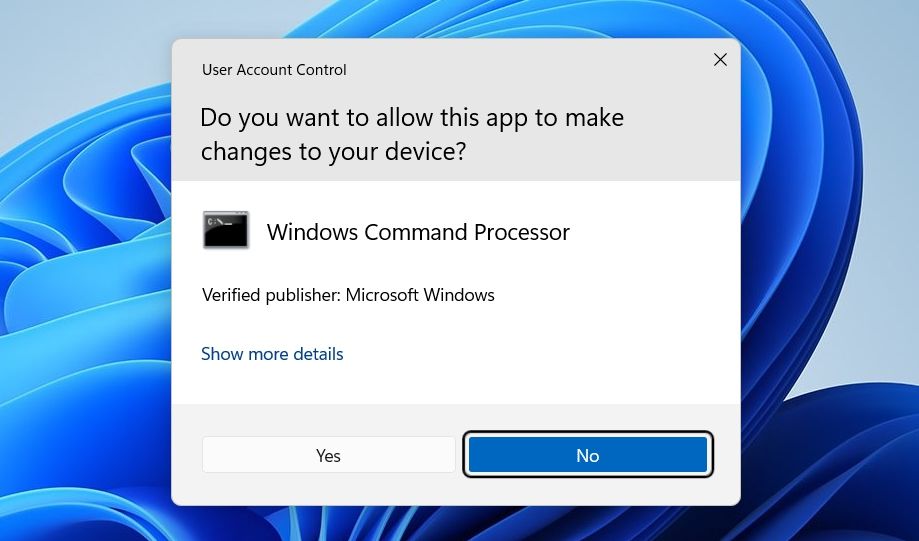
It calls the execution window (Win+R) and requests administrator rights by pressing Ctrl+Shift+Enter. Then the right arrow button and enter is used to confirm.
The script uses the right arrow button and the enter button for the startup confirmation window, as shown below