Testing page

.png)
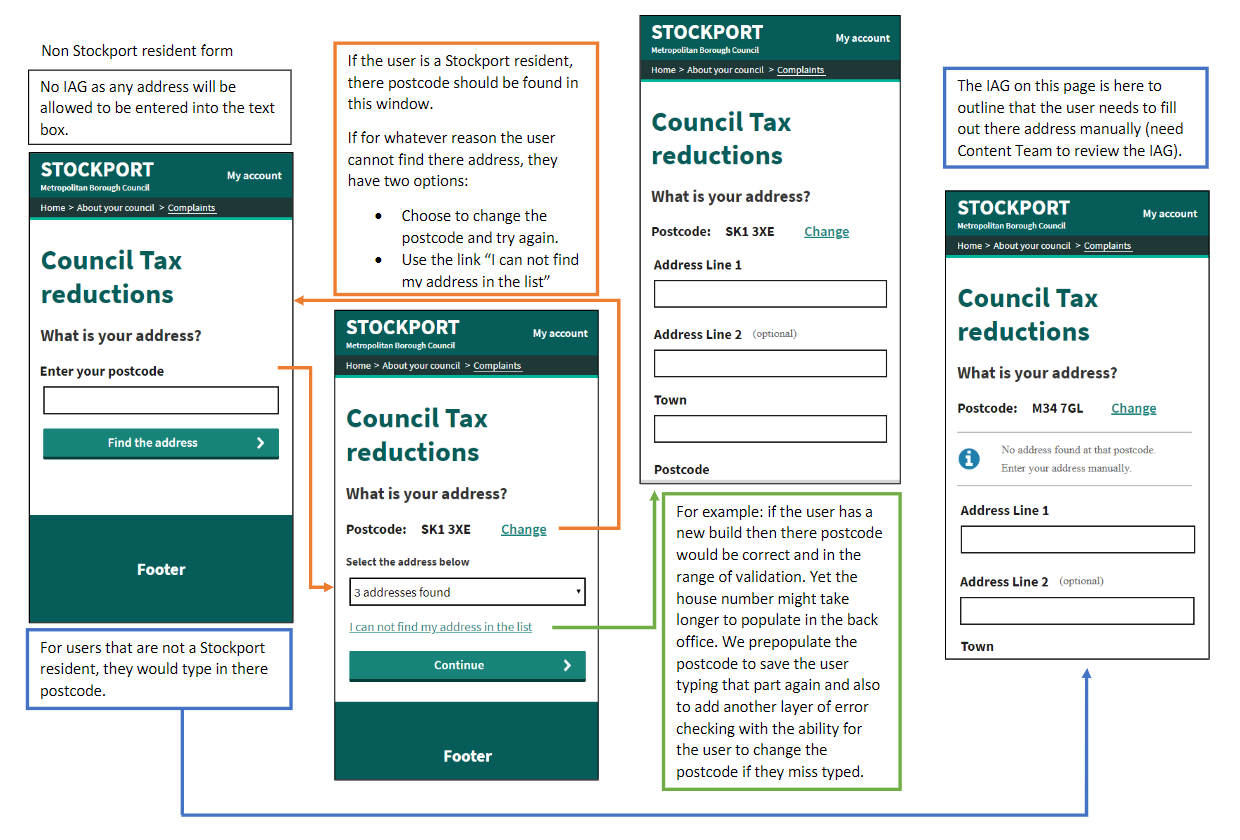
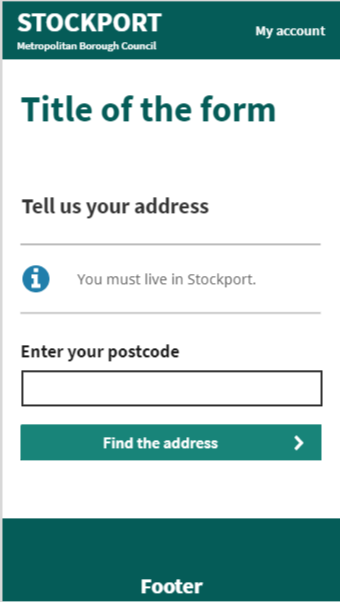
This component is the main heading of the current page, which lets the user know what information is being asked for or provided.
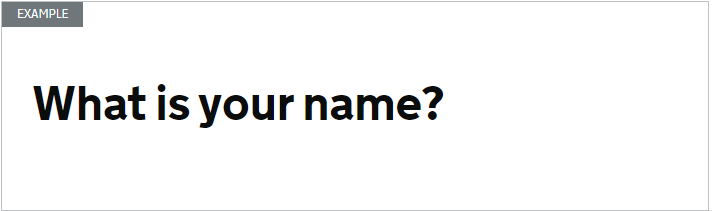
Use a page heading on every page.
You can also include a section heading if it helps the user know where they are in a service. For example, in long services and those with more than one section.
Every page must have a main heading coded as an <h1>.
For accessibility reasons, if you use a section heading, it should be coded as a paragraph <p> tag inside a <header>.
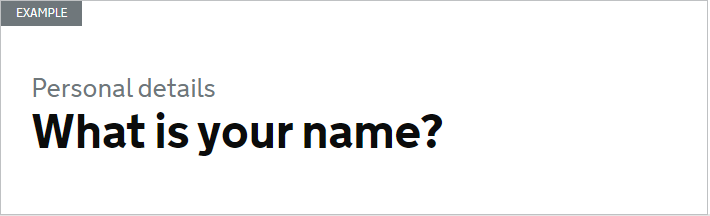
<header class="page-heading">
  <h1 class="heading-xlarge">What is your name?</h1>
  <p class="heading-secondary"><span class="visuallyhidden">This section is </span>Personal details</p>
</header>
<header class="page-heading">
<h1 class="heading-xlarge">What is your name?</h1>
<p class="heading-secondary"><span class="visuallyhidden">This section is </span>Personal details</p>
</header>
This makes sure that when using screen readers and other assistive technologies, the page heading and the section heading are:
- separate
- in the correct source order
- displayed the correct way
- read out the correct way
Change or remove any visually hidden content to meet your users’ needs.
The recommended code has been tested with screen reader users and all browsers, devices and assistive technologies. Research showed it:
- displayed as expected
- worked consistently across different assistive technologies
- helped users know where they were in the service
- did not distract users from their task
We need more research. If you have used the page heading and section heading, get in touch to share your research findings.