
🌐 Company Site - Here
🤗 Hugging Face - Here
🛟 Help Center - Here
🐳 Docker Hub - Here
Ready in ~10 minutes (after AAR download): Drop
facelivenessdk.aarintolibfacesdk/→ Run on a phone Jump: Quick start · Get the AAR · Run the demo · Setup · About SDK
- Clone
https://github.com/Faceplugin-ltd/FaceLivenessDetection-Android - Download
facelivenessdk.aarfrom Google Drive - Place it in
libfacesdk/(next tolibfacesdk/build.gradle) - Open this folder in Android Studio → Run on a physical phone
- Home status shows Ready → Liveness / Settings / About unlock
Your own app? Skip to Setup on your own app. Full API: doc.faceplugin.com.
FacePlugin Face Liveness Detection SDK for Android is a fully on-device anti-spoofing engine for KYC and remote identity verification. It detects printed photos, video replay, 3D masks, and deepfake-style attacks — no extra hardware, no cloud.
All processing stays on the phone. No biometric data leaves the device.
This repository is the Android demo app. Runtime is libfacesdk/facelivenessdk.aar (download from Google Drive). No other FacePlugin repository is required.
| Demo tile | What it does |
|---|---|
| Liveness | Live camera anti-spoofing with face box + track / liveness / luminance HUD |
| Settings | Camera lens (front / back), liveness threshold |
| About | FacePlugin Face Liveness SDK — on-device anti-spoofing |
| Platform | Repository |
|---|---|
| Android (Recognition) | FaceRecognition-Android |
| iOS (Recognition) | FaceRecognition-iOS |
| React Native (Recognition) | FaceRecognition-React-Native |
| Flutter (Recognition) | FaceRecognition-Flutter |
| Ionic Capacitor (Recognition) | FaceRecognition-Ionic-Capacitor |
| Ionic Cordova (Recognition) | FaceRecognition-Ionic-Cordova |
| Windows (Recognition) | FaceRecognition-Windows |
| Linux / Docker (Recognition) | FaceRecognition-Docker |
| Android (Liveness) | FaceLivenessDetection-Android (this repo) |
| iOS (Liveness) | FaceLivenessDetection-iOS |
| Windows (Liveness) | FaceLivenessDetection-Windows |
| Linux / Docker (Liveness) | FaceLivenessDetection-Docker |
| Step | What you need |
|---|---|
| 1 | Android Studio + a real device (emulator is not recommended) |
| 2 | facelivenessdk.aar in ./libfacesdk/ — see Get the AAR |
| 3 | Demo license is already in the repo for com.faceplugin.faceliveness. Request a new key only if you change applicationId — see SDK License |
| Item | Minimum | Recommended |
|---|---|---|
| Android | API 24 (7.0) | API 29 (10) or newer |
| ABI | arm64-v8a, armeabi-v7a |
arm64-v8a |
| Camera | Front or rear | Physical device |
libfacesdk/facelivenessdk.aar is empty on GitHub because the binary is too large.
FaceLivenessSDK Android (Google Drive)
git clone https://github.com/Faceplugin-ltd/FaceLivenessDetection-Android.git
cd FaceLivenessDetection-Android
Download facelivenessdk.aar and put it here:
FaceLivenessDetection-Android/
└── libfacesdk/
    ├── build.gradle
    └── facelivenessdk.aar
- Open this folder in Android Studio.
- Run on a device. The demo already has a valid
LICENSE_KEYforcom.faceplugin.faceliveness.
Keep applicationId com.faceplugin.faceliveness for the included license.
| Home | Liveness | Settings | About |
|---|---|---|---|
|
|
|
|
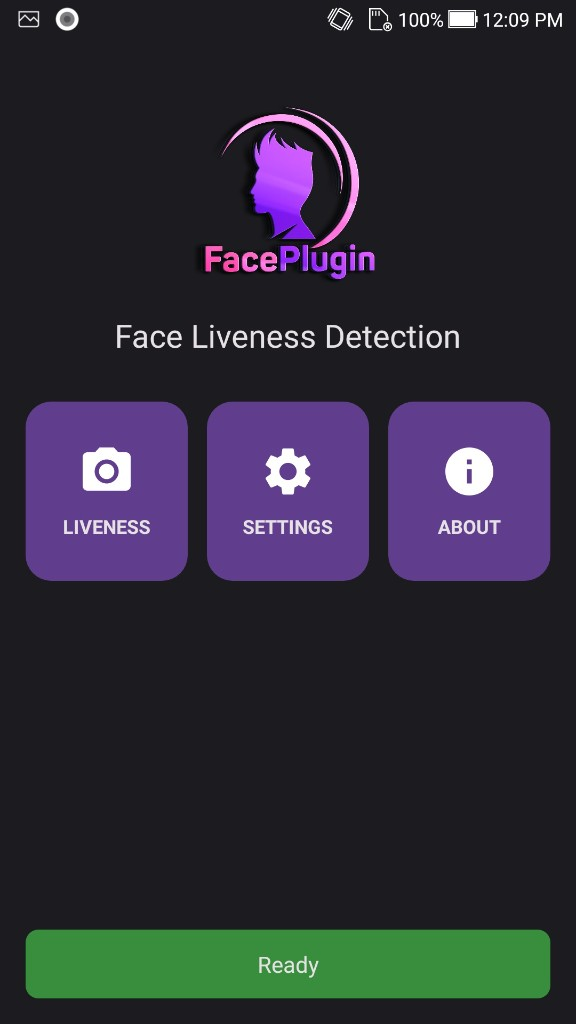
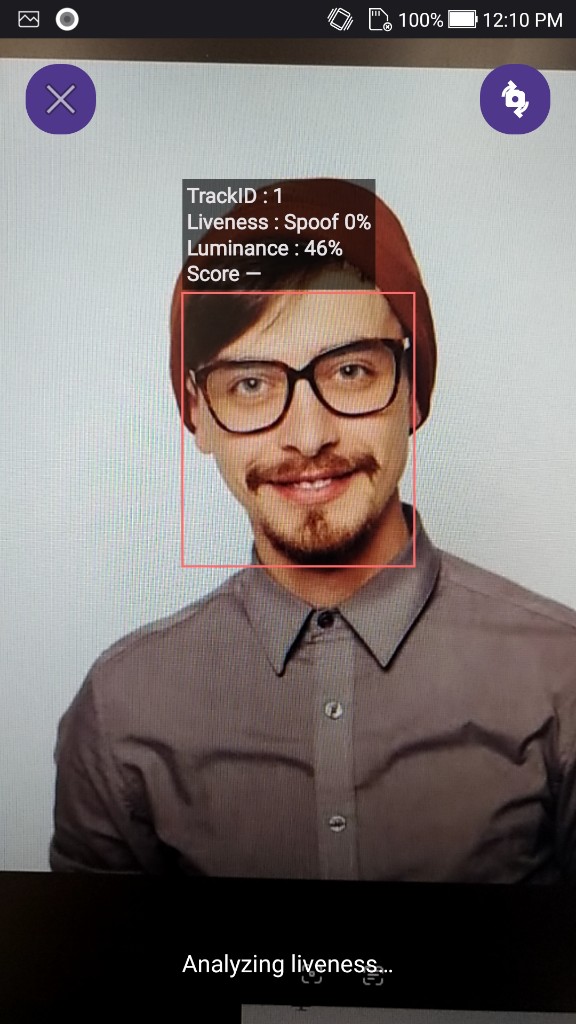
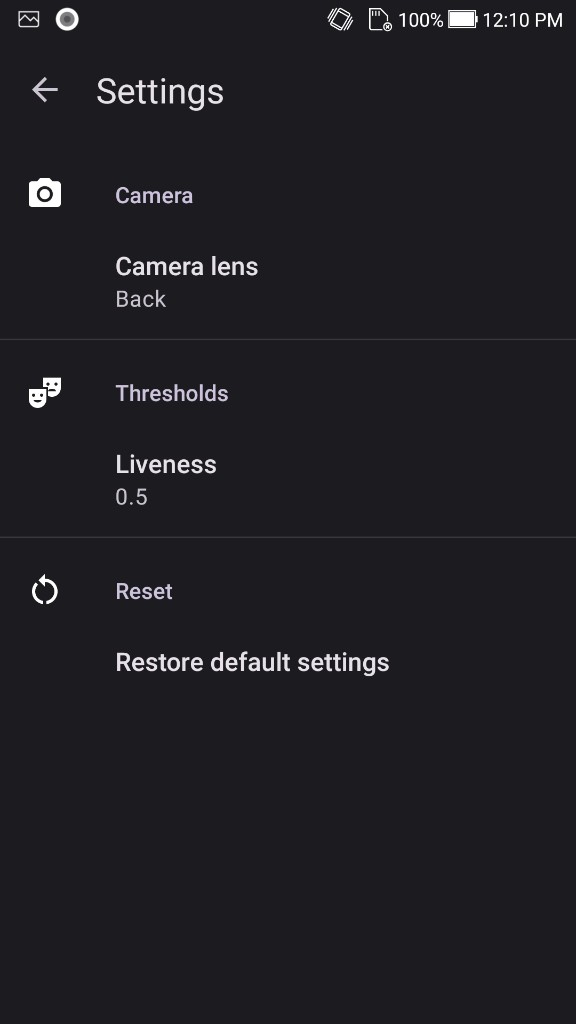
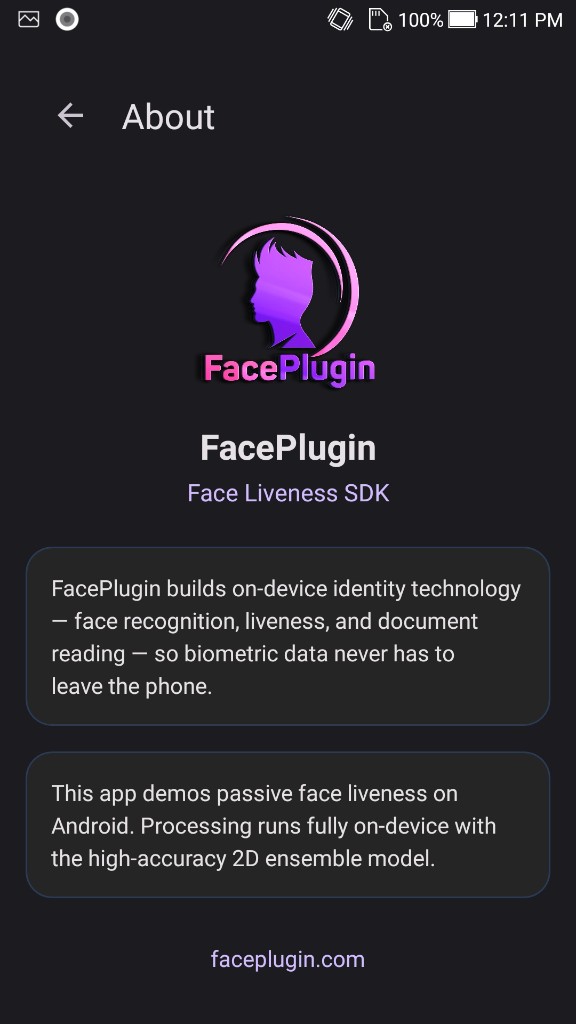
Licenses are offline and bound to your applicationId.
The sample app already includes a valid key for com.faceplugin.faceliveness. You only need a new key if you use a different applicationId.
The code below shows how to use the license:
Please contact us to get a license for your own app.
After activation, FaceLivenessSDK.getLicenseStatus() (and LicenseStatus.current() in the demo kit) reports what the key unlocks:
- Liveness only / Recognition + Liveness — Liveness tile
- Recognition only — liveness stays unavailable on this App
- Not licensed — tile stays locked until you activate
Minimal integration (details: doc.faceplugin.com):
- Copy
libfacesdk/into your project and placefacelivenessdk.aarinside it. settings.gradle:include ':libfacesdk'app/build.gradle:implementation project(':libfacesdk'),minSdk 24,abiFilters 'arm64-v8a', 'armeabi-v7a', andpackaging { jniLibs { useLegacyPackaging = true } }- Add
CAMERApermission. - On a background thread:
FaceLivenessSDK.setActivation(context, "FP1.…")→FaceLivenessSDK.init(context)(0= success).
Optional: copy app/.../kit/ (FaceLivenessClient) for demo-style threading / camera helpers.
Request a license for your applicationId, not the demo’s.
Public class: com.faceplugin.facelivenessdk.FaceLivenessSDK. Call once per process on a background thread: setActivation → init. Serialize native calls. Full reference: doc.faceplugin.com.
| Code | Meaning |
|---|---|
| 0 | Success |
| 1 | License invalid |
| 2 | License expired |
| 3 | Not activated |
| 4 | Init failed |

