This is a fork of femtorv, which is directly ported to work on IceSugar-nano FPGA boards. Kudos to the original authors.
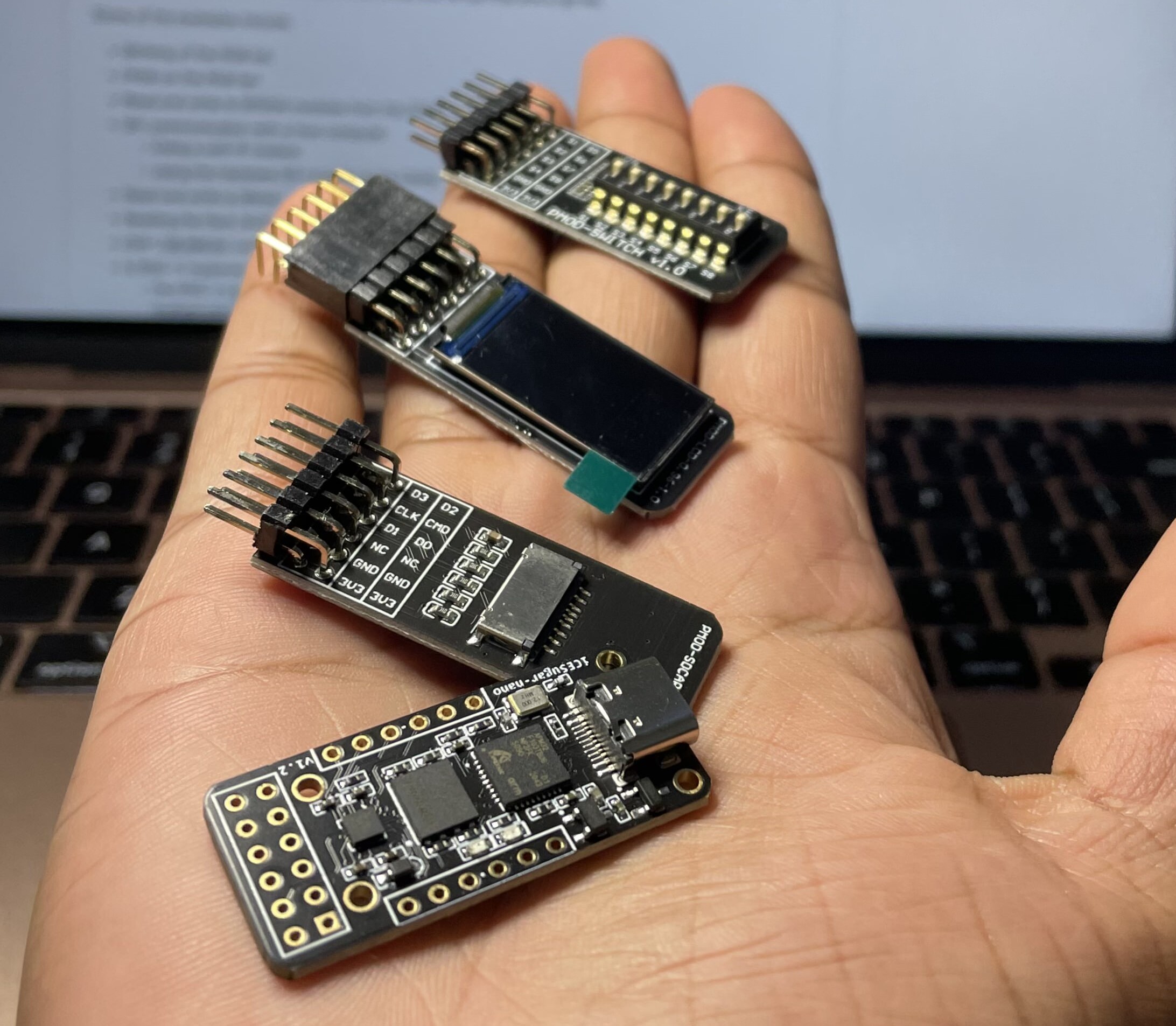
This repository contains an RISC-V processor that can be packed within 1200LUTs with the RV32I tool chain. There are a bunch of firmware examples to try. You can use the Docker environment directly without installing any dependencies.

Follow the steps to build using the Docker environment. (You should have the Docker daemon installed on your system)
- Clone the repository
git clone https://github.com/Archfx/sweetRV- Pull the Docker image from docker-hub
docker pull archfx/ice40tools- Set the expected location to mount with the container
export LOC=/sweetRV- Run the Docker image
docker run -t -p 6080:6080 -v "${PWD}/:/$LOC" -w /$LOC --name ice40tools archfx/ice40tools- Connect to the docker image
docker exec -it ice40tools /bin/bashg++ -I../../LIBFEMTORV32/ ../../LIBFEMTORV32/femto_elf.c firmware_words.cpp -o firmware_words -fpermissive -DSTANDALONE_FEMTOELFNow the environment is ready. Next, we need to compile the firmware. This step will take the assembly files/ C source files and generate a hex file that is the firmware for our processor.
$ cd FIRMWARE/EXAMPLES
$ make hello.hex
This will generate the hex file of the firmware. Next, we need to build the hardware with in-built firmware. For that, follow the steps below from the main folder.
$ make ICESUGAR_NANOThis will produce the file femtosoc.bin in the home folder. You can directly upload this to the FPGA by drag and drop.
Firmware contains different example applications that you can run on your FPGA. In order to talk with the processor using UART, you need to install a terminal emulator application (screen/picocom).
Below are the steps for the screen terminal to talk with your processor. Use command + a + \ to exit.
- on Mac
brew install screen /opt/homebrew/Cellar/screen/4.9.0_1/bin/screen /dev/tty.usbmodem102 115200- on Ubuntu
apt-get install screen screen /dev/ttyUSB1 115200