
AnyPS5.app, the launcher of AnyPS5-ARM: a home screen laid out like the PS5's, in SwiftUI, for macOS 14 and newer on Apple silicon.
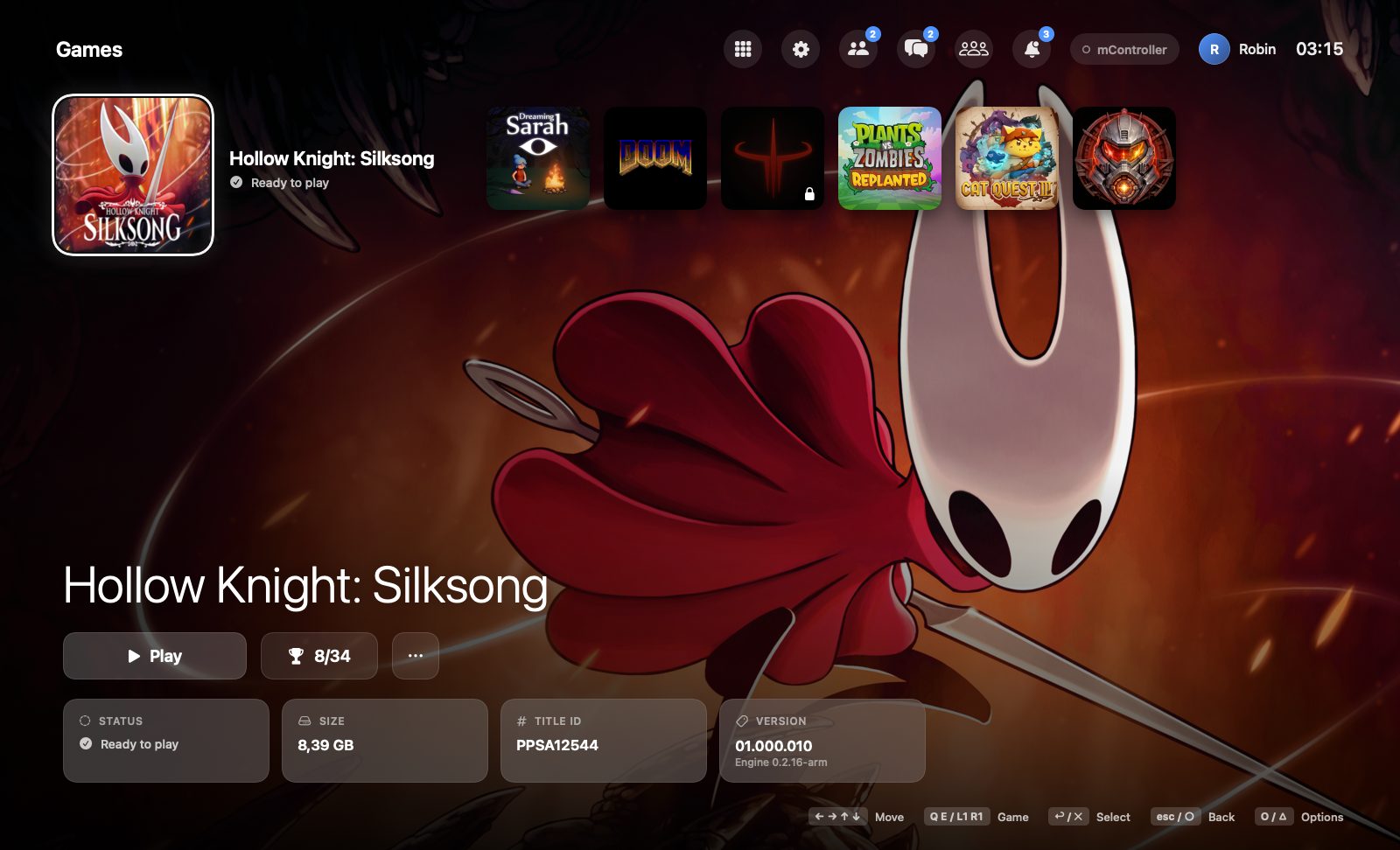
This repository holds the launcher alone. The engine it runs games with is AnyPS5-ARM, the phone app is AnyMobile and the online side is AnyTogether. Releases, with every platform, are published from AnyPS5-ARM.
This launcher is for macOS. On Windows and Linux, use AnyLauncher Port: the same launcher for those systems, with the PS5-style home screen, unlocking and starting games, per-game controls, trophies and AnyTogether. Downloads are on its releases page.
- Finds the games in a folder of PS5 dumps, with their icons, backgrounds, music, sizes and trophy counts.
- Unlocks them: the engine's relinker turns each game into a Mac app, kept in the games folder (
.AnyPS5/Games), with the game's own files and saves beside it (.AnyPS5/Data) so macOS checks the app only once. - Starts them, with a start screen until the game's first window shows, and says in plain words why a game stopped when it ends on an error.
- Per game: controls (keyboard and mouse to pad), resolution, language, deadzones, the mouse as the camera, the shader cache, and sharing all of it as one file.
- Screenshots and saves: a gallery of each game's F12 shots, and backing up and restoring its saves and trophies.
- Trophies: the list as the console shows it, and a card over the game when one is earned.
- Music: the selected game's own theme song fades in, like on the PS5, with volumes for it and the interface sounds.
- Updates: it tells you when a new AnyPS5 is out and replaces itself with it from Settings → About.
- Getting around: arrow keys, Return, Esc and O, or a controller; L1 / R1 (Q / E) jump between games, also inside a game's panels.
- Discord: the game you play on your profile, as itself when Discord knows it.
- The phone as a controller: a server for AnyPS5 Remote (branch
mobile-controller): pairing, the game list, moving around the launcher, starting and stopping games, and relaying the pad to the game. - English and Turkish; English by default.
The launcher's online side, optional: friends, profiles, messages, parties and voice chat, Share play, leaderboards and the Theme Hub, on AnyTogether (open source, AnyTogether/AnyTogether). The people in these pictures are made up.
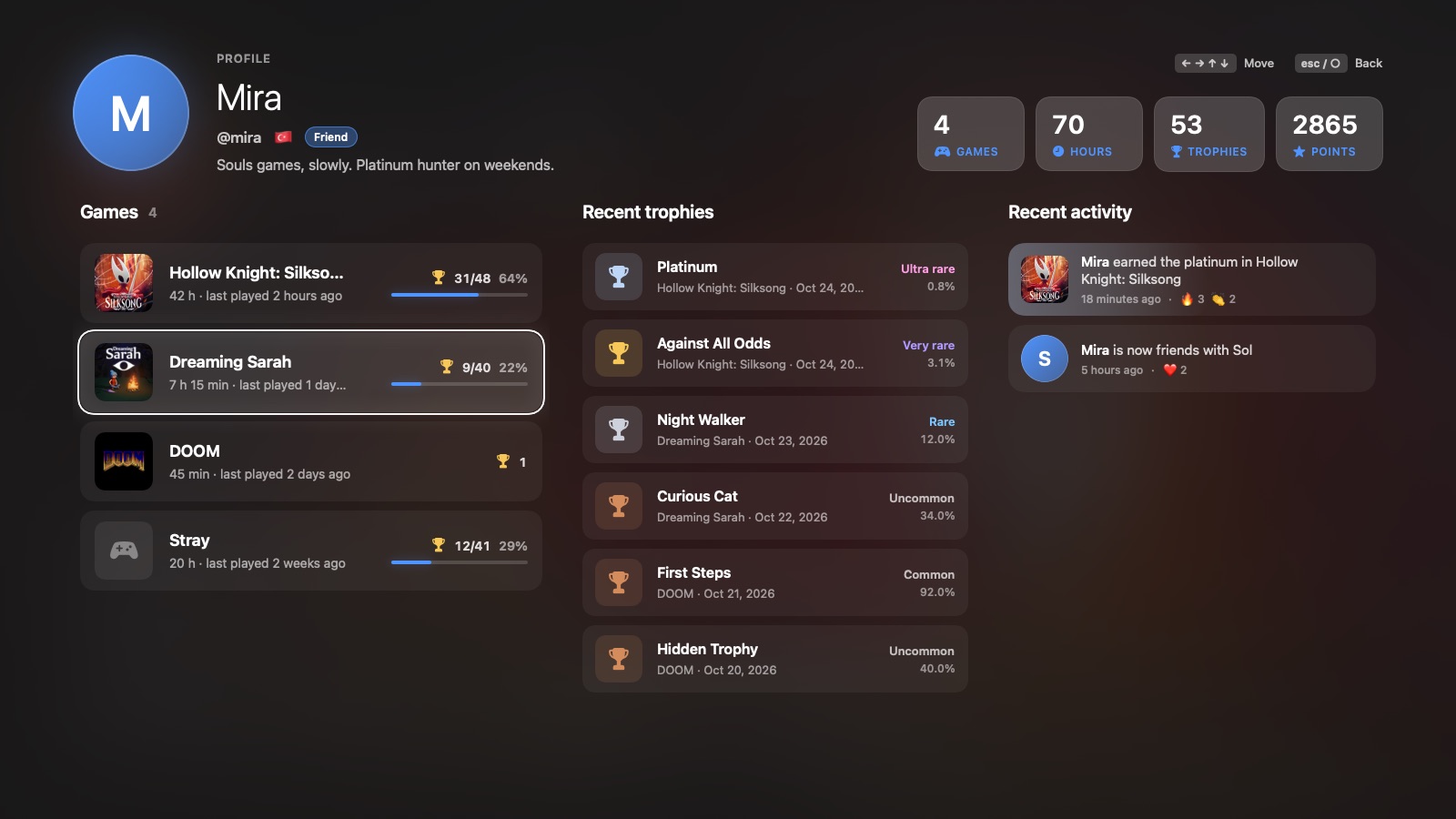 Profiles: games, play time, trophies with rarity |
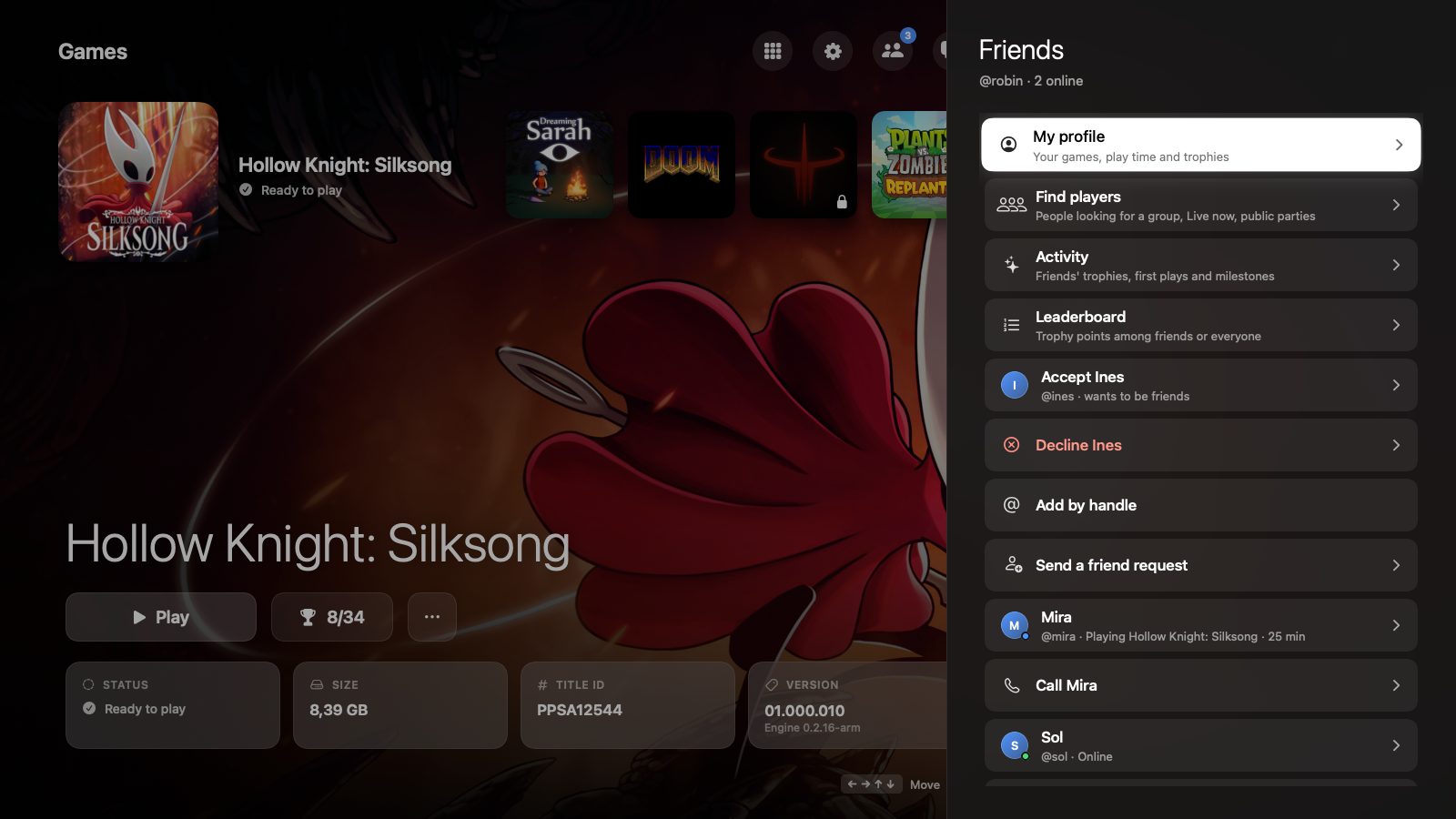 Friends and what they play |
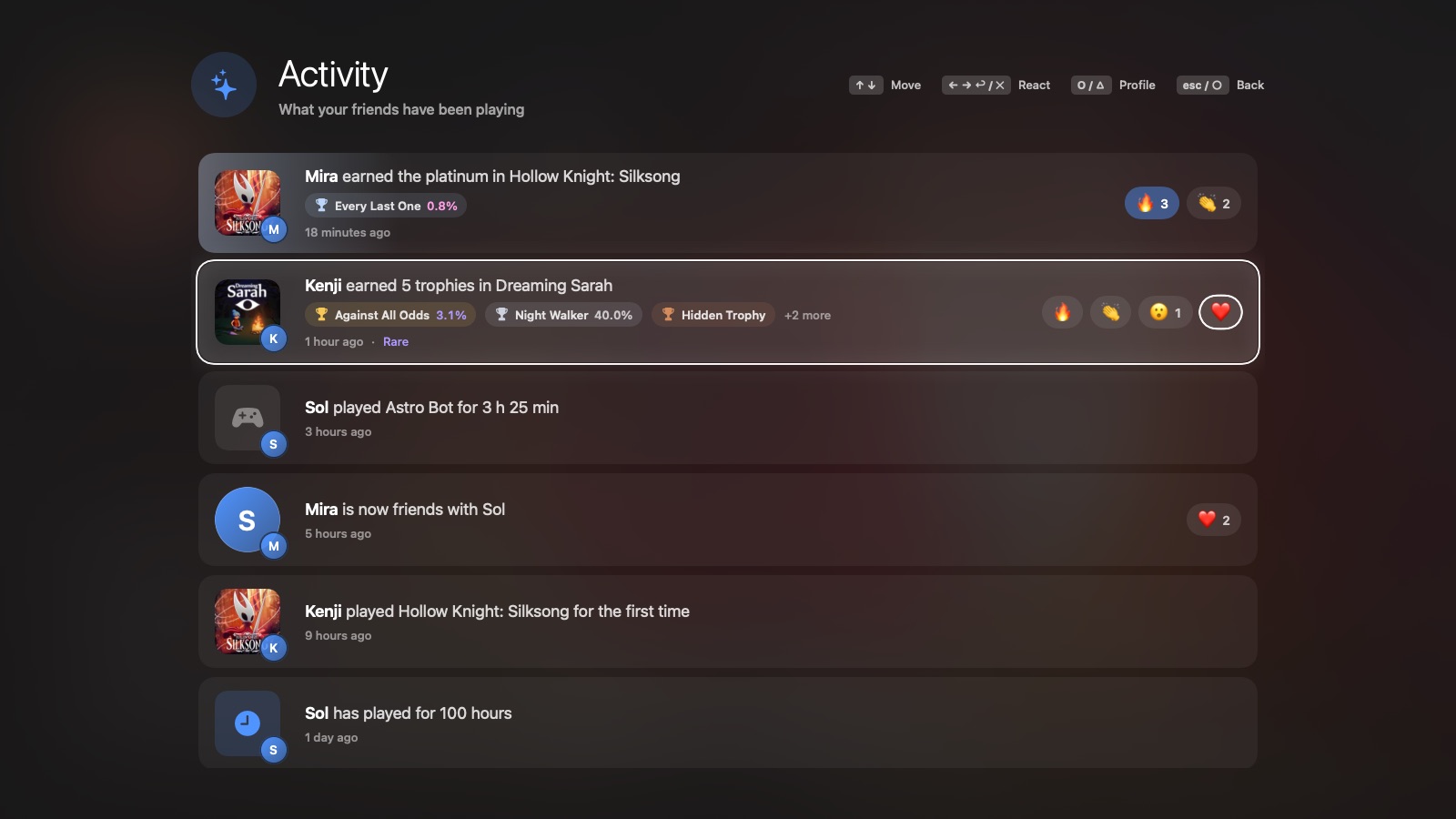 Activity feed with reactions |
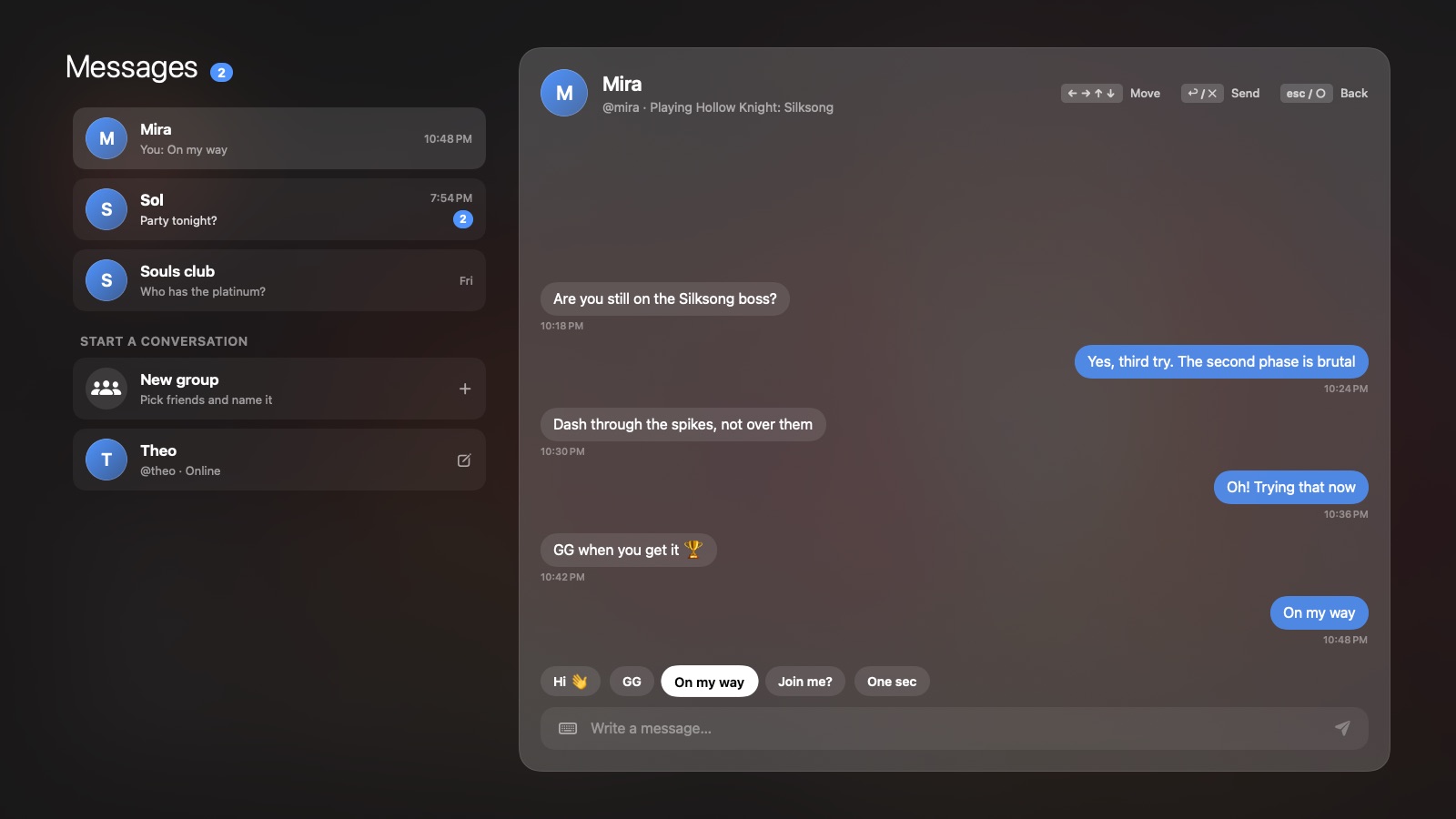 Messages and group chats |
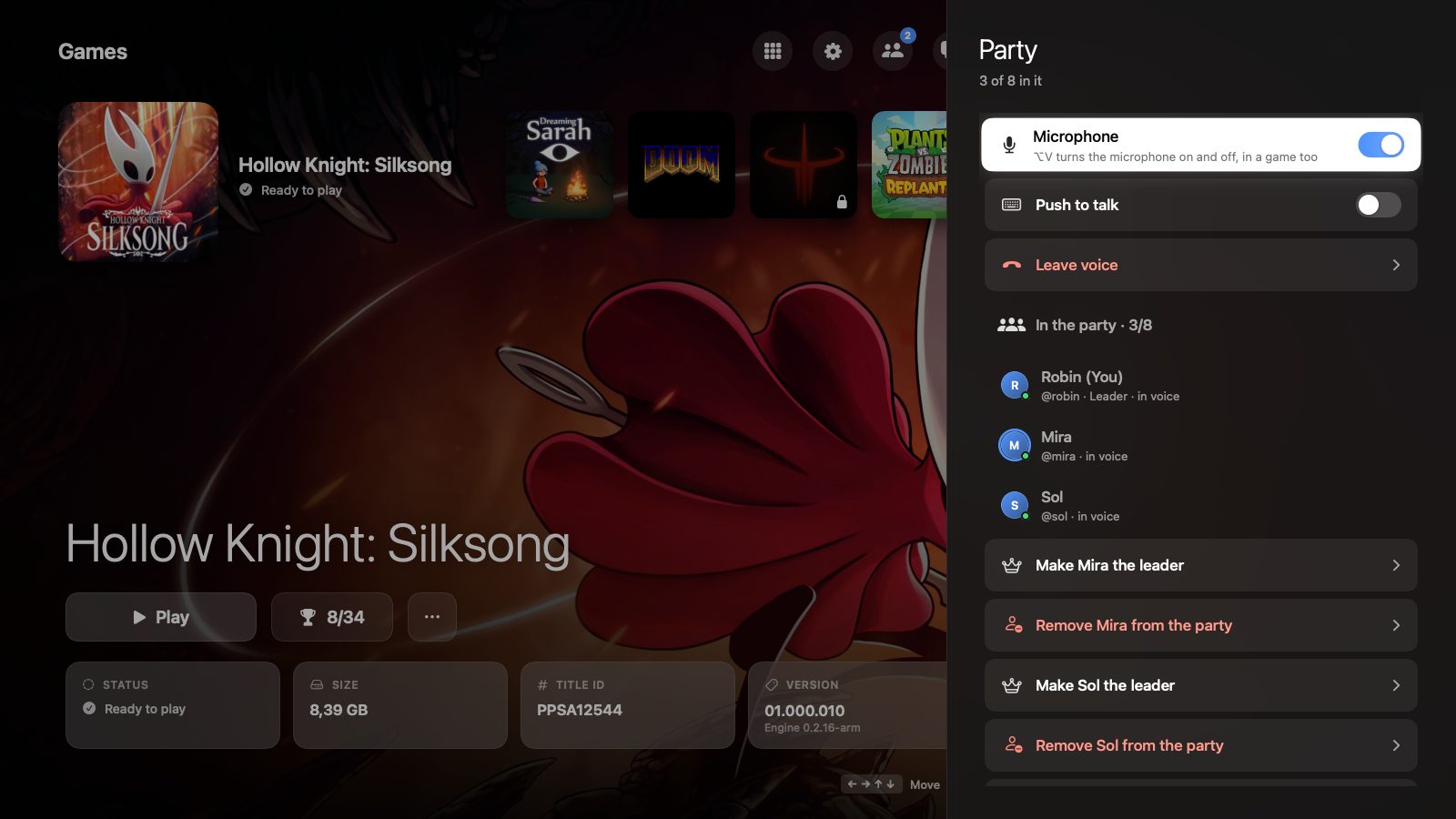 Parties with voice chat |
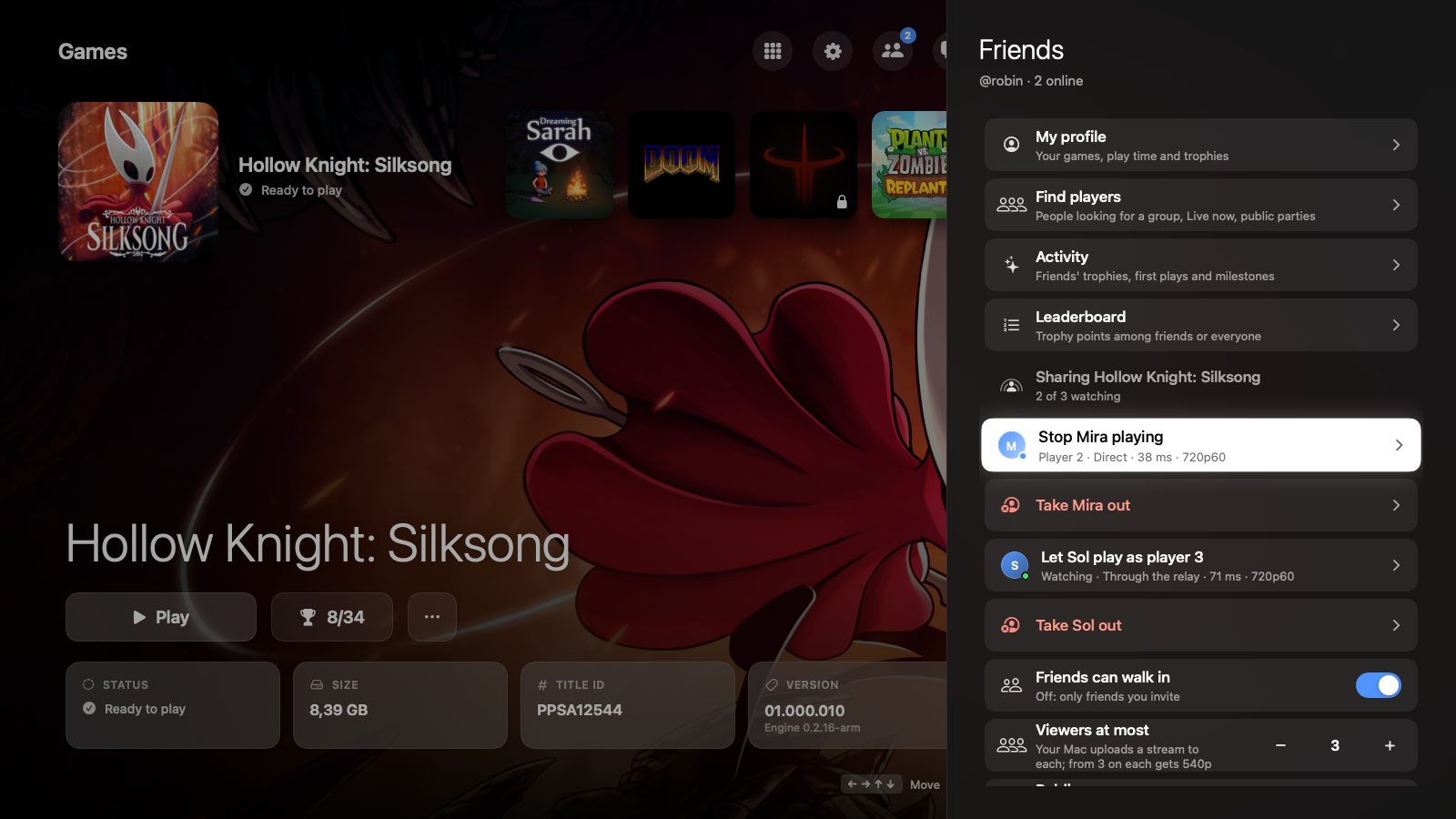 Share play: friends watch or join as player 2–4 |
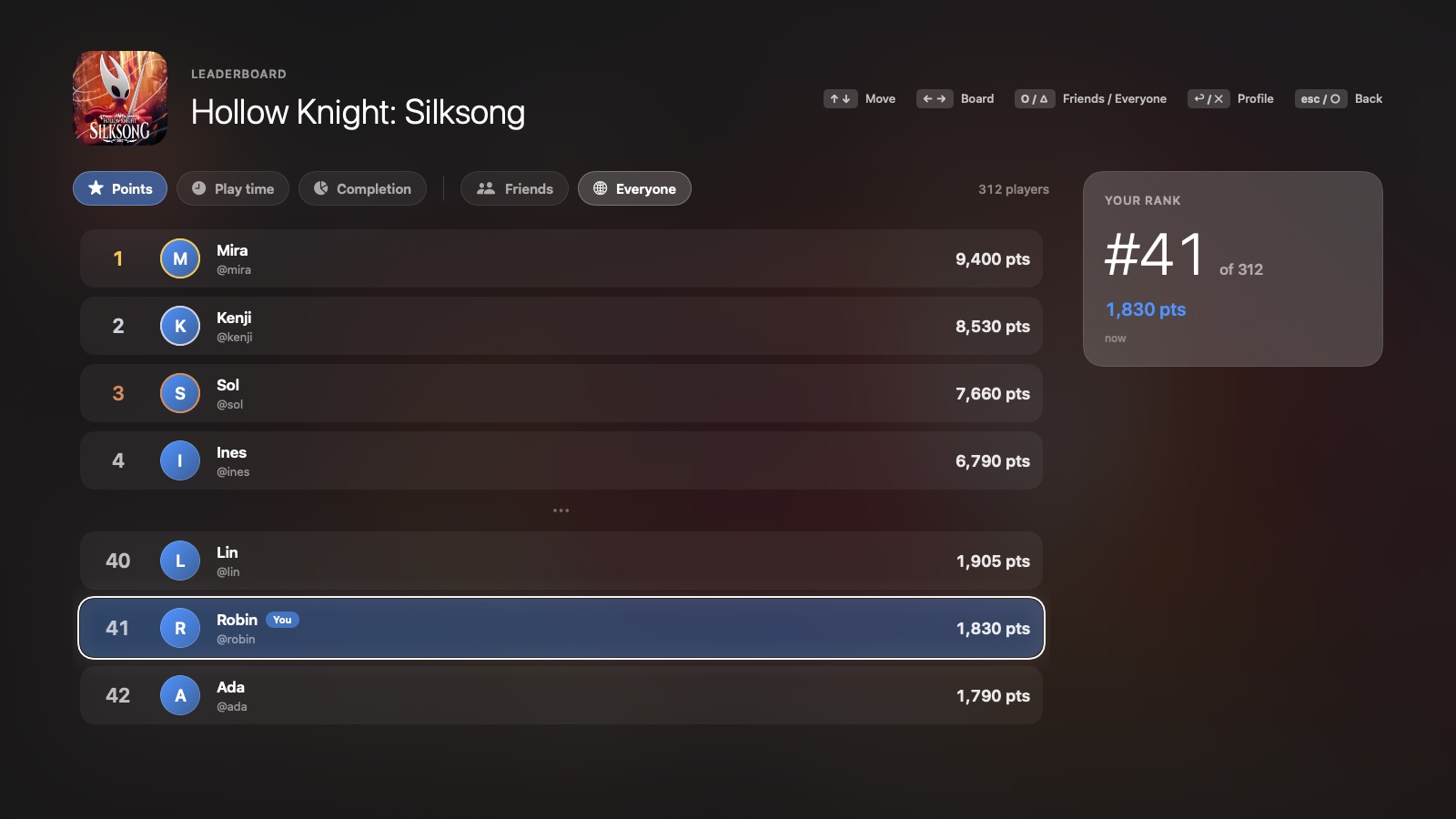 Leaderboards |
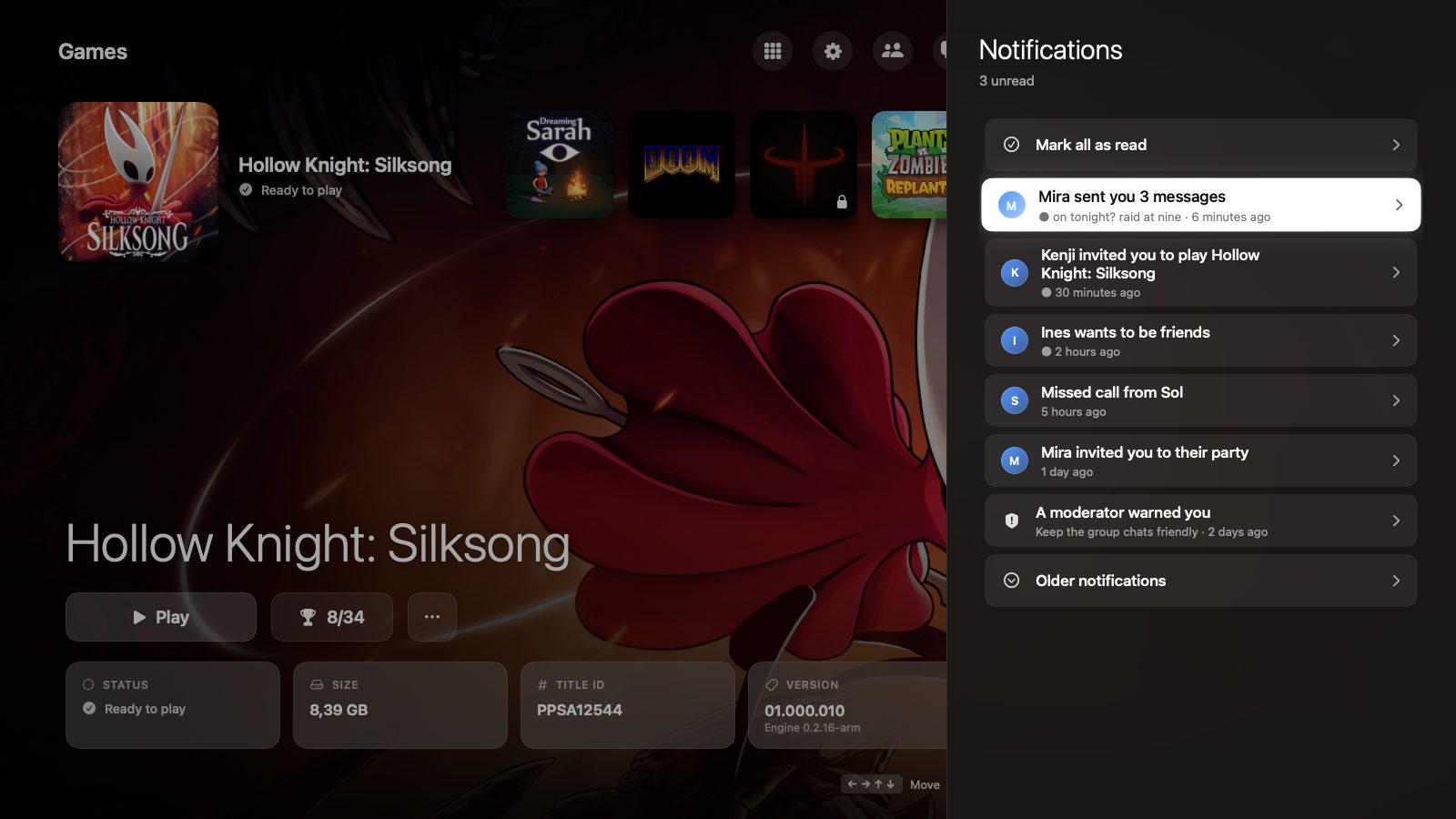 Notifications |
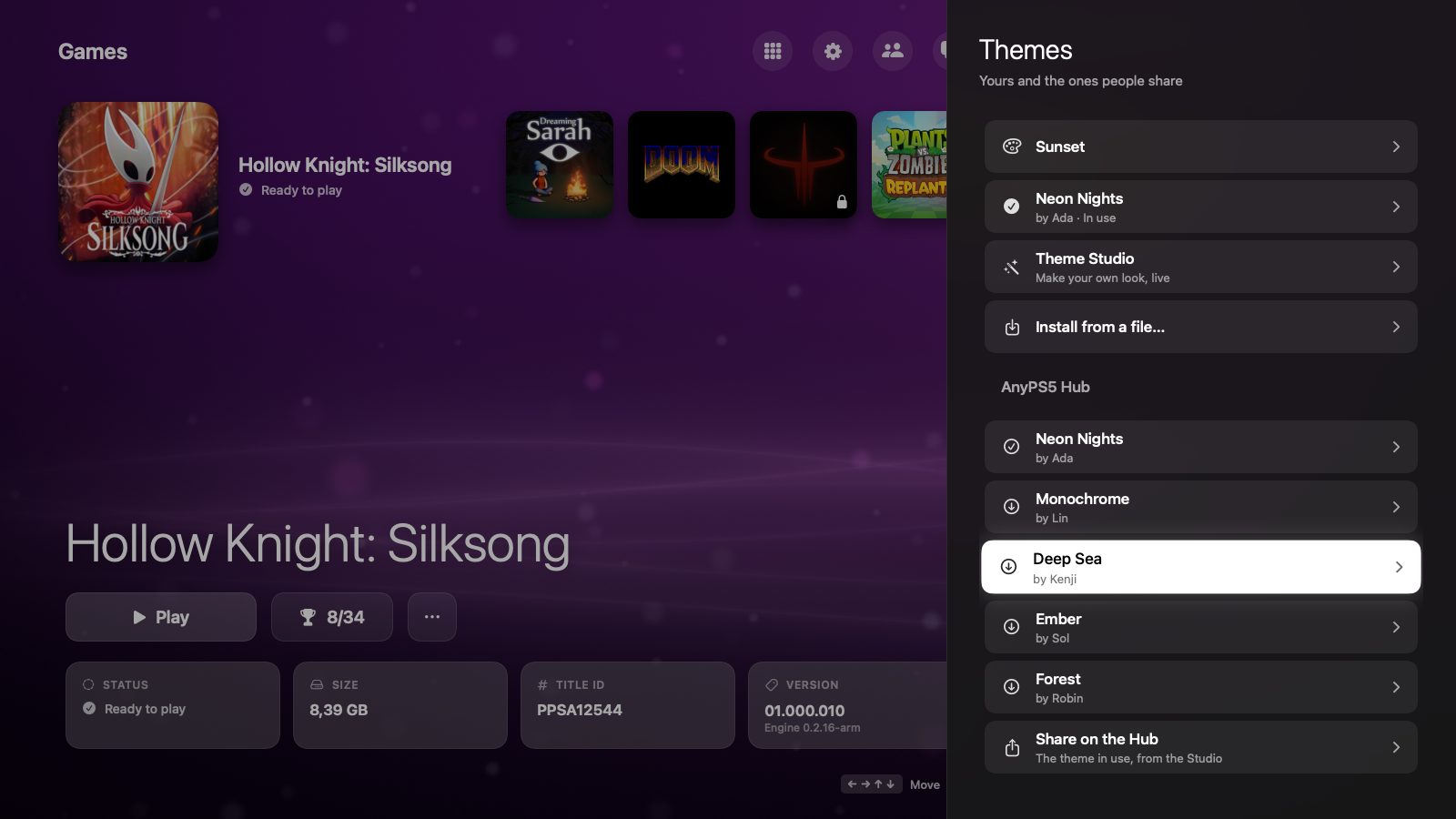 Theme Hub |
| Folder | What it is |
|---|---|
Sources/AnyPS5 |
The app: screens, panels, input, sounds, the headless preview renderer. |
Sources/AnyPS5Core |
What the app and the tool share: the library scan, installing, game settings, trophies, diagnosis, Discord, the phone server. |
Sources/anyps5-tool |
A command-line tool on the same core: scan, install, unwrap, and remote (the phone server, with a pretend library for testing). |
Tests/AnyPS5CoreTests |
The core's tests. |
icon.swift |
Draws the app icon. |
swift build            # debug build of the app and the tool
swift test             # the core's tests
The app needs the engine's toolkit (the relinker, the system libraries, MoltenVK) to unlock and start games. A full AnyPS5.app with the toolkit inside is built from main, with tools/macos/build_launcher_app.sh.
.build/debug/AnyPS5 --render-preview <output folder> <games folder>draws every screen into PNG files without opening a window. ANYPS5_PREVIEW_SELECT=<title ID> picks the game shown and ANYPS5_PREVIEW_LANGUAGE=tr draws them in Turkish.
The core
- AnyPS5 by boykopovar is where the core comes from: the relinker that turns a PS5 executable into a native program and the reimplemented system libraries. AnyPS5-ARM is its port to Apple silicon Macs, and every engine feature here starts from that work.
- mugurc's community macOS port of AnyPS5 is the port AnyPS5-ARM builds on.
- MoltenVK (Khronos, Apache-2.0) runs the PS5 graphics driver's Vulkan on Metal, and SDL (zlib) reads the controllers in games and in AnyLauncher Port.
Online play
- The online design comes from AnyPlay. Our bridge between the engine and the launcher follows AnyPlay's bridge spec (anyplaynet/network, MIT/Apache-2.0): the frame header, the message numbering, the virtual LAN range and the A/B/C screening of games come from it. Stream P2P sockets over the bridge follow the approach of AnyPlay's engine bridge (anyplaynet/AnyPS5, GPL-2.0).
- Ideas AnyPlay shipped first (anyplaynet/launcher, anyplaynet/cloud): "Try anyway" on a Play Together version mismatch, retiring old launchers with "Update required", asking before leave party / remove friend and similar actions, the noise suppression switch, the public profile switch and the compatibility filters.
- A phone browser as a controller via a QR code comes from LudusCtrl's browser client by Josip Parlov (@parl0v), shipped in AnyPlay.
Our code is written independently; where we followed someone's design or idea, it is named here.