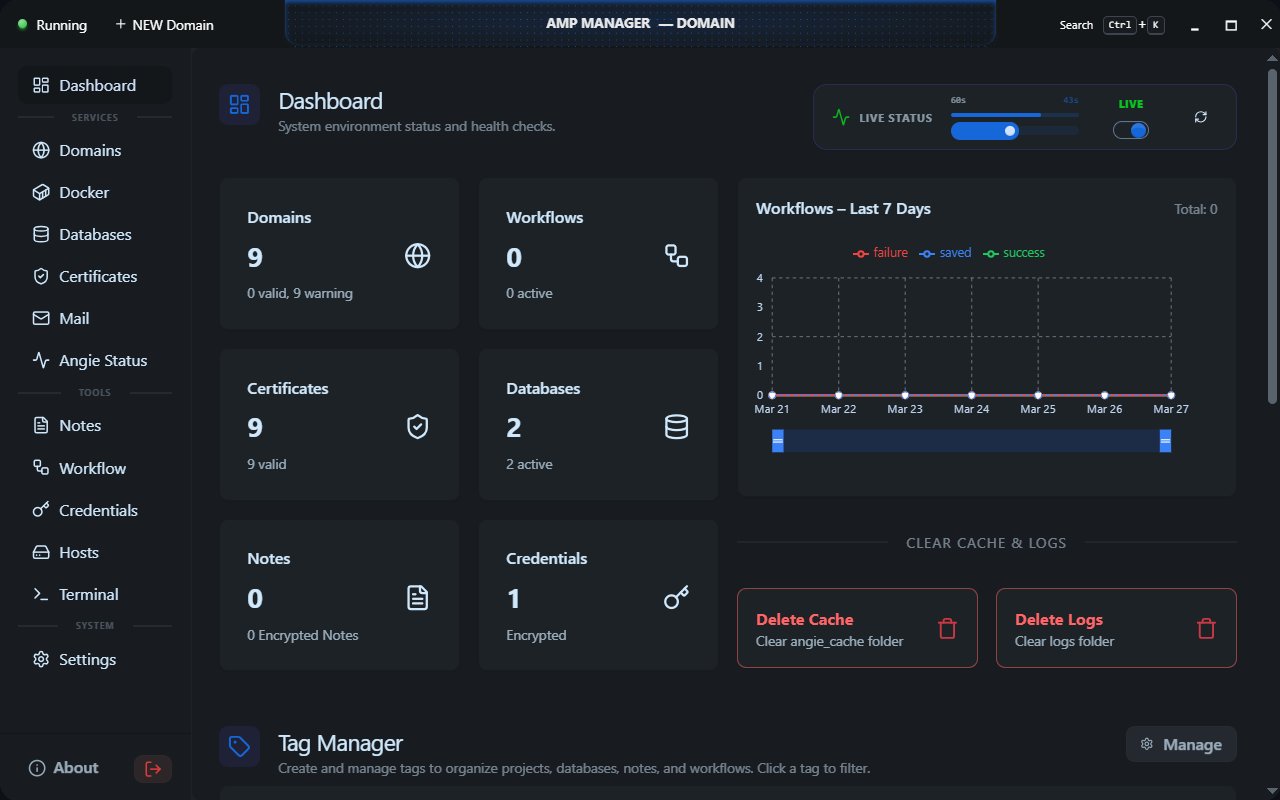
Desktop app for local development. Docker-based stack with a click-and-run GUI. No terminal required.

-
Windows 10/11
-
Download and install Docker Desktop
AMP Manager uses Docker to run backend services. -
Download the latest AMP Manager release to your drive e.g.
D:\amp-manager
- Start Docker Desktop
Ensure Docker is running (check system tray icon) - Initialize containers
Open a terminal inD:\amp-managerand run:docker compose up -d
- Launch AMP Manager
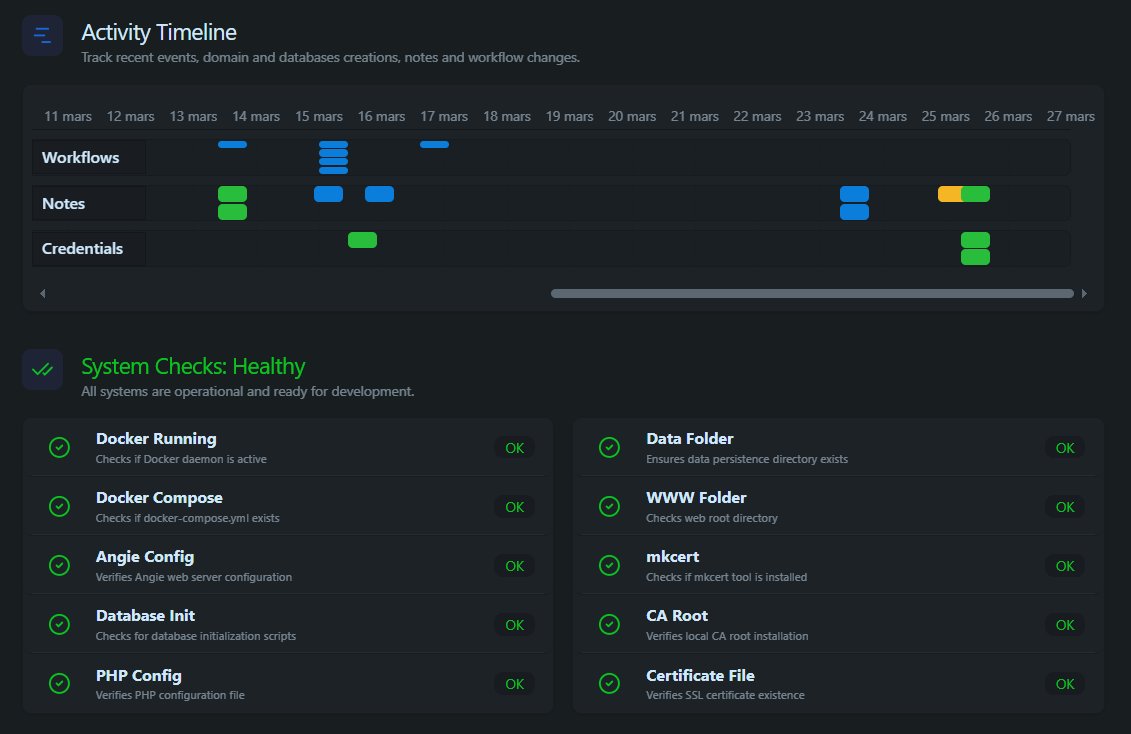
AMP Manager will help you manage your local development environment:
- configure and trust SSL certificates
- update your Windows hosts file
- create local development domains
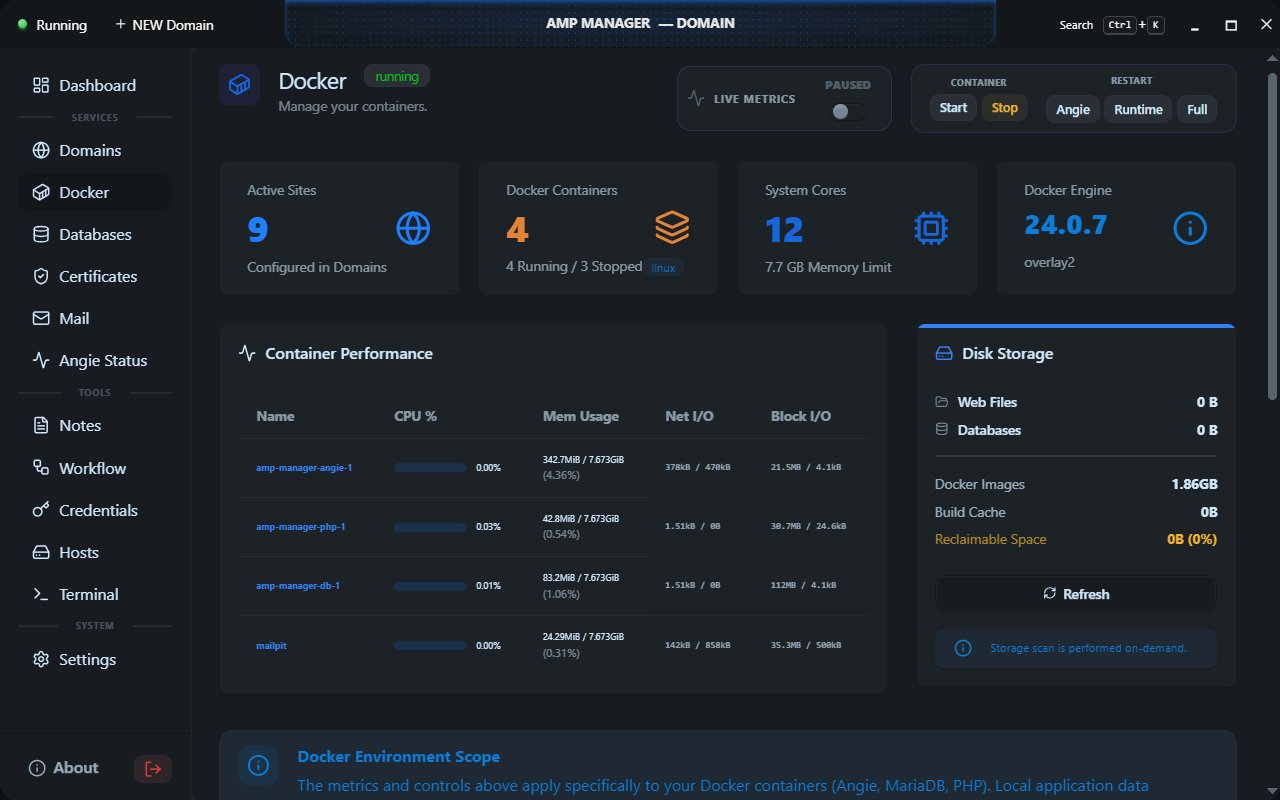
- start and stop Docker services
- define workflows using a node‑based UI
- share a local site using tunneling services
Warning
AMP Manager requires administrator privileges.
This is necessary to:
- install and trust SSL certificates
- modify the Windows hosts file
- manage Docker services that require elevated access
AMP Manager does not collect, transmit, or store any user data.
All operations happen locally on your machine.
- Open AMP Manager
- Click "Add Domain"
- Enter domain name (e.g.,
mysite) - Click Create
Your domain is now available at http://mysite.local with automatic SSL!
| Layer | Technology |
|---|---|
| Frontend | React 19, TypeScript, Vite, Tailwind CSS, DaisyUI |
| Backend | Neutralino.js 6.5, Windows Batch (amp-tasks.bat) |
| Storage | JSON Files (users/ folder), Web Crypto for encryption |
| Containers | Docker Compose (Angie, PHP, MariaDB) |
| Feature | AMP Manager | LocalWP | Laragon | XAMPP |
|---|---|---|---|---|
| Offline-first | ✅ Native | ❌ | ❌ | |
| Multi-stack (PHP/Node/Python) | ✅ Unified UI | ❌ WordPress | ||
| Eco-aware resource usage | ✅ Monitors + limits | ❌ | ❌ | ❌ |
| Portable / no install | ✅ Single .exe |
❌ Installer | ✅ Portable edition | ❌ Installer |
| Community governance | ✅ Open Source | ❌ Corporate | ||
| Windows/macOS/Linux | ❌ Windows *1 | ❌ Windows/macOS | ❌ Windows | ✅ All |
| Free + open source | ✅ MIT License | ❌ Freemium | ❌ Paid (closed) | ✅ GPL |
💡 AMP Manager is for developers who value:
offline autonomy, cross-platform consistency, and sustainable resource usage.
*1 All via Neutralino
Table reflects public documentation as of April 2026. Features evolve, verify before deciding.
Local domains with automatic SSL. Each domain gets:
- Auto-created folder in
www/ - SSL certificate via mkcert
- Angie configuration
- Hosts file entry
Docker containers managed by AMP:
- Angie - Web server
- PHP - PHP runtime
- MariaDB - Database
- Mailpit - Email & SMTP tool
Sensitive data (credentials, notes, settings, workflows, site configs) is encrypted using AES-256-GCM with keys derived from your password.
For more details, see AMP Manager documentation
| Document | Description |
|---|---|
| Introduction | Quick Start |
| Core Concepts | How AMP works |
| For Users | User Guide |
| For Developers | For developers |
| Architecture | System design |
| Amp Tasks Reference | Batch commands |
| API Reference | AMPBridge API |
| Component Reference | UI components |
| User Interface | UI tech stack |
| Security | Security model |
| Workflows | Deployment guides |
| Tunneling | Tunnel services |
| Contributing | Developer guide |
| Troubleshooting | Common issues |
| Glossary | Terms explained |
Issues: GitHub Issues
AMP Manager is released under MIT License