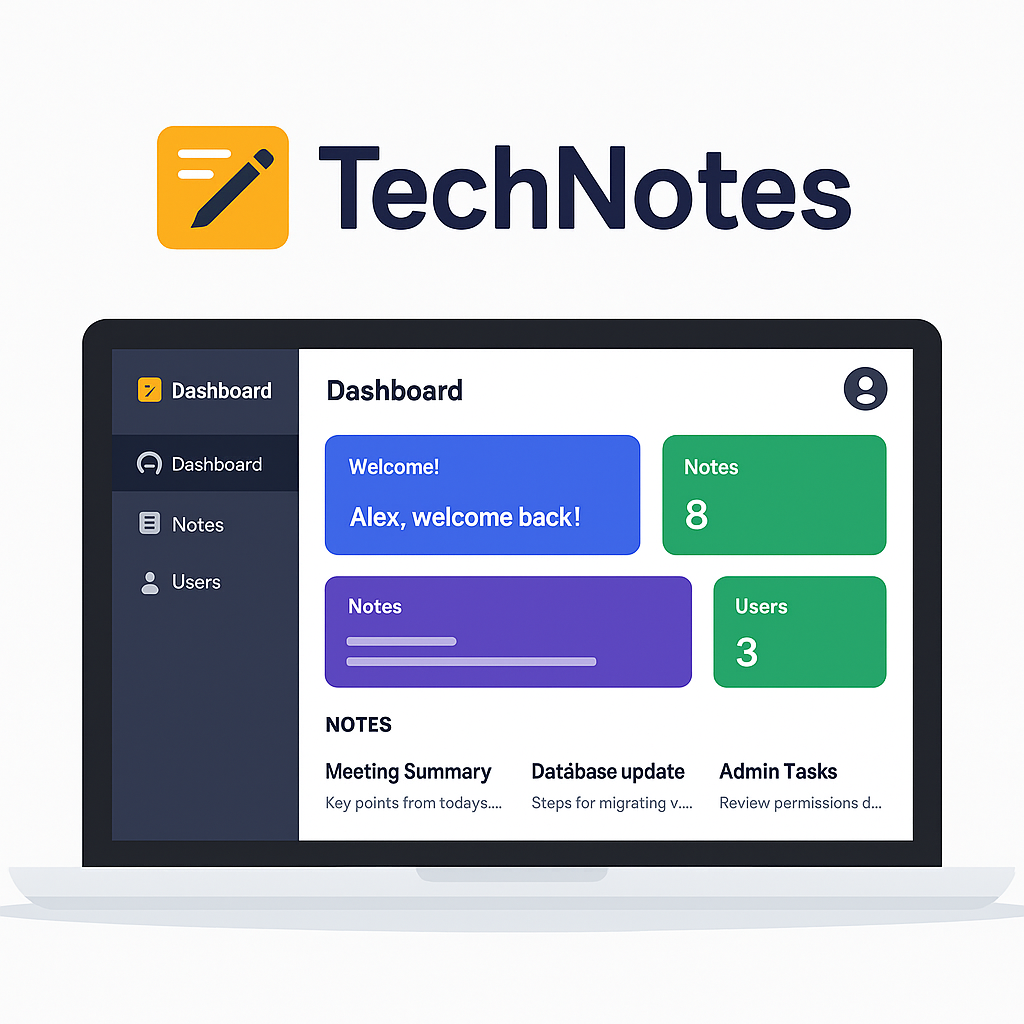





Want to see TechNotes in action? Click the button below to launch the app:
For full access to all features, feel free to start a discussion or reach out on LinkedIn.
If you'd just like to explore some functionality without full permissions, use:
Username: Bro | Password: Code
(Full permissions are granted only upon request.)
📜 Table of Contents
TechNotes revolutionizes team collaboration with a secure, intelligent note management system. Designed for modern workplaces, it combines enterprise-grade security with intuitive user experience. Whether you're managing a small team or a large organization, TechNotes provides the tools you need to keep everyone organized and productive.
- 🔒 Enterprise Security — Military-grade JWT authentication with refresh token rotation
- 👥 Role-Based Access — Granular permissions for Employees, Managers, and Admins
- ⚡ Lightning Fast — Optimized with RTK Query caching and optimistic updates
- 🌐 Cloud-Ready — Scalable MERN architecture with MongoDB Atlas integration
- 📱 Mobile-First — Responsive design that works perfectly on any device
- 🔄 Real-Time Sync — Automatic token refresh and persistent login sessions
- 🎯 Zero Maintenance — Self-healing authentication with automatic cleanup


|
|
|
|
| Technology | Purpose | Why We Chose It |
|---|---|---|
 |
Database | Flexible schema & horizontal scaling capabilities |
 |
Backend API | Minimal overhead & extensive middleware ecosystem |
 |
Frontend UI | Component-based architecture & excellent ecosystem |
 |
Runtime | JavaScript everywhere & exceptional NPM ecosystem |
 |
State Mgmt | Predictable state updates & powerful dev tools |
 |
Styling | Utility-first approach & rapid prototyping |
Get your secure note management system running in under 5 minutes:
- Node.js 18+ (Latest LTS recommended)
- MongoDB (Local installation or Atlas cluster)
- npm or yarn package manager
- Modern browser with JavaScript enabled
# Clone the repository
git clone https://github.com/yourusername/TechNotes.git
cd TechNotes

# Install backend dependencies
cd backend
npm install

# Install frontend dependencies
cd ../client
npm installCreate .env in the backend directory:
# Server Configuration
PORT=3500
NODE_ENV=development

# Database
MONGO_URI=mongodb://localhost:27017/TechNotes
# Or for MongoDB Atlas:
# MONGO_URI=mongodb+srv://username:password@cluster.mongodb.net/TechNotes

# JWT Secrets (generate strong secrets in production!)
ACCESS_TOKEN_SECRET=your-super-secret-access-token-key-here
REFRESH_TOKEN_SECRET=your-super-secret-refresh-token-key-here

# CORS Configuration
CLIENT_URL=http://localhost:3000# Terminal 1: Start backend server
cd backend
npm run dev
# Terminal 2: Start frontend client
cd client
npm run dev🎉 Success! Navigate to http://localhost:3000 and start managing your notes!
Username: admin
Password: admin123
Role: Admin
⚠️ Security Note: Change the default admin credentials immediately in production!
Our architecture follows industry best practices for maintainability and scalability:
TechNotes/
├── backend/
│   ├── config/
│   │   ├── dbConn.js           # MongoDB connection & error handling
│   │   ├── allowedOrigins.js   # Defines which URL's are allowed for CORS
│   │   └── corsOptions.js      # CORS configuration & whitelist
│   ├── controllers/
│   │   ├── authController.js   # Login, refresh, logout logic
│   │   ├── usersController.js  # User CRUD operations
│   │   └── notesController.js  # Notes CRUD operations
│   ├── middleware/
│   │   ├── errorHandler.js     # Log errors (name, message, url, etc...)
│   │   ├── verifyJWT.js        # JWT token verification
│   │   ├── loginLimiter.js     # Rate limiting for login attempts
│   │   └── logger.js           # Request logging middleware
│   ├── models/
│   │   ├── User.js             # User schema with roles & validation
│   │   └── Note.js             # Note schema with user references
│   ├── routes/
│   │   ├── authRoutes.js       # Authentication endpoints
│   │   ├── userRoutes.js       # User management endpoints
│   │     ├── root.js             # Serves index.html for index routes.
│   │   └── noteRoutes.js       # Notes management endpoints
│   ├── view/
│   │   ├── 404.html            # Page not found html
│   │   └── index.html          # Backend html
│   └── server.js               # Express app setup & middleware
├── client/
│   ├── src/
│   │   ├── app/
│   │   │   ├── store.js        # Redux store configuration
│   │   │   └── api/
│   │   │       └── apiSlice.js # RTK Query base API setup
│   │   ├── config/
│   │   │    ├── roles.js        # Defines Roles
│   │   ├── features/
│   │   │   ├── auth/           # Authentication components & logic
│   │   │   │   ├── Login.js
│   │   │   │   ├── PersistLogin.js
│   │   │   │   ├── authApiSlice.js
│   │   │   │   ├── authSlice.js
│   │   │   │   ├── RequireAuth.js
│   │   │   │   ├── Prefetch.js
│   │   │   │   └── Welcome.js
│   │   │   ├── users/          # User management features
│   │   │   │   ├── UsersList.js
│   │   │   │   ├── EditUserForm.js
│   │   │   │   ├── NewUserForm.js
│   │   │   │   ├── User.js
│   │   │   │   ├── EditUser.js
│   │   │   │   └── UsersApiSlice.js
│   │   │   └── notes/          # Notes management features
│   │   │       ├── NotesList.js
│   │   │       ├── EditNote.js
│   │   │       ├── EditNoteForm.js
│   │   │       ├── NewNote.js
│   │   │       ├── NewNoteForm.js
│   │   │       ├── Note.js
│   │   │       └── notesApiSlice.js
│   │   ├── components/
│   │   │   ├── Layout.js       # Main app layout
│   │   │   ├── Public.js       # Landing page
│   │   │   ├── DashHeader.js   # Dashboard header
│   │   │   ├── DashFooter.js   # Dashboard footer
│   │   │   └── DashLayout.js   # Dashboard Layout
│   │   ├── hooks/
│   │   │   ├── useAuth.js      # Authentication hook
│   │   │   ├── useTitle.js     # Title hook
│   │   │   └── usePersist.js   # Persistence toggle hook
│   │   ├── App.js              # Main app component & routing
│   │   ├── index.js
│   │   ├── index.css
│   └── public/
│       ├── favicon.ico
│       └── screenshots/        # UI screenshots for documentation
└── README.md
Our security-first approach ensures your data stays protected:
sequenceDiagram
    participant C as Client
    participant S as Server
    participant DB as Database

    C->>S: POST /auth (credentials)
    S->>DB: Validate user credentials
    DB-->>S: User data
    S->>S: Generate JWT tokens
    S->>C: Access token + HttpOnly refresh cookie

    Note over C,S: Normal API requests
    C->>S: API request + Bearer token
    S->>S: Verify access token
    S-->>C: API response

    Note over C,S: Token refresh flow
    C->>S: API request (expired token)
    S-->>C: 401 Unauthorized
    C->>S: POST /auth/refresh (cookie)
    S->>S: Verify refresh token
    S-->>C: New access token
    C->>S: Retry API request

    Note over C,S: Logout
    C->>S: POST /auth/logout
    S->>S: Clear refresh token
    S-->>C: Success + Clear cookie
- 15-minute Access Tokens minimize exposure window
- 7-day Refresh Tokens balance security with UX
- HttpOnly Cookies prevent XSS token theft
- CORS Protection restricts origin access
- Rate Limiting prevents brute force attacks
- Automatic Cleanup removes expired tokens
// Login user
const loginUser = async (credentials) => {
  const response = await fetch("/auth", {
    method: "POST",
    headers: { "Content-Type": "application/json" },
    body: JSON.stringify(credentials),
    credentials: "include", // Include cookies
  });
  return response.json();
};

// Automatic token refresh with RTK Query
const authSlice = apiSlice.injectEndpoints({
  endpoints: (builder) => ({
    refresh: builder.mutation({
      query: () => ({
        url: "/auth/refresh",
        method: "GET",
      }),
    }),
  }),
});// Create new note with optimistic updates
const [createNote] = useCreateNoteMutation();
const handleCreateNote = async (noteData) => {
try {
await createNote({
title: noteData.title,
text: noteData.text,
user: userId,
}).unwrap();
// Optimistic update already handled by RTK Query
} catch (error) {
console.error("Failed to create note:", error);
}
};
// Real-time note filtering
const { data: notes, isLoading } = useGetNotesQuery();
const filteredNotes = notes?.filter((note) =>
note.title.toLowerCase().includes(searchTerm.toLowerCase())
);// Role-based component rendering
const UserManagement = () => {
const { isManager, isAdmin } = useAuth();
if (!isManager && !isAdmin) {
return <Navigate to="/dash" replace />;
}
return (
<div className="user-management">
{isAdmin && <AdminControls />}
<UserList />
</div>
);
};
// Bulk user operations
const [updateUsers] = useUpdateUsersMutation();
const handleBulkRoleUpdate = async (userIds, newRole) => {
const updates = userIds.map((id) => ({ id, roles: [newRole] }));
await updateUsers({ updates }).unwrap();
};We're focused on delivering powerful features to improve team productivity and collaboration:
- 🌙 Dark Mode — Sleek UI with automatic theme switching
- 🔍 Advanced Search — Full-text search with filters and sorting
- 📁 Folders & Tags — Organize notes with custom tags and nested folders
- 📊 Analytics Dashboard — Visual insights into usage and performance
- 🤝 Real-Time Collaboration — Edit notes live with your team
Great software is built by passionate communities. Join us in making TechNotes even better:


- 🐛 Bug Reports — Help us identify and fix issues quickly
- 💡 Feature Requests — Share your ideas for new functionality
- 🔧 Code Contributions — Submit pull requests for improvements
- 📚 Documentation — Improve guides, tutorials, and API docs
- 🎨 Design & UX — Enhance UI/UX and create marketing assets
- 🗣️ Community Support — Help other users in discussions
- 🎓 Educational Content — Create tutorials and best practices guides
- 🔍 Testing — Help test new features and report feedback
- 🌍 Translations — Add support for new languages
# Fork the repository
git clone https://github.com/yourusername/TechNotes.git
cd TechNotes

# Create feature branch
git checkout -b feature/amazing-feature

# Make your changes
npm run test          # Run tests
npm run lint          # Check code style
npm run type-check    # Verify TypeScript

# Commit with conventional commits
git commit -m "feat: add amazing new feature"

# Push and create PR
git push origin feature/amazing-featureTechNotes is open source and available under the MIT License.
Built with modern web technologies and a commitment to security and user experience.
👨💻 Created with ❤️ by Alexander Potiagalov
Securing teams, one note at a time.


⭐ Star this repo if you found it helpful!
Made with 🔒 for teams who value security and productivity