Big if here, but I know Ryan May has done it somehow, but I want to plot front symbols with matplotlib.
import matplotlib.pyplot as plt
import matplotlib as mpl

# - - - - - - - - - Warm Front - - - - - - - - -

t = mpl.markers.MarkerStyle(marker='$\u25D6$')
#t = '$\u25D6$'
angle = 100+180
t._transform = t.get_transform().rotate_deg(angle)
plt.scatter(2.3, 1.8, marker = t, s=70, linestyle='None',color="r")

t = mpl.markers.MarkerStyle(marker='$\u25D6$')
#t = '$\u25D6$'
angle = 56+180
t._transform = t.get_transform().rotate_deg(angle)

plt.scatter(2, 2, marker = t, s=70, linestyle='None',color="r")
plt.scatter(2.1, 1.9, marker = t, s=70, linestyle='None',color="r")
plt.scatter(2.2, 1.8, marker = t, s=70, linestyle='None',color="r")

# - - - - - - - - - Occluded Front - - - - - - - - -

t = mpl.markers.MarkerStyle(marker='$\u25D6$')
#t = '$\u25D6$'
angle = 360-45
t._transform = t.get_transform().rotate_deg(angle)

plt.scatter(2., 2.15, marker = t, s=70, linestyle='None',color="magenta")
#plt.scatter(2.1, 1.9, marker = t, s=70, linestyle='None',color="magenta")
#plt.scatter(2.2, 1.8, marker = t, s=70, linestyle='None',color="magenta")

# - - - - - - - - - Cold Front - - - - - - - - -

t = mpl.markers.MarkerStyle(marker='$\u25E3$')
#t = '$\u25D6$'
angle = 245-180
t._transform = t.get_transform().rotate_deg(angle)
plt.scatter(1.9, 2.05, marker = t, s=70, linestyle='None',color="b")
plt.scatter(1.75, 2.05, marker = t, s=70, linestyle='None',color="b")


plt.xlim([1.5,2.5])
plt.ylim([1.5,2.5])

plt.show()
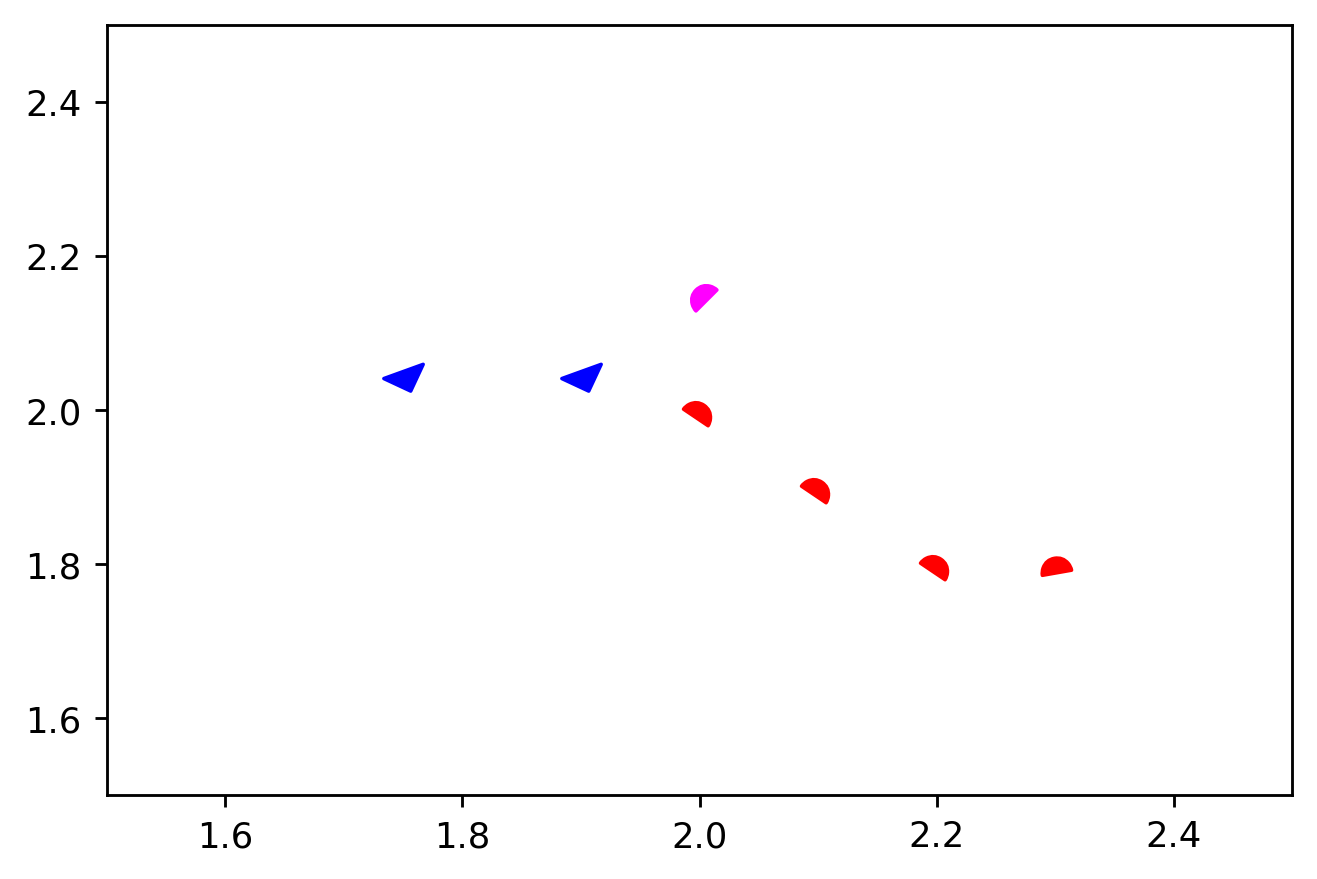

Big if here, but I know Ryan May has done it somehow, but I want to plot front symbols with
matplotlib.